

Bank statement क्यों split करें
Splitting सिर्फ़ tidy housekeeping नहीं है। Concrete moments हैं जहाँ यह time बचाती है या information protect करती है:- Tax filing. HMRC, IRS और ज़्यादातर national tax authorities per quarter या per month statements expect करती हैं, especially VAT/GST और self-assessment के लिए। IRS Schedule C ख़ासकर monthly totals माँगती है; पूरा साल भेजना आपके accountant को उन्हें reconstruct करने पर मजबूर कर देता है।
- Mortgage और loan applications. Lenders लगभग हमेशा last three या six months माँगते हैं। पूरा साल भेजना over-disclosure है, और underwriters कभी-कभी बिना माँगी गई information का इस्तेमाल अपने objections बढ़ाने के लिए कर लेते हैं।
- Expense categorisation. Spreadsheet में एक बार में एक month काम करना 48 pages से sliding करने से कहीं कम error-prone है।
- Targeted sharing. आपके accountant को सिर्फ़ वो months चाहिए जो वो reconcile कर रहे हैं। आपके bookkeeper को December देखने की ज़रूरत नहीं अगर question February के बारे में है।
- Insurance claims. Specific incident के around period माँगने वाले insurer को सिर्फ़ वो window चाहिए, आपकी पूरी financial history नहीं।
- Separation में Co-signed accounts. अगर आप partner के साथ finances divide कर रहे हैं, full file के बजाय सिर्फ़ joint period share करना legally matter करता है।
Bank statement आपकी ज़िंदगी के सबसे sensitive documents में से एक है। सबसे छोटा slice share करें जो question का जवाब दे।
तीन split strategies
कुछ click करने से पहले, decide करें कि कौन सा approach आपके statement से match करता है:| Strategy | कब fit होता है | Effort |
|---|---|---|
| Fixed page range | हर month exactly same length है (e.g. 4 pages) | Low |
| Bookmark या month boundary से | Statement में clear "March 2026" headers और uneven page counts हैं | Medium |
| Specific pages extract करें | आपको बारह में से सिर्फ़ एक या दो months चाहिए | Lowest |
Step-by-step: page range से split करें
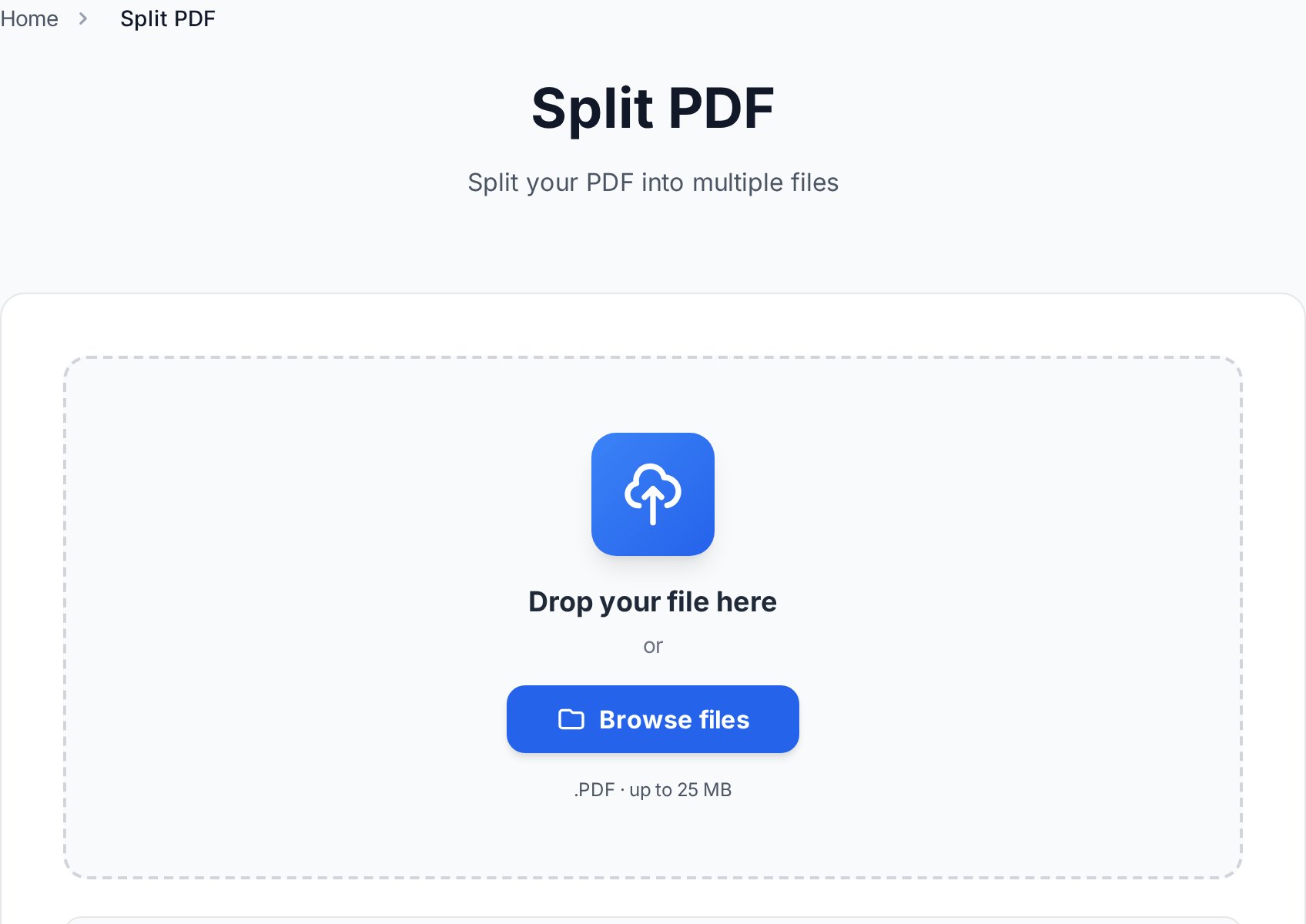
जब हर month same length का हो, यह 90-second job है:- अपने browser में split tool खोलें और statement upload करें।
- split by ranges select करें।
- Months से match करने वाली ranges enter करें:
1-4, 5-8, 9-12, 13-16, ... - Split click करें। Tool per range एक PDF produce करता है और उन्हें ZIP के रूप में bundle करता है।
- Download और unzip करें। हर part separate PDF है।
- Parts को
YYYY-MM_bank_account-last4.pdfमें rename करें (naming पर more नीचे)।
1-4,5-8,9-12 spaced version की तरह ही काम करती है। एक साथ बारह months पर काम करते समय type करना faster हो जाता है।
Step-by-step: एक month extract करें
जब आपको loan application के लिए सिर्फ़ April चाहिए, सब कुछ split न करें। बस उन pages extract करें।- Statement को किसी भी PDF reader में open करें और find करने के लिए scroll करें कि April कहाँ शुरू और end होता है। Page numbers note करें (e.g. 17-22)।
- हमारे editor में page extraction option use करें specific pages extract करने के लिए।
- Range enter करें, e.g.
17-22। - Resulting PDF download करें।
- Clear filename के साथ save करें:
2026-04_bank_account-1234.pdf।
Sharing से पहले Privacy checklist
Statement splitting automatically इसे share करने के लिए safe नहीं बनाती। एक monthly PDF अब भी आपका account number, balance, और उस period में हर transaction रखता है। किसी भी email में attach करने से पहले इस checklist के through जाएँ: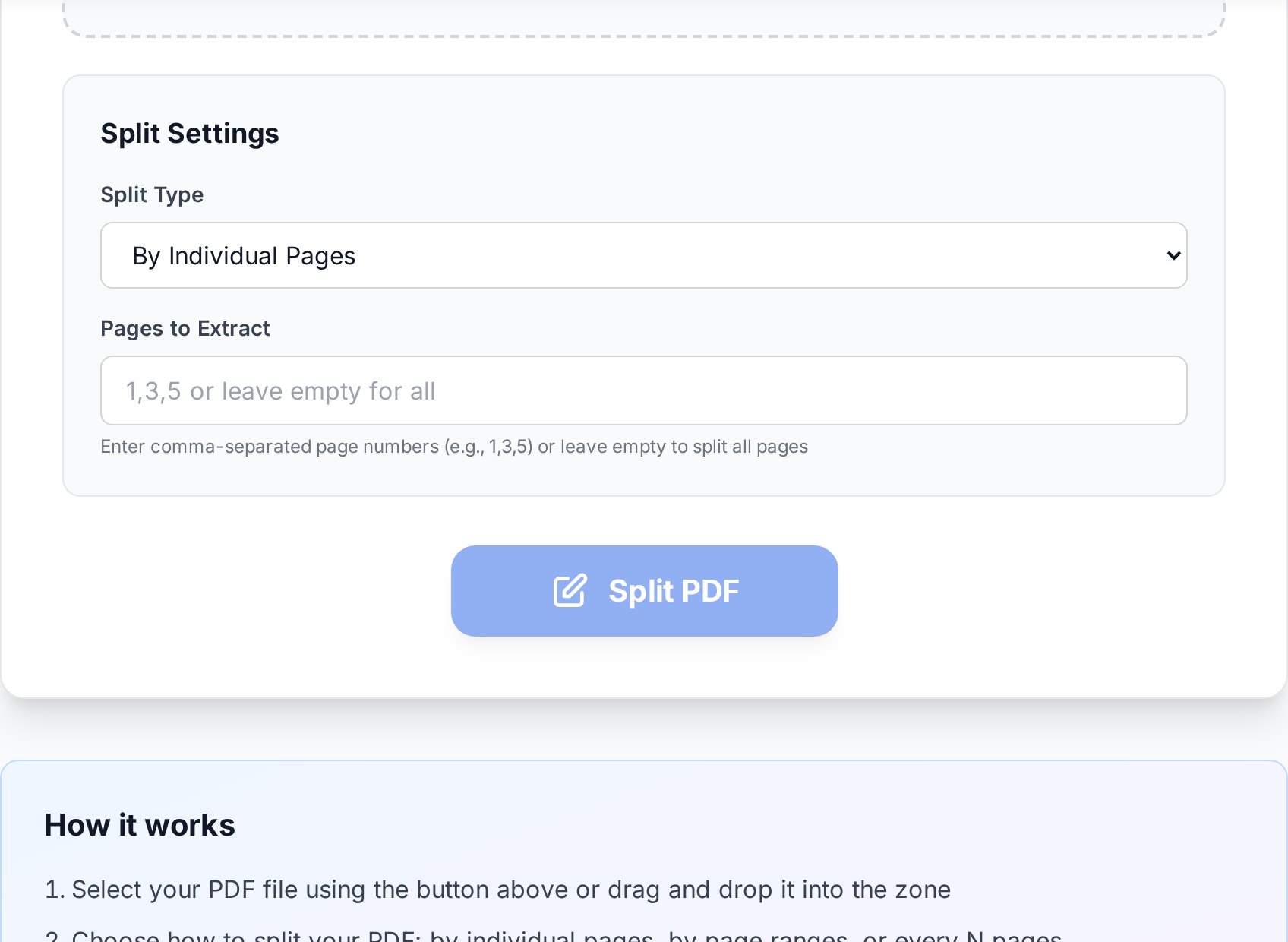
- Unrelated transactions redact करें. अगर lender को सिर्फ़ salary और rent देखना है, बाक़ी black out करें। Redaction को PDF flatten करना (pixels replace) चाहिए, सिर्फ़ उन्हें black box से cover नहीं करना जिसे कोई भी free PDF editor दस seconds में remove कर सकता है।
- Cover page पर क्या है confirm करें. कुछ banks हर monthly cover पर full account number, sort code और address repeat करते हैं। Decide करें कि उस level का detail required है या नहीं।
- Account number के middle digits mask करें. कई institutions verification के लिए "XXXX XXXX 1234" accept करते हैं full string के बिना।
- Personal context के लिए transaction descriptions check करें. "Therapy session - Dr. K" या "Reproductive Health Clinic" जैसी line item ऐसी information दे सकती है जो आप share नहीं करना चाहते थे। जब sensitive हो, तो सिर्फ़ amount नहीं, description भी redact करें।
- Email से पहले Password-protect करें. Result को password-protect करें strong password के साथ और वो password अलग channel से share करें (text, Signal, phone call), कभी same email से नहीं।
Email default में encrypted नहीं है। PDF पर password "private" और "intercept होने पर public" के बीच का difference है।जानने योग्य: Adobe Acrobat का "redact" tool genuinely black box के नीचे text remove कर देता है। Free Foxit reader का similar-looking tool सिर्फ़ इसके ऊपर paint करता है - underlying text अब भी simple copy operation से extractable है। कई लोगों ने यह बात शर्मनाक तरीके से सीखी जब उनकी "redacted" salary rectangle के नीचे plain text निकल आई। अगर आप sure नहीं कि आपका tool truly data remove करता है, redacted block को text editor में copy करें और check करें।
Output files को Naming
Filename वो है जो आप अगले साल search में resurfaces देखेंगे। एक format use करें जो खुद sort हो:YYYY-MM_bank_account-last4.pdf
2026-01_chase_4567.pdf
2026-02_chase_4567.pdf
2026-03_chase_4567.pdf
2026-04_chase_4567.pdf- ISO year-month हर file manager और cloud drive में cleanly sort होता है।
- Middle में Bank name help करता है जब आपके पास एक से ज़्यादा institutions में accounts हों।
- Account के last four digits joint, business और personal accounts को कुछ open किए बिना अलग बताते हैं।
- कोई spaces नहीं, slashes नहीं, quotes नहीं - operating systems और cloud sync tools के पार safe।
2026_chase_4567_full-year.pdf) इसे किसी भी folder listing में monthly slices के बगल में sorted रखता है।
FAQ
क्या bank statement online splitter पर upload करना safe है?
एक tool use करें जो files को browser session में process करे और उन्हें shortly after delete करे। Convertica short retention window के बाद uploads remove करता है और कभी share नहीं करता। अगर आप अब भी uneasy हैं, uploading से पहले sensitive fields locally redact करें, या most sensitive files के लिए desktop tool use करें।
क्या मैं password-protected bank statement PDF split कर सकता हूँ?
आपको पहले अपने password से unlock करना होगा, फिर split करना होगा, फिर optionally हर part को re-protect करना होगा। ज़्यादातर banks statements ऐसे password के साथ issue करते हैं जो आपके date of birth का part या account के last digits है; exact format usually आपके welcome pack में printed है या bank के "open your statement" help page पर available है।
अगर bookmarks नहीं हैं तो month से कैसे split करूँ?
File को एक बार open करें और हर month जहाँ शुरू होता है वो page note करें। फिर explicit page numbers के साथ split-by-range use करें। पहली बार एक minute लेता है और same bank से हर future statement के लिए reusable है अगर layout consistent रहता है।
क्या splitting file quality कम करेगी?
नहीं। Splitting structural operation है: यह same page bytes को नई file में copy करता है। कोई recompression, कोई rasterisation, और source की तुलना में कोई quality loss नहीं।
क्या bank बता सकता है कि मैंने उनका statement split किया?
Bank नहीं बता सकता, क्योंकि split entirely आपकी side पर होता है। Recipient missing pages या page numbers से notice कर सकता है अगर आप सिर्फ़ slice extract करें, यही reason है कि आपको partial statement भेजते समय explicitly कहना चाहिए "April only, pages 17-22"। Underwriters partial submission के लिए आपको fail नहीं करेंगे, लेकिन वो जो deceptive दिखे उसके लिए करेंगे।
अभी try करें
आज की एक ten-minute session आपको 60-page file से fishing के एक year से बचाती है। अपना statement split करें, parts को properly name करें, और tax time पर आप खुद को thank करेंगे। Split PDF tool open करें →


