The short answer
- WebP - the default for websites. 25-35% smaller than JPEG at the same quality, supports transparency and animation. Use it whenever you control where the image is displayed.
- JPEG - the default for photos that travel. Every device, program, and upload form since the 1990s accepts it. Use it when compatibility matters more than the last kilobyte.
- PNG - the default for pixel-perfect graphics. Lossless, with clean transparency. Use it for logos, UI screenshots, charts, and anything with sharp edges and text.
Side-by-side comparison
| WebP | JPEG | PNG | |
|---|---|---|---|
| Compression | Lossy or lossless | Lossy | Lossless |
| Typical photo size | Smallest | Medium | Largest (often 5-10x JPEG) |
| Transparency | Yes | No (fills with white) | Yes |
| Animation | Yes | No | No (APNG is rare) |
| Browser support | All modern browsers | Universal | Universal |
| Old software / devices | Sometimes rejected | Always accepted | Almost always accepted |
| Best for | Web pages, online stores | Photos for sharing, email, print services | Logos, screenshots, graphics with text |
Why file size matters more than it seems
Images are usually the heaviest thing on a page. Shrinking them is the single easiest performance win: pages load faster, Core Web Vitals scores improve, and mobile visitors burn less data. Page speed is a ranking signal, so for a site owner the format choice is quietly an SEO decision too.
A concrete feel for the numbers: a typical 12-megapixel photo lands around 2-4 MB as a high-quality JPEG, 1.5-3 MB as WebP at the same visual quality, and 15-25 MB as PNG. That PNG number is not a mistake - lossless photo storage is enormously expensive, which is why PNG is the wrong format for photographs.
When JPEG is still the right call
WebP wins on size, but JPEG has one unbeatable feature: thirty years of universal support. Choose JPEG when the image leaves your control:
- Attaching photos to email or documents that someone might open in old software.
- Uploading to government portals, job applications, and forms with strict file-type lists.
- Sending photos to a print service or photo kiosk.
- Sharing with people whose devices you know nothing about.
A WebP attachment that the recipient can't open saves you 30% of nothing.
When PNG is the only correct answer
Lossy compression works by discarding detail the eye forgives in a photo - but the eye does not forgive it in graphics. JPEG-compressed text grows fuzzy halos; sharp colour boundaries smear. Use PNG for:
- Logos and icons, especially ones placed over coloured backgrounds (you need the transparency).
- UI screenshots that include text - documentation, bug reports, tutorials.
- Charts, diagrams, and pixel art with hard edges and flat colours.
- Any image that will be edited and re-saved repeatedly - lossless means no generational decay.
How to convert between formats
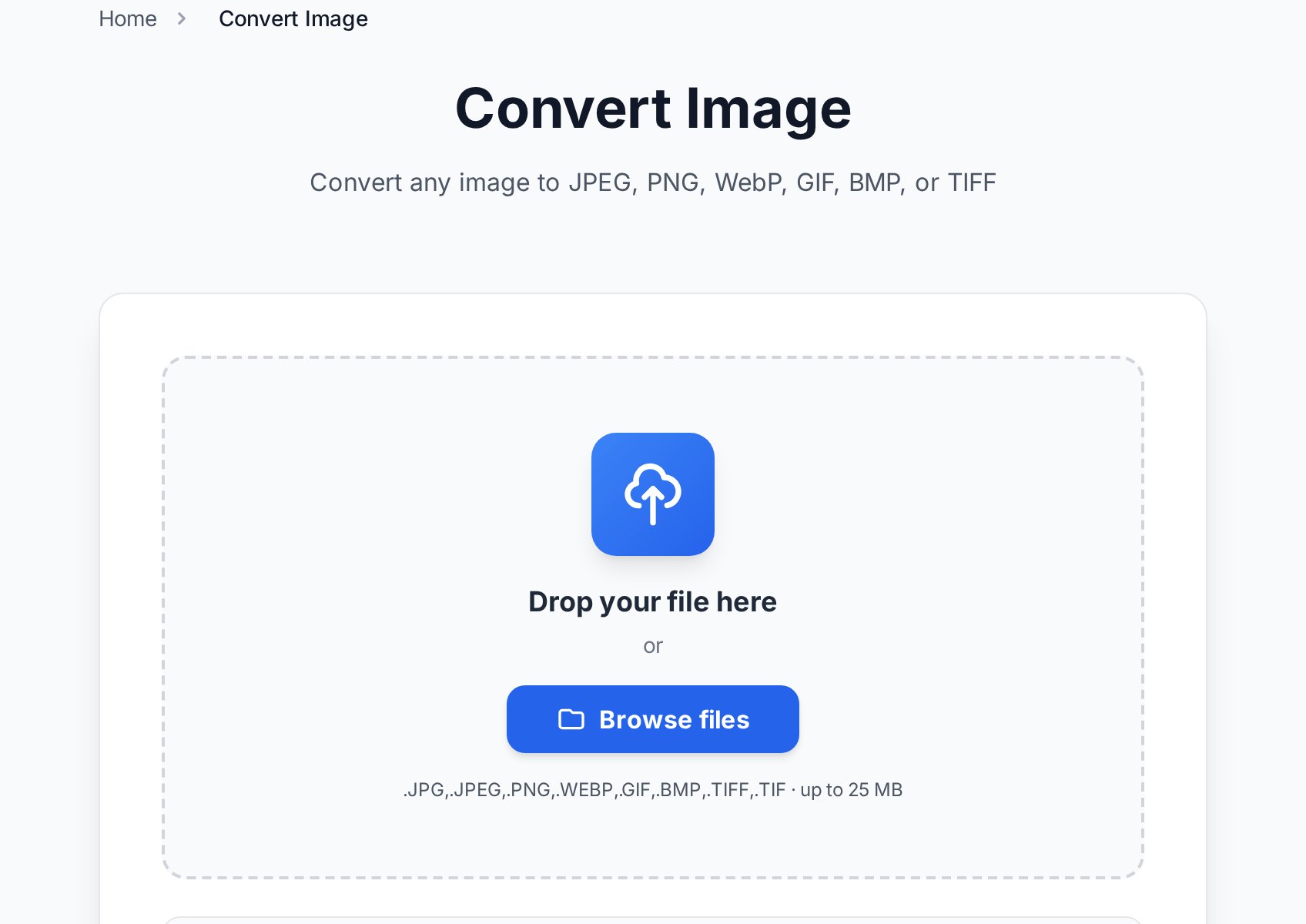
Switching formats takes seconds and nothing needs installing:
- Open the Convert Image tool and upload a JPEG, PNG, WebP, GIF, BMP, or TIFF file.
- Pick the target format and, for JPEG or WebP, a quality level (90 is a safe default).
- Download the result. Pixel dimensions stay exactly the same - only the encoding changes.
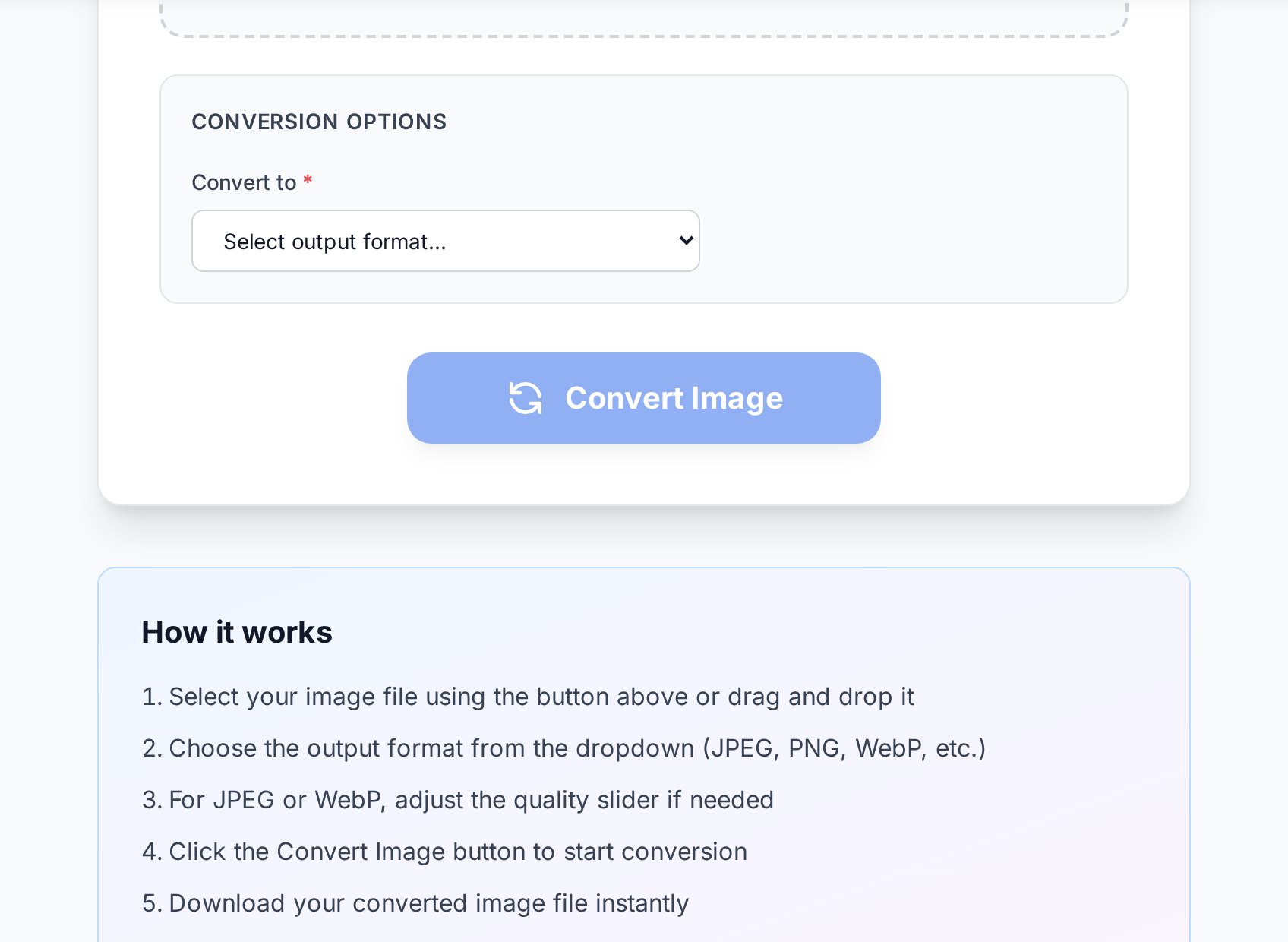
Converting transparency-bearing PNGs to WebP keeps the alpha channel; converting them to JPEG fills transparent areas with white - so logo-to-JPEG is usually a mistake. If your goal is purely a smaller file in the same format, the Optimize Image tool compresses in place and can also cap the dimensions.
FAQ
Is WebP lower quality than JPEG?
No - at comparable settings WebP preserves the same visual quality in a smaller file. Its compressor is simply newer and smarter than JPEG's 1992-vintage one. Quality is determined by the level you choose, not by the format's name.
Why do some sites refuse my WebP upload?
Their upload validation predates WebP's popularity and whitelists only JPEG and PNG. Convert to JPEG for that upload - it's a ten-second job - and keep WebP for your own site.
Should I convert my existing JPEGs to WebP?
For a site you run - yes, it's usually the cheapest page-speed win available. Re-encode from the highest-quality source you have rather than from an already heavily compressed copy, so artifacts don't stack.
What about GIF?
For animation, WebP (or a real video file) beats GIF on size and colour depth. For static images GIF's 256-colour limit makes it the worst of the four - it survives mostly out of habit and meme tradition.
What's the best quality setting for JPEG and WebP?
80-85 for web use - the sweet spot where artifacts are invisible at normal viewing sizes. 90+ when the image may be edited again or viewed closely. Below 70, savings keep growing but so do visible blotches, especially in skies and gradients.
Pick once, convert when needed
The rule of thumb fits in one line: WebP for your website, JPEG for photos that travel, PNG for graphics with edges. And when an image arrives in the wrong format for the job, the Convert Image tool fixes that in one click - free, no registration, dimensions untouched.