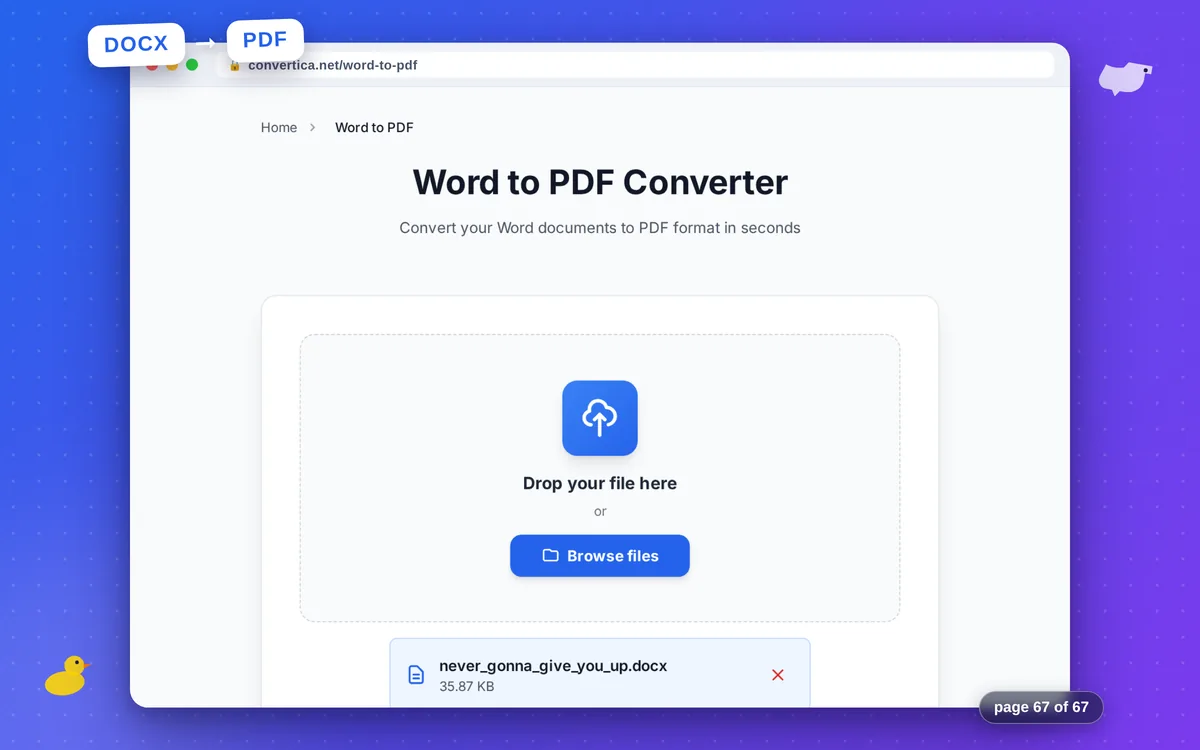
Word to PDF Converter
Convert your Word documents to PDF format in seconds
Free conversions left today: /
Create a free account to get 4× more daily conversions. Sign up free · or go unlimited with Premium
Video Tutorial
How it works
- Select your Word document (DOC or DOCX) using the button above
- Click the Convert button to start Word to PDF conversion
- Wait for conversion - formatting, fonts, and images will be preserved
- Download your PDF file - ready for sharing
Note: Word documents with up to 30 pages are supported. Formatting, fonts, images, and layout are preserved.
Convert Word to PDF Online - Fast & Reliable
Need to share a Word document that looks perfect on any device? Our free Word to PDF converter transforms your DOCX and DOC files into professional PDF documents while preserving all formatting, fonts, images, and layout.
PDF is the universal standard for document sharing - your resume, contract, report, or thesis will look exactly the same whether opened on Windows, Mac, Linux, or mobile devices. Recipients don't need Microsoft Word to view your documents.
Perfect for professionals: Convert Word documents to PDF for email attachments, online submissions, printing, and archiving. All hyperlinks, bookmarks, and table of contents are preserved in the converted PDF.
Why Convert Word to PDF with Convertica?
Perfect Formatting
Fonts, images, tables, and layout are preserved exactly as in your Word document
Secure & Private
Files are encrypted and automatically deleted. Your documents stay private
Fast Conversion
Convert Word to PDF in seconds. No waiting, instant download
Universal Format
PDF works everywhere - share documents that look the same on any device
Tips for Best Word to PDF Conversion
- For best results, use documents created in Microsoft Word or Google Docs
- Check that all fonts are properly installed before converting
- Large documents with many images may take longer to convert
- If hyperlinks don't work in PDF, ensure they were active in the Word document
- Use 'Print Layout' view in Word to preview how the PDF will look
Word to PDF Converter - FAQ
Will my fonts be preserved in the PDF?
Can I convert multiple Word files at once?
Is the conversion free and without watermark?
Does the converter support DOC and DOCX formats?
Can I convert Word to PDF on my phone?