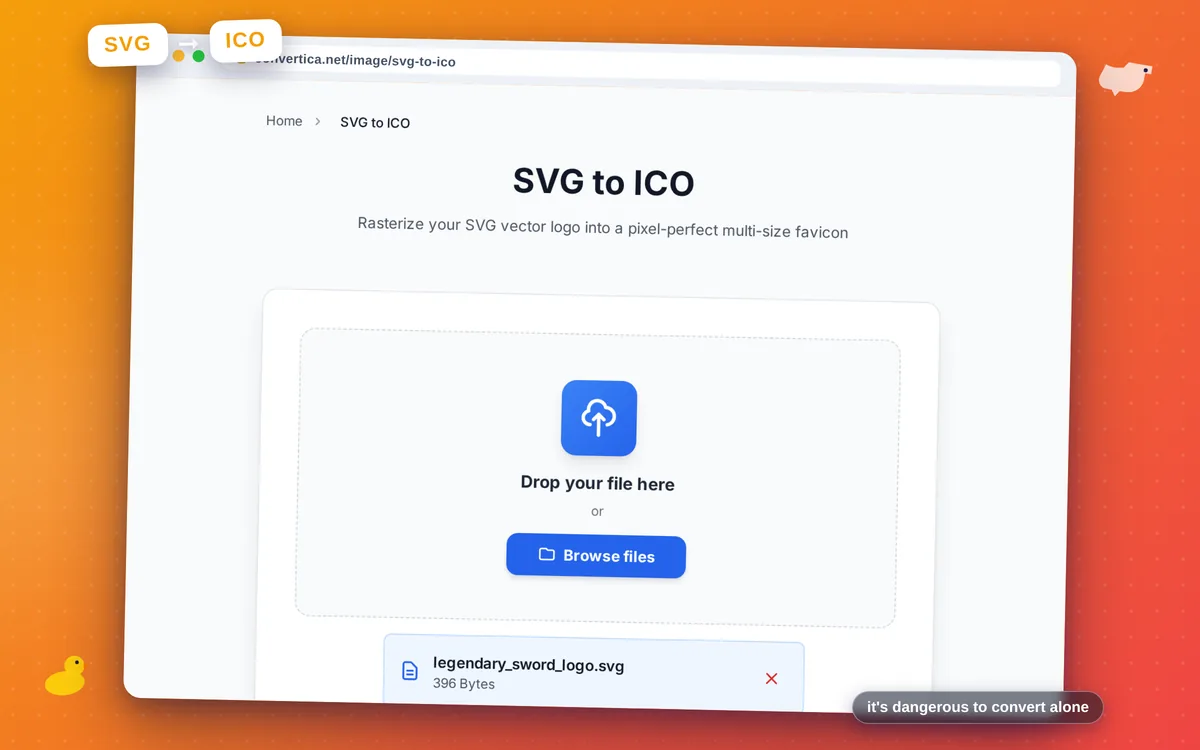
SVG to ICO
Rasterize your SVG vector logo into a pixel-perfect multi-size favicon
Free conversions left today: /
Create a free account to get 4× more daily conversions. Sign up free · or go unlimited with Premium
How it works
- Click the button above to select your file, or drag and drop it into the zone below
- Click the convert button
- Wait for the conversion to complete
- Download your converted file using the download button
Convert SVG vector graphics to ICO favicon format online
SVG to ICO rasterizes your scalable vector graphic directly into a multi-resolution favicon.ico. Because SVG stores artwork as mathematical shapes rather than pixels, the converter renders each embedded size — 16×16, 32×32, and 48×48 px — from the original vector outlines, producing sharper results than downscaling a bitmap image would. This is the single biggest advantage of using SVG as your favicon source: every pixel at every size is drawn fresh from the vector geometry.
This is the ideal workflow for designers who already have their brand logo as an SVG: no need to export a large PNG first. Simply upload the SVG, click Convert, and download a browser-ready favicon.ico. SVGs with transparent backgrounds produce ICO frames with full alpha transparency, so your favicon looks perfect on light and dark browser themes alike.
The tool works with any standards-compliant SVG. For best results, use a square viewBox, convert text to outlines, and keep the design simple enough to read at 16×16 px. Your file is deleted from our servers immediately after download — free, instant, no registration required.
Why Use Our SVG to ICO Converter?
Vector-Sharp at Every Size
SVG is resolution-independent, so rasterizing from vector source yields the sharpest possible pixels at 16, 32, and 48 px — far better than downscaling a raster image
Transparency Supported
SVG graphics with transparent backgrounds produce ICO files with proper alpha transparency in every embedded frame
No Raster Source Needed
Skip the step of exporting a large PNG from your design app — feed the SVG directly and get a perfect favicon.ico
Instant & Free
Browser-based conversion with no account and no software installation required
Tips for SVG to ICO Conversion
- Use a square SVG viewBox (e.g. 0 0 100 100) to avoid unexpected cropping during rasterization.
- Remove any outer margin or padding from your SVG so the icon fills the frame edge-to-edge.
- Keep the design simple — intricate details look muddy at 16×16 px, so test the smallest size.
- Convert text to outlines (paths) in your SVG editor before uploading to avoid missing-font issues.
SVG to ICO FAQ
Why is SVG a great source for favicon creation?
Which sizes are included in the ICO output?
Will the SVG's transparent background be preserved?
Does the converter support SVG files with external fonts or images?
Is my SVG file kept private?