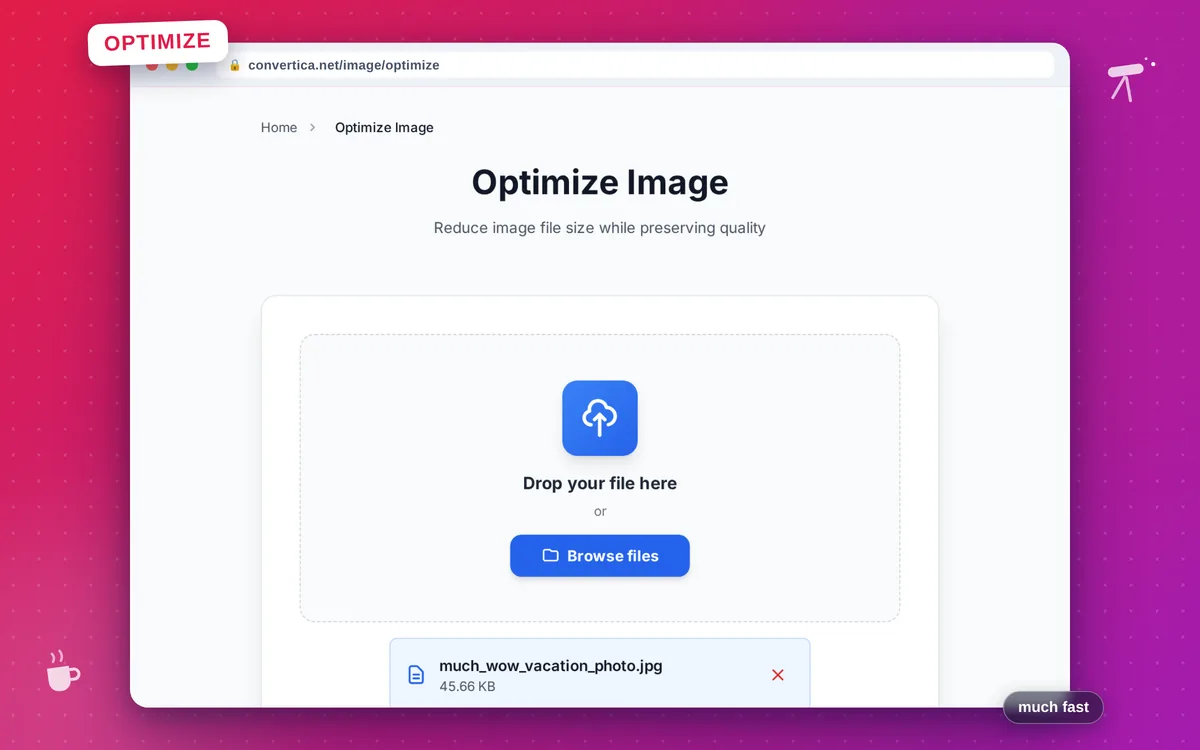
Optimize Image
Reduce image file size while preserving quality
Free conversions left today: /
Create a free account to get 4× more daily conversions. Sign up free · or go unlimited with Premium
Video Tutorial
How it works
- Select your image file using the button above or drag and drop it into the zone
- Set the quality level (85% is recommended for most images)
- Optionally choose an output format or set maximum dimensions
- Click the Optimize Image button to compress your image
- Download your optimized image file
Compress and optimize images online
Optimize Image reduces the file size of your images by applying smart compression while keeping the visual quality you choose. Smaller images load faster, consume less bandwidth, and improve your website's performance and SEO.
Supports JPEG, PNG, WebP, and GIF. Optionally resize images by setting a maximum width or height — the aspect ratio is always preserved.
Why Choose Our Tool?
JPEG, PNG & WebP
Compress all major image formats with format-appropriate algorithms for maximum savings
Resize on the Fly
Optionally cap the maximum width or height while preserving the original aspect ratio
Quality Control
Dial in the exact quality level (10-100) to balance file size and visual fidelity
Instant Download
Optimized image is ready for immediate download
Tips for Image Optimization
- Use WebP output for the smallest file sizes when targeting modern web browsers.
- Set a max width of 1920px for full-screen hero images to avoid serving oversized files.
- For thumbnails and previews, a quality of 70-75 is usually indistinguishable from the original.
Image Optimization FAQ
Which image formats can be optimized?
What quality setting should I use?
Can I change the output format while optimizing?
How much smaller will my image get?
Why should I compress images before uploading them to a website?