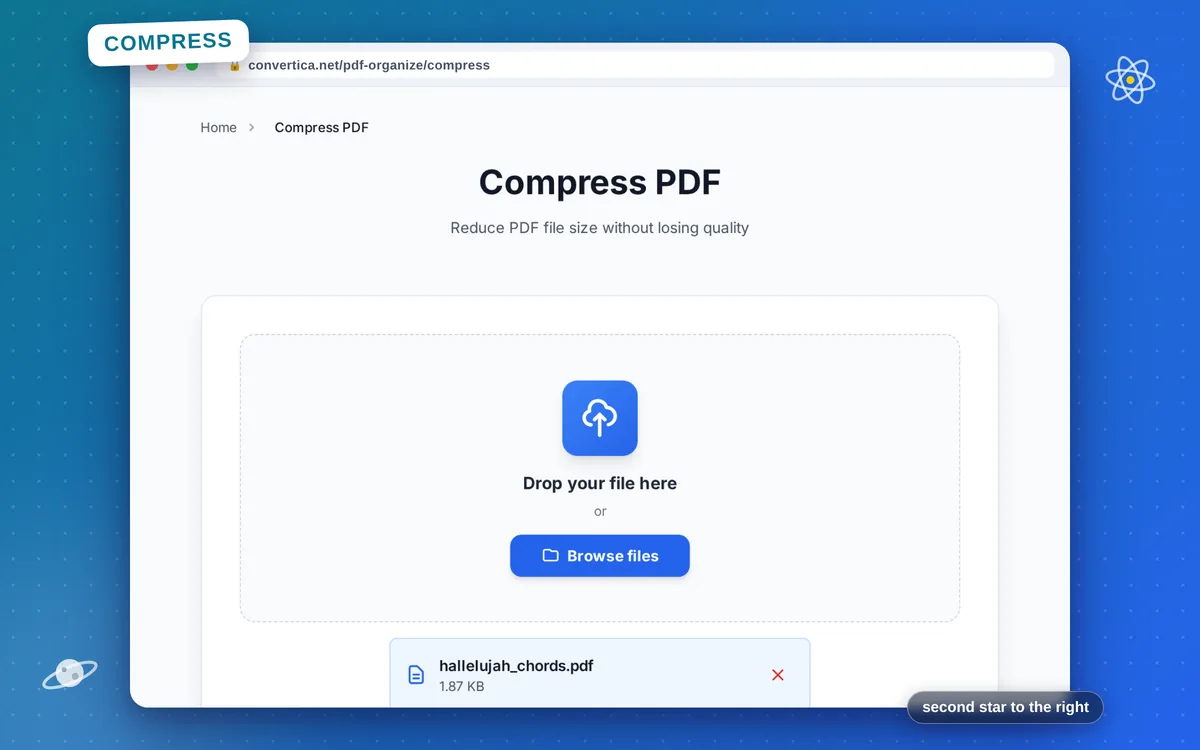
Compress PDF
Reduce PDF file size without losing quality
Video Tutorial
How it works
- Select your PDF file using the button above
- Choose compression level: Low, Medium, or High
- Click Compress to reduce your PDF file size
- Download your smaller PDF file
Note: PDF files with up to 30 pages are supported. Higher compression = smaller file size but may reduce image quality.
Compress PDF Online - Reduce File Size Instantly
Need to send a large PDF by email? Our free PDF compressor reduces file size significantly while maintaining readable quality. Perfect for email attachments, web uploads, and storage optimization.
The tool uses smart compression algorithms that optimize images and remove unnecessary metadata while keeping text sharp and documents fully searchable. Most PDFs can be reduced by 50-90% in size.
Common uses: Compress PDFs for email (under 25MB for Gmail), reduce scanned document sizes, optimize PDFs for website upload, shrink presentation exports, and prepare files for mobile viewing.
Why Compress PDFs with Convertica?
Reduce Up to 90%
Significantly reduce PDF file size while maintaining readable quality
Perfect for Email
Compress PDFs to under 1MB for email attachments that won't bounce
Keep Text Sharp
Smart compression preserves text clarity while reducing image size
Fast Processing
Compress even large PDFs in seconds with our optimized algorithms
Tips for PDF Compression
- PDFs with images compress better than text-only documents
- For email attachments, aim for under 10MB (or 25MB for Gmail)
- If the file is still too large after compression, try splitting it first
- Scanned documents usually achieve 70-90%% size reduction
- Keep the original file if you need maximum print quality
Compress PDF - Frequently Asked Questions
How much can I reduce my PDF file size?
Will compression affect text quality?
Can I compress a PDF to exactly 1MB for email?
Is the compressed PDF still printable?
Can I compress scanned documents?