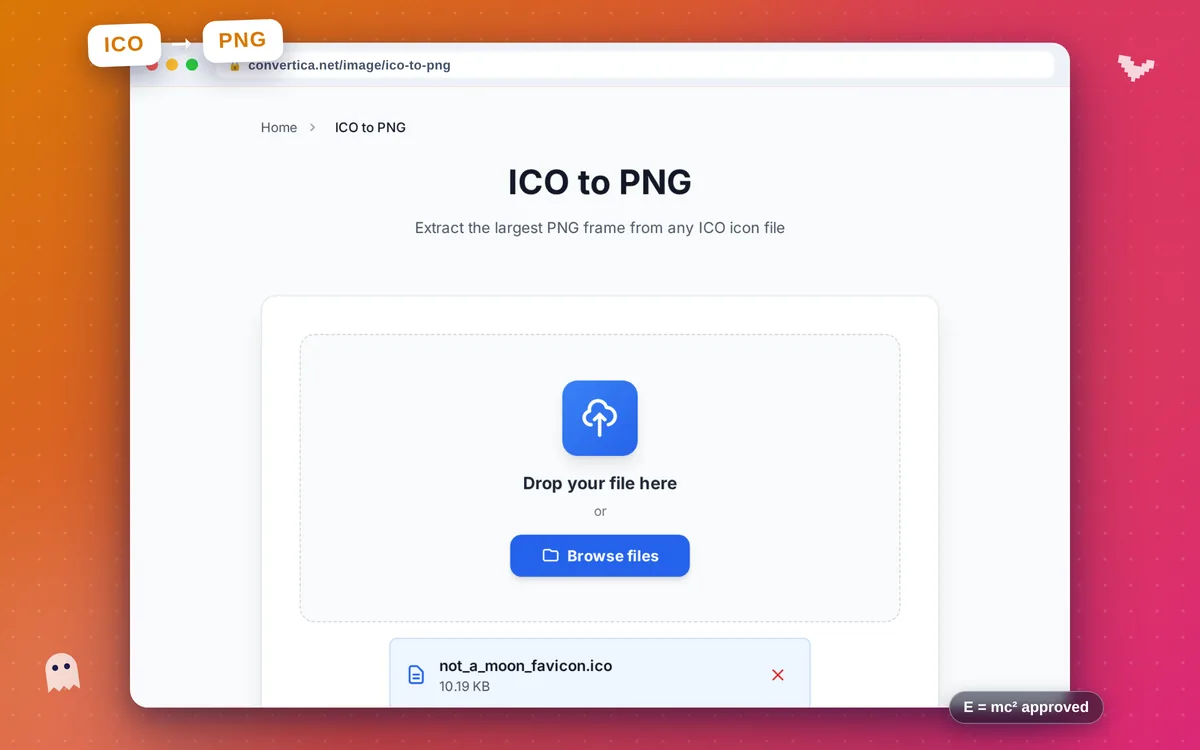
ICO to PNG
Extract the largest PNG frame from any ICO icon file
Free conversions left today: /
Create a free account to get 4× more daily conversions. Sign up free · or go unlimited with Premium
How it works
- Click the button above to select your file, or drag and drop it into the zone below
- Click the convert button
- Wait for the conversion to complete
- Download your converted file using the download button
Extract PNG images from ICO icon files online
ICO to PNG opens an ICO icon file and extracts the largest embedded frame as a standard PNG image. ICO files are multi-resolution containers used for website favicons and Windows application icons — they can hold several sizes in one file (commonly 16×16, 32×32, 48×48, and up to 256×256 px). Most image editors, design tools, and websites don't accept ICO directly, so converting to PNG gives you a universally compatible image you can use anywhere.
The extractor automatically selects the highest-resolution frame available in the ICO and preserves full alpha transparency in the output PNG. This is useful when you need to recover the original artwork from a favicon, resize or re-use an icon in a design project, or inspect what sizes are stored inside an ICO file. Because PNG is a lossless format, no quality is introduced during extraction — what is stored in the ICO frame is exactly what you get.
A common workflow is to extract the PNG here and then upload it to the Favicon Generator to produce a complete, modern favicon package with all required sizes, apple-touch-icon, PWA icons, and manifest. Your ICO file is deleted from our servers immediately after you download the PNG — fully free, no account required.
Why Use Our ICO to PNG Converter?
Largest Frame Extracted
Automatically selects the highest-resolution frame embedded in the ICO, giving you the best-quality PNG output available
Transparency Preserved
ICO alpha channels are decoded correctly so the extracted PNG retains full transparency — no white box around your icon
Universal PNG Output
PNG is supported everywhere — use the extracted image in design tools, websites, documents, or social media without compatibility issues
No Software Needed
Open and convert ICO files directly in your browser — no plugins, no download, no account
Tips for ICO to PNG Conversion
- If the extracted PNG looks small, the ICO may only contain low-resolution frames — try finding the original source image for a higher-quality version.
- Use the extracted PNG as a source to regenerate a full favicon package with our Favicon Generator.
- Check that the output PNG has transparency before placing it on a colored background — most ICO favicons use alpha transparency.
- After extracting, open the PNG in an image editor to clean up or resize it before using it in other design projects.
ICO to PNG FAQ
What does ICO to PNG actually do?
Which frame size will be in the output PNG?
Can I use the extracted PNG to recreate or edit the icon?
Is alpha transparency preserved when extracting from ICO?
Can I use the extracted PNG to regenerate a full favicon package?
Is my ICO file kept private?