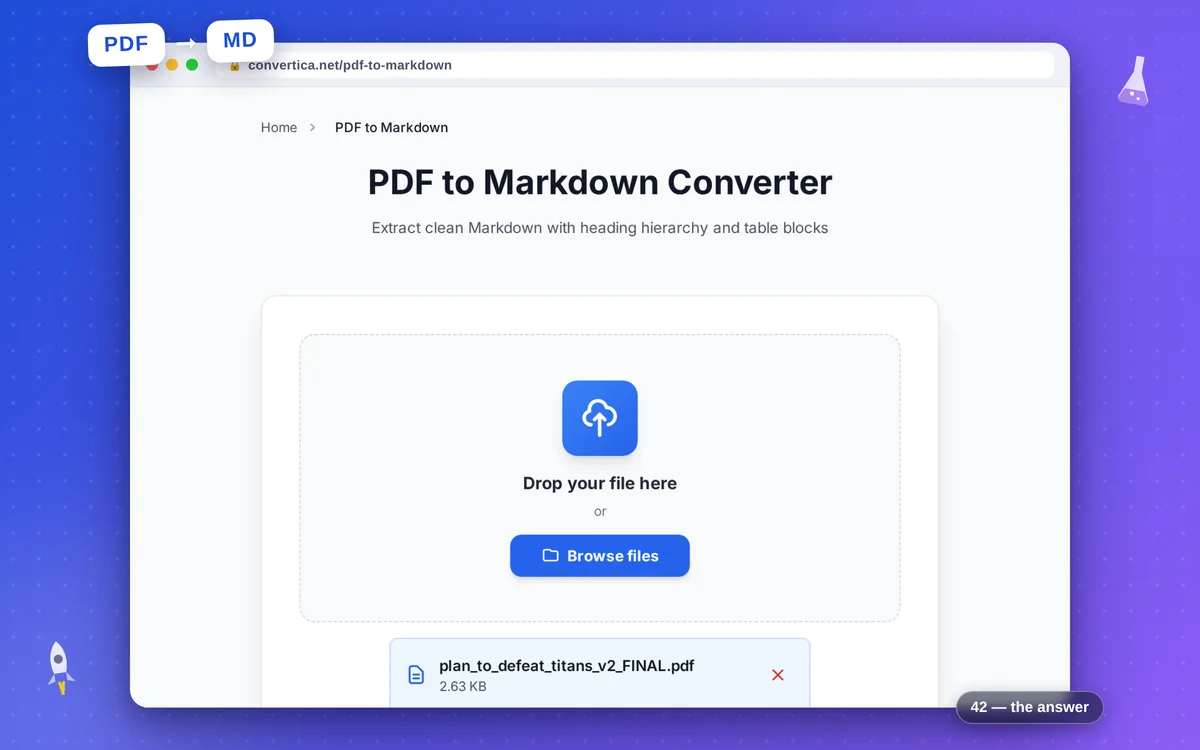
PDF to Markdown Converter
Extract clean Markdown with heading hierarchy and table blocks
Free conversions left today: /
Create a free account to get 4× more daily conversions. Sign up free · or go unlimited with Premium
Video Tutorial
How PDF to Markdown works
- Upload a PDF document.
- Optionally keep heading detection and table extraction enabled.
- Convert and download a Markdown (.md) file.
Tip: If source PDF is scanned images, run OCR first for better Markdown output.
Convert PDF to Markdown with heading and table structure
PDF to Markdown is useful when you need editable plain-text documentation from PDF sources. It helps transform reports, guides, and manuals into version-control friendly files.
The converter recovers structure by detecting headings and converting supported tables into Markdown format for downstream editing; Premium adds higher limits for large documents.
This workflow is especially practical for documentation teams moving content from PDFs into internal wikis and repositories.
Why use our PDF to Markdown converter?
Heading hierarchy extraction
Maps visual heading levels into Markdown syntax for clean document structure.
Table-aware export
Converts detectable tables into Markdown-friendly rows and columns.
Docs and knowledge base ready
Useful for wikis, README files, product docs, and migration pipelines.
Tips for Better PDF to Markdown Output
- Enable heading detection to preserve section structure in exported Markdown.
- Keep table extraction enabled for reports with tabular data.
- Run OCR first for scanned PDFs to improve text quality in Markdown.
- Review output in your editor and adjust edge cases like merged cells.
PDF to Markdown FAQ
Does PDF to Markdown preserve headings?
Are tables exported as Markdown tables?
Who can use PDF to Markdown?
What can I do with the Markdown output?
Is the output compatible with GitHub and Obsidian?