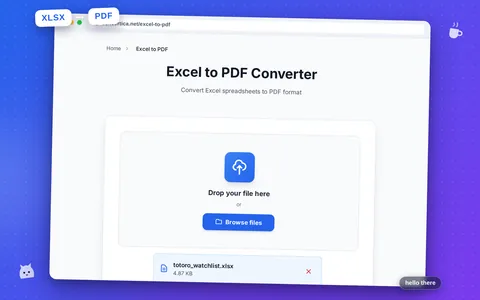
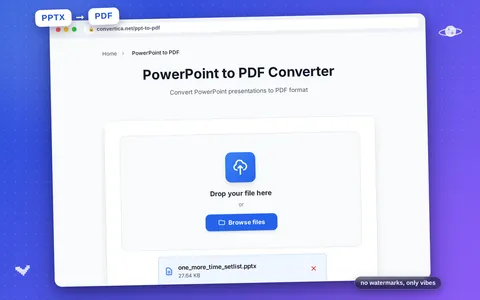
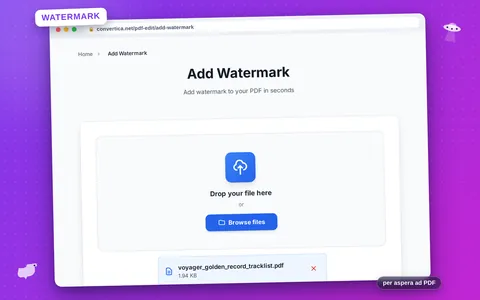
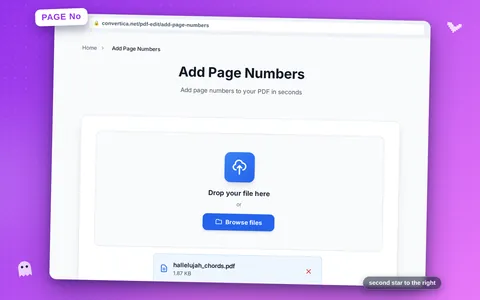
Convertica Summer 2026 Update: More Free Tools, Background Tasks, Saved Workflows
Five tools left Premium, two new converters landed, and Premium learned to keep working after you close the tab. Here is everything that changed this …
Convert, edit, merge, split, and organize PDFs. Fast, simple, and secure. No installations required.
Most requested PDF tools at your fingertips
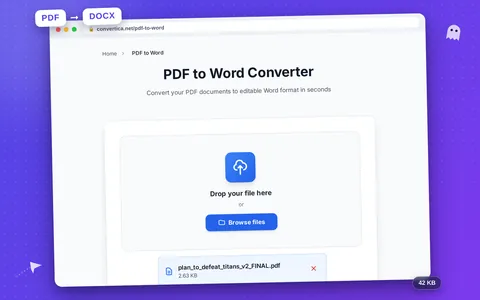
Convert PDF documents to editable Word files instantly.
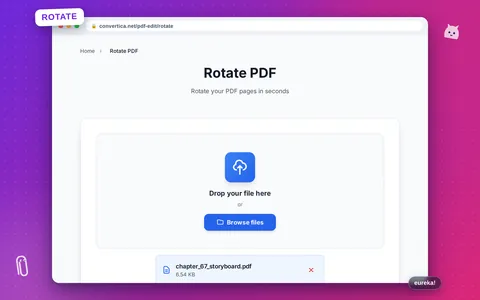
Rotate PDF pages by 90, 180, or 270 degrees.
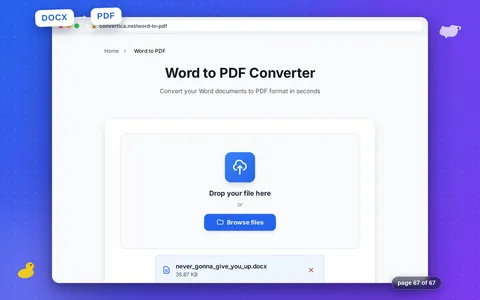
Convert Word documents to secure PDF files.
Protect your PDFs with text or image watermarks.
Extract tables from PDF and convert to Excel format.
A quick tour of every PDF and image tool on the site — convert, edit, organize and secure your files, all free and right in your browser.
Process larger files with much higher limits, priority processing, and premium features
Your support helps us keep Convertica free for everyone
Manage and organize your PDF documents with powerful tools
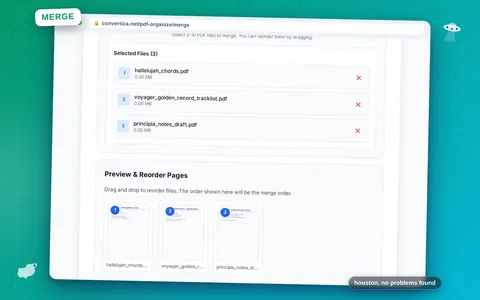
Combine multiple PDF files into one document.
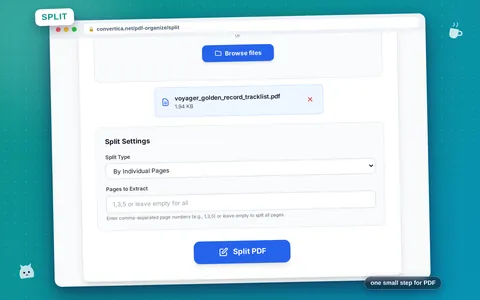
Split PDF into multiple files by pages or ranges.
Remove unwanted pages from your PDF document.
Extract specific pages from your PDF into a new file.
Reorder and organize pages in your PDF document.
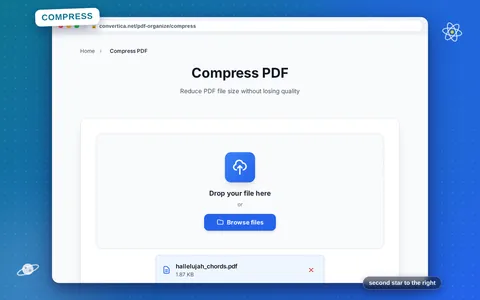
Reduce PDF file size without losing quality.
Access all our PDF tools: convert PDF to Word, merge PDFs, split, rotate, and more. Fast, secure, and completely free.
Explore All ToolsQuick answers to common questions. Need more? Visit the full FAQ page.
Learn how to get the most out of PDF tools with our expert guides
Five tools left Premium, two new converters landed, and Premium learned to keep working after you close the tab. Here is everything that changed this …
Locking a photo can mean two things: hiding it on your own phone, or sealing a copy with a password so nobody can open it …