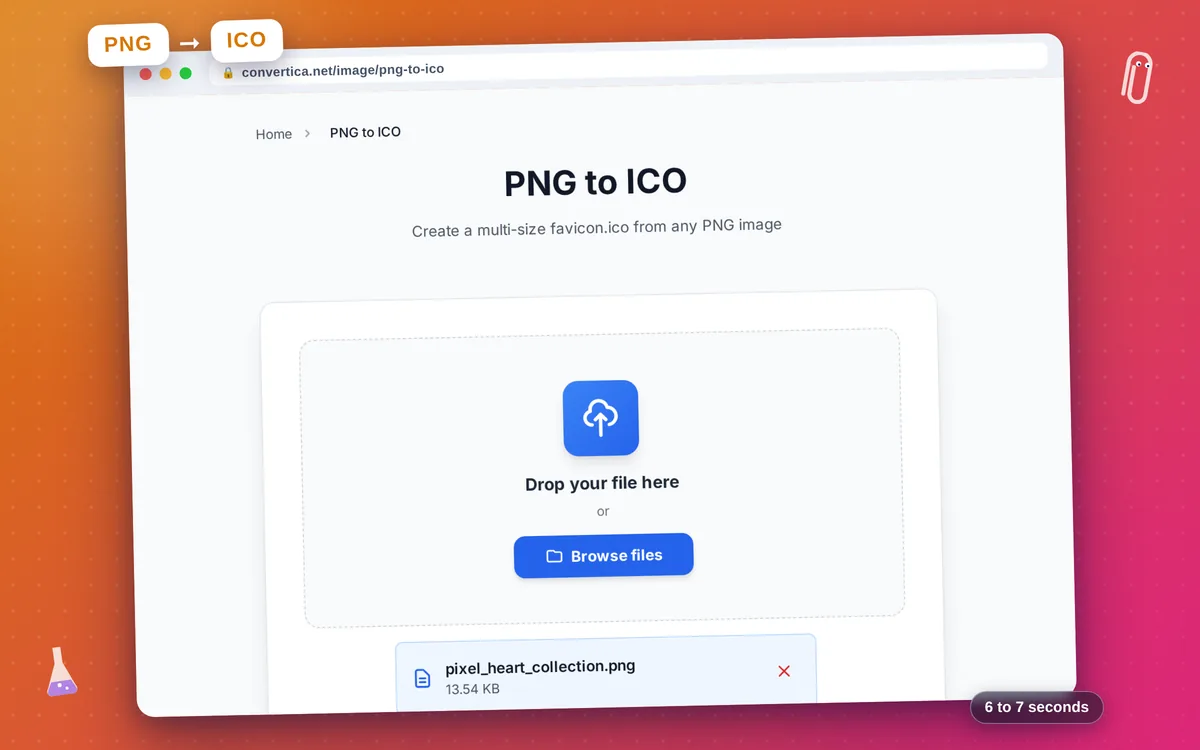
PNG to ICO
Create a multi-size favicon.ico from any PNG image
Free conversions left today: /
Create a free account to get 4× more daily conversions. Sign up free · or go unlimited with Premium
How it works
- Click the button above to select your file, or drag and drop it into the zone below
- Click the convert button
- Wait for the conversion to complete
- Download your converted file using the download button
Convert PNG images to ICO favicon format online
PNG to ICO converts your PNG graphic into a proper multi-resolution favicon.ico file that browsers and operating systems expect. PNG is the ideal source format for favicon creation because it supports full alpha transparency and lossless compression — meaning your icon's crisp edges and transparent background carry over perfectly into every embedded ICO frame.
A single ICO file contains 16×16, 32×32, and 48×48 px variants, so your site icon always looks sharp — whether it appears in a browser tab, the address bar, bookmarks, or a Windows desktop shortcut. Non-square images are automatically center-cropped to square before scaling, so you get predictable results regardless of input dimensions.
No design software needed. Upload any PNG, click Convert, and get a standards-compliant favicon.ico ready to drop into your website's root directory. Simply place it alongside your index.html and browsers will detect it automatically. Your file is deleted from our servers immediately after you download it — fully free, no account required.
Why Use Our PNG to ICO Converter?
Three Sizes in One File
Your ICO output embeds 16×16, 32×32, and 48×48 px frames so browsers always pick the sharpest size for each context
Transparency Preserved
Alpha channel from your original PNG is carried through to every frame — your icon looks crisp on any background color
Instant Conversion
Upload your PNG and download the ICO within seconds — no software to install, no account required
Private & Secure
Files are processed on the server and deleted automatically after download — we never store your images permanently
Tips for PNG to ICO Conversion
- Start with a square PNG — non-square images are center-cropped to a square before conversion.
- Use a 256×256 or 512×512 px source for the sharpest 16 and 32 px favicon frames.
- Keep transparency in your PNG to get a clean favicon on any browser background color.
- Test your favicon at 16×16 px before publishing — details that look fine at full size can become muddy at tab size.
PNG to ICO FAQ
What is an ICO file?
Which sizes are included in the converted ICO?
Is transparency kept when converting PNG to ICO?
What PNG size should I start with?
How do I add the favicon.ico to my website?
Is my uploaded PNG kept private?