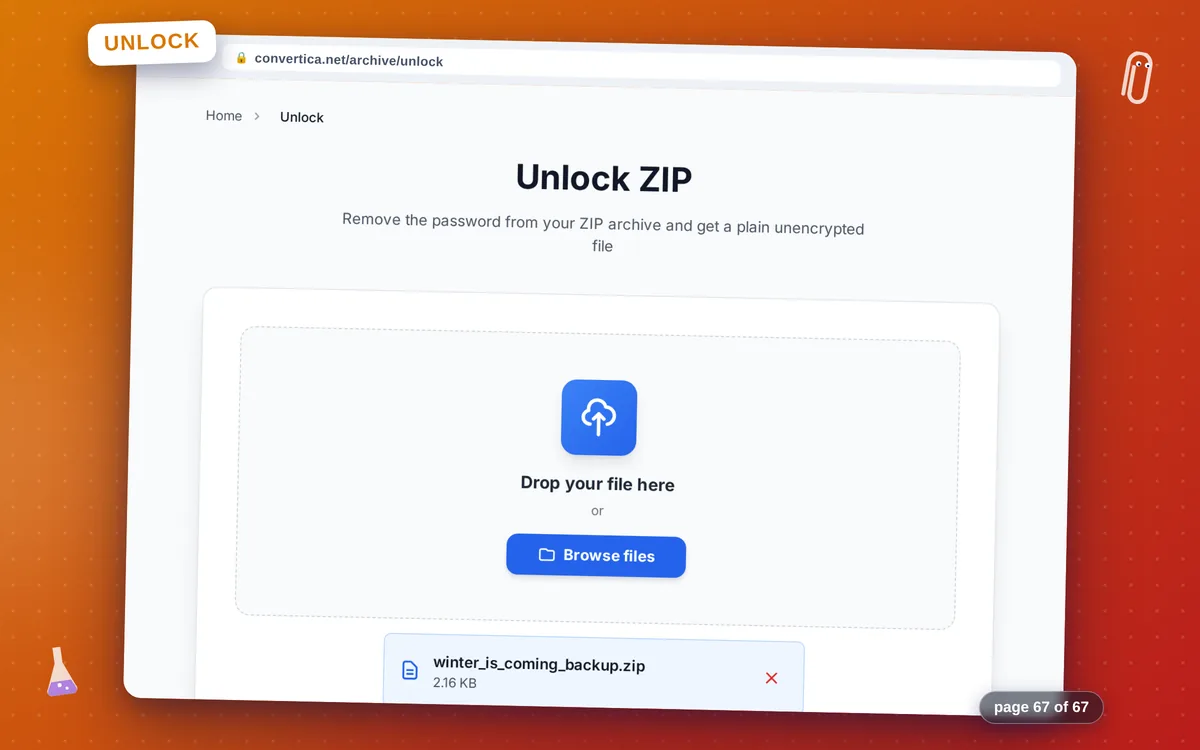
Unlock ZIP
Remove the password from your ZIP archive and get a plain unencrypted file
How it works
- Select your password-protected ZIP file using the button above or drag and drop it into the zone below
- Enter the password that was used to protect the archive
- Click the unlock button to remove the password from your ZIP
- Download your unlocked ZIP (without password) using the download button
Note: You must know the correct password. This tool removes the password from an archive you can already open — it does not crack or bypass unknown passwords.
Remove Password Protection from a ZIP Archive Online
Unlock a password-protected ZIP file quickly and easily when you know the correct password. Convertica decrypts your archive and returns a plain, unencrypted ZIP that can be opened by any archiver — including the built-in tools in Windows File Explorer and macOS Archive Utility — without entering a password.
The tool supports both the modern AES-256 standard and the older ZipCrypto format, so it works with archives created by 7-Zip, WinRAR, WinZip, Keka, and virtually any other archiver. Your files are processed securely over an encrypted connection and deleted from our servers immediately after download.
Important: this tool requires you to know the correct password. It removes the password requirement from your archive — it does not crack, brute-force, or bypass unknown passwords. If you want to change the password on an existing archive, unlock it here and then use our Protect ZIP tool to apply a new AES-256 password.
Why Unlock Your ZIP with Convertica?
Remove Password in Seconds
Provide the correct password and Convertica strips the encryption, returning a standard unprotected ZIP that any archiver or built-in system tool can open without a password.
AES-256 and ZipCrypto Supported
Works with both modern AES-256 encrypted archives and older ZipCrypto protected ZIPs. Whether the archive was created by 7-Zip, WinRAR, WinZip, or any other tool, we've got you covered.
Files Preserved and Deleted After Download
All original file contents are preserved exactly. After you download the unlocked archive, both the uploaded and output files are permanently deleted from our servers.
No Registration Required
Unlock a password-protected ZIP without signing up for anything. Open the page, upload your archive, enter the password, and download the unlocked file — that's all.
Tips for Unlocking ZIP Files
- Make sure you have the exact password before uploading — Convertica cannot recover or guess passwords.
- If the wrong password is entered, the tool will return an error. Double-check for typos, especially mixed-case letters and special characters.
- After unlocking, verify the archive opens correctly and all files are intact before deleting the original protected copy.
- To set a new password on the unlocked archive, use the 'Protect ZIP' tool right after downloading the unlocked file.
- Keep a backup of the original password-protected ZIP until you confirm the unlocked version contains everything you need.
Unlock ZIP - FAQ
How do I remove the password from a ZIP file?
Can this tool crack or bypass a ZIP password I don't know?
What encryption types does the Unlock ZIP tool support?
Will my files be safe during the unlocking process?
Can I re-protect the ZIP with a different password afterwards?