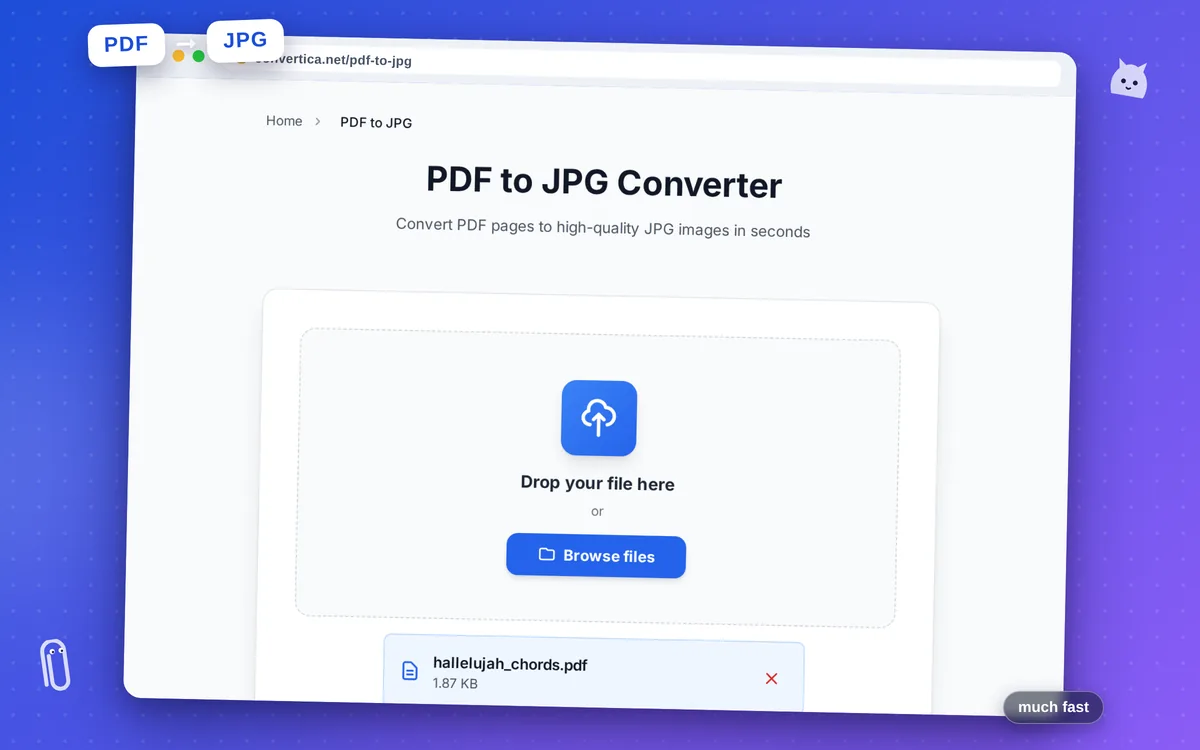
PDF to JPG Converter
Convert PDF pages to high-quality JPG images in seconds
Free conversions left today: /
Create a free account to get 4× more daily conversions. Sign up free · or go unlimited with Premium
Video Tutorial
How it works
- Select your PDF file using the button above or drag and drop
- Choose which pages to convert: all pages or specific pages
- Select image quality (DPI) - 300 DPI recommended for high quality
- Click Convert to start PDF to JPG conversion
- Download the ZIP archive with all JPG images
Note: PDF files with up to 30 pages are supported. Output is a ZIP archive with JPG images named by page number.
PDF to JPG Converter - Extract Images from PDF Online
Our free PDF to JPG converter transforms your PDF documents into high-quality JPG images with just a few clicks. Whether you need images for presentations, social media, websites, or printing, our tool delivers crystal-clear results.
The converter preserves the original quality of your PDF content, producing sharp images suitable for any purpose. Each page of your PDF becomes a separate JPG file, making it easy to use individual pages wherever you need them.
Perfect for extracting images from PDF documents, creating thumbnails, preparing content for social media, or converting PDF presentations into image slides.
Why Choose Our Tool?
High Quality Images
Convert PDF to JPG with up to 600 DPI resolution for crisp, clear images
Batch Conversion
Convert all PDF pages to images at once and download as ZIP archive
No Watermark
Get clean images without any watermarks or branding on your converted files
Fast Processing
Lightning-fast conversion with instant download - no waiting time
Tips for Best Results
- Use high-quality source PDFs for best image results
- For printing, ensure your PDF has at least 300 DPI resolution
- Convert vector-based PDFs for crisp text and graphics
- For web use, JPG format offers good compression with acceptable quality
- Download images as ZIP to keep all pages organized
Frequently Asked Questions
How do I convert a PDF to JPG?
What resolution are the converted JPG images?
Can I convert a multi-page PDF to JPG?
Is there a limit on PDF file size?
Are my PDF files secure?