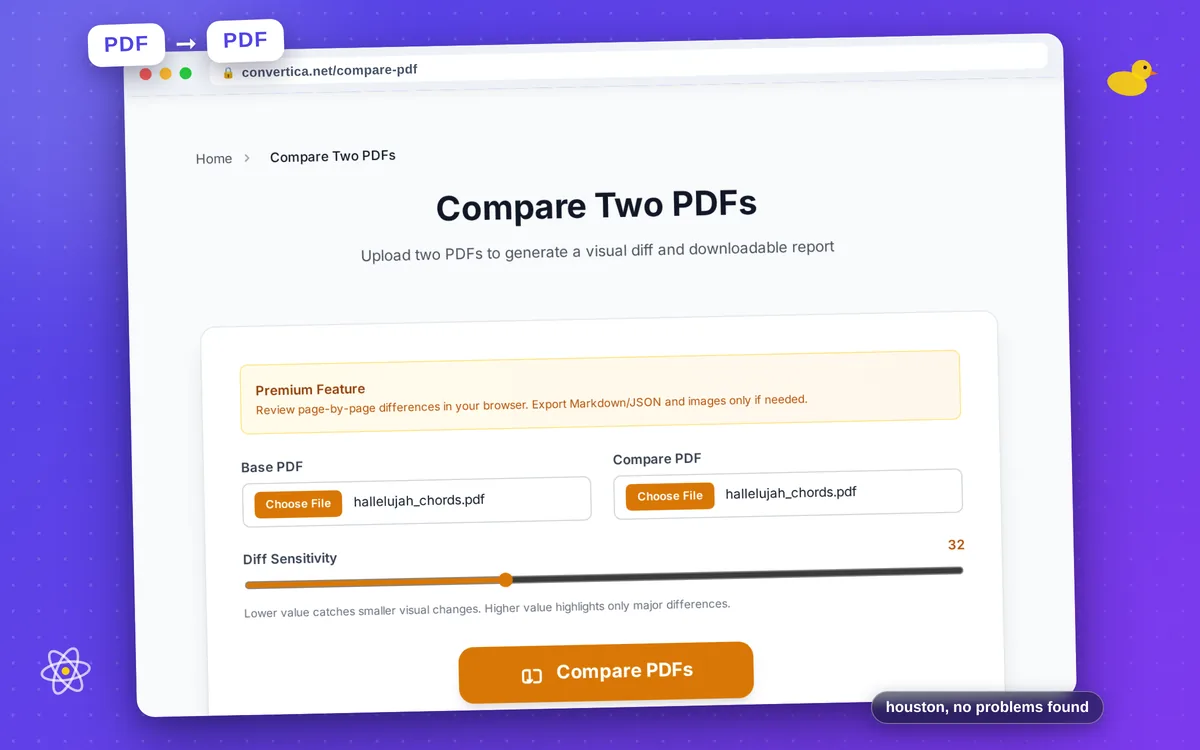
Compare Two PDFs
Upload two PDFs to generate a visual diff and downloadable report
Comparison Report
Pages
0
Overall change
0%
Words added
0
Words removed
0
Run comparison to preview page-by-page differences.
Pages overview
Base page
Updated page
How Compare Two PDFs works
- Upload the original PDF and the updated PDF version.
- Adjust diff sensitivity to match your review needs.
- Run comparison, review page-by-page changes on screen, and download ZIP reports if needed.
Tip: Keep page sizes and orientation consistent for clearer visual diff output.
Compare PDF revisions with visual diffs and change reports
Compare Two PDFs helps review document revisions using page-level visual overlays and exportable reports. It is useful for contracts, technical documentation, and regulated approval workflows.
The generated ZIP includes diff images and structured summaries so teams can track what changed without manually checking each page.
Use the sensitivity slider to control how strict visual detection should be for minor typography shifts versus major layout edits.
Why use Compare Two PDFs in Premium?
Visual page diff
Highlights changed zones on each page for faster manual review.
Machine-readable reports
Exports Markdown and JSON summaries for audit or automation workflows.
Configurable sensitivity
Tune change detection to catch subtle edits or focus on large differences.
Tips for Better PDF Comparison Accuracy
- Compare files with matching page size and orientation when possible.
- Use lower sensitivity for subtle text edits and higher values for layout changes.
- Ensure both documents are fully rendered exports, not partial draft snapshots.
- Review generated diff images together with report metrics for best decisions.
Compare PDF FAQ
What does Compare Two PDFs generate?
Can I tune comparison sensitivity?
Is PDF compare available for free users?