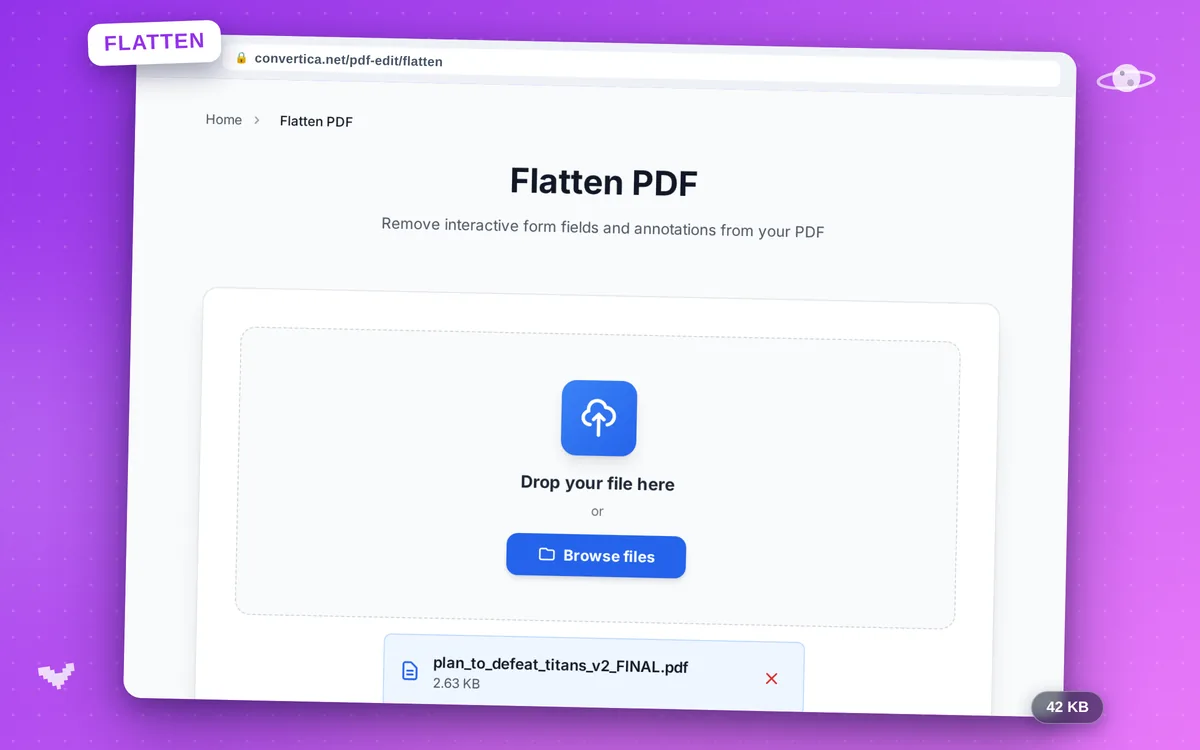
Flatten PDF
Remove interactive form fields and annotations from your PDF
Video Tutorial
How it works
- Select your PDF file using the button above or drag and drop it
- Click the Flatten PDF button to start processing
- All interactive form fields and annotations will be removed
- Download your flattened static PDF file
Note: PDF files with up to 30 pages are supported. The visual appearance of the PDF is preserved while all interactive elements are removed.
Flatten PDF to remove form fields and annotations
Flatten PDF converts an interactive PDF into a static document by permanently embedding all form field values and removing annotation layers. The result is a clean, non-editable PDF that looks exactly like the original.
This is commonly needed when distributing completed forms, archiving documents, or preparing PDFs for printing where interactive elements may cause issues.
Why Choose Our Tool?
Remove Form Fields
Strips all interactive form fields, checkboxes, radio buttons, and text inputs
Appearance Preserved
Visual content stays identical - only interactive elements are removed
Remove Annotations
Clears comments, highlights, sticky notes, and all other annotations
Instant Processing
Fast flattening with immediate download
Tips for Flattening PDFs
- Fill out all form fields before flattening to lock in the entered values.
- Use flattening before printing to ensure all content renders correctly.
- Flatten PDFs before sharing to prevent recipients from modifying form data.
Flatten PDF FAQ
What does flattening a PDF mean?
Why would I need to flatten a PDF?
Does flattening change the visual appearance?
Can a flattened PDF be edited again?
Should I flatten a PDF before printing or submitting it?