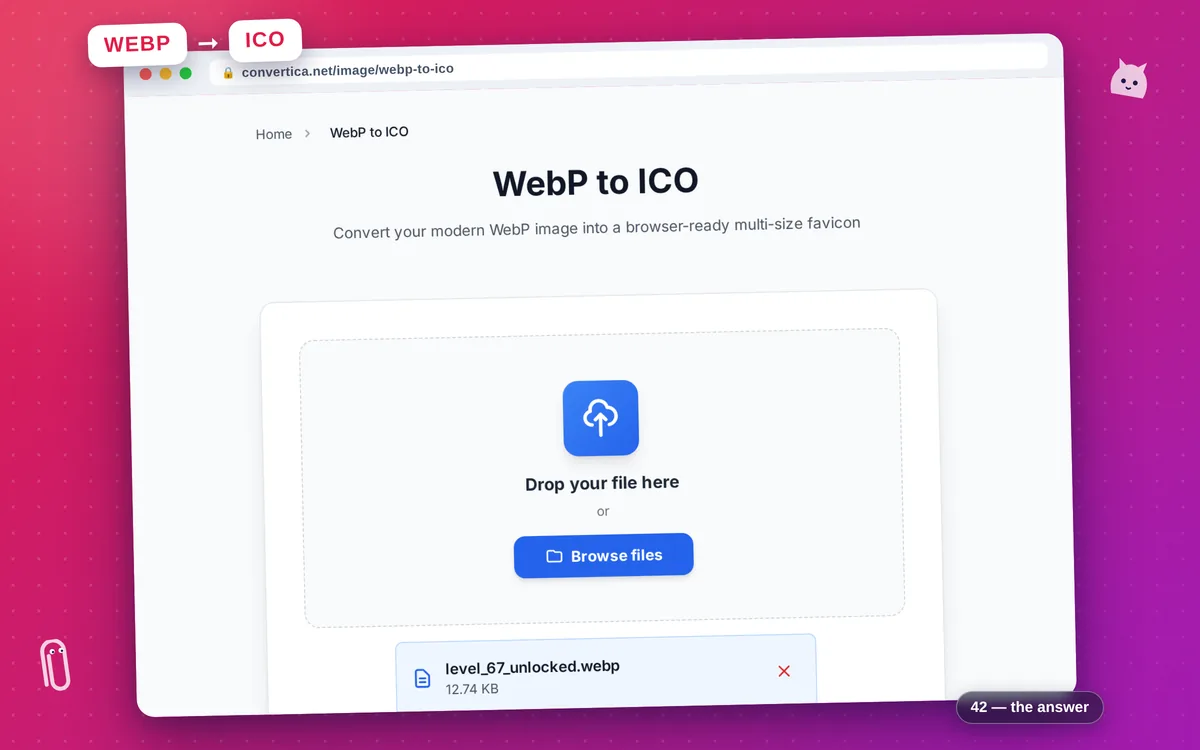
WebP to ICO
Convert your modern WebP image into a browser-ready multi-size favicon
Free conversions left today: /
Create a free account to get 4× more daily conversions. Sign up free · or go unlimited with Premium
How it works
- Click the button above to select your file, or drag and drop it into the zone below
- Click the convert button
- Wait for the conversion to complete
- Download your converted file using the download button
Convert WebP images to ICO favicon format online
WebP to ICO converts Google's modern WebP image format into a standards-compliant favicon.ico file. WebP is widely used for its excellent compression and full transparency support, but the ICO format is still required by browsers, operating systems, and many site generators when specifying a favicon. This tool bridges that gap in seconds, with no software to install.
The converter decodes your WebP — including lossless WebP and WebP with alpha transparency — and embeds three icon sizes (16×16, 32×32, and 48×48 px) into a single ICO container. Non-square images are automatically center-cropped to square before scaling, so the output frames are always correctly proportioned. Animated WebP is accepted, and the first frame is used for the conversion.
Upload your WebP, click Convert, and receive a favicon.ico ready to drop into your website's root directory. Place it alongside your index.html and every browser will detect it as your site icon automatically. Your source file is deleted from our servers immediately after you download the result — free, private, no account needed.
Why Use Our WebP to ICO Converter?
WebP Transparency Kept
Lossless and lossy WebP images with alpha channels are converted with full transparency support — every ICO frame respects the original alpha
Three Sizes Embedded
One ICO file, three resolutions: 16×16, 32×32, and 48×48 px — browsers pick the right frame automatically
Modern Format, Classic Output
Convert your cutting-edge WebP graphics to the universally supported ICO format that every browser and OS understands
No Install Required
Entirely browser-driven workflow — upload, convert, download in seconds with no plugins or desktop software
Tips for WebP to ICO Conversion
- Use a lossless WebP source for the clearest favicon frames — lossy WebP compression artifacts become more visible at small icon sizes.
- Start with a square WebP image at 256×256 px or larger for the best downscaling results.
- If your WebP has a transparent background, the ICO will too — great for dark-mode browser tabs.
- Non-square WebP images are center-cropped to square automatically — crop manually first if you need precise control over which part of the image appears in the icon.
WebP to ICO FAQ
Why would I need to convert WebP to ICO?
Does the converter support animated WebP?
Is alpha transparency preserved in the ICO output?
What sizes does the converted ICO contain?
Is my uploaded WebP file kept private?