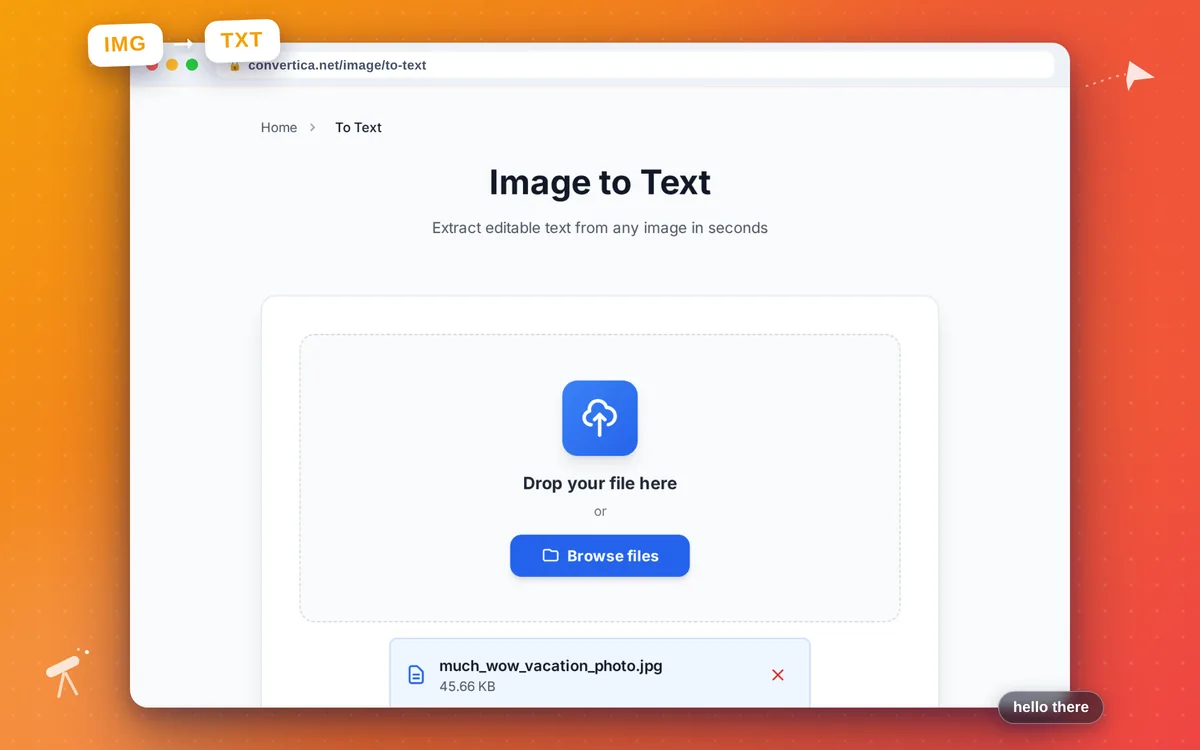
Image to Text
Extract editable text from any image in seconds
Free conversions left today: /
Create a free account to get 4× more daily conversions. Sign up free · or go unlimited with Premium
Video Tutorial
How it works
- Upload your image using the button above or drag and drop it
- Choose the language, or leave it on Auto-detect
- Click Extract Text to run OCR
- Copy the recognized text or download it as a .txt file
Extract text from images online with OCR
Image to Text uses OCR (Optical Character Recognition) to turn photos, screenshots, and scanned documents into editable text. Upload a JPG, PNG, WebP, HEIC, BMP, TIFF, or GIF and get the text back instantly.
Perfect for copying text from a screenshot, digitizing a receipt or business card, or pulling a quote out of a photographed page. Recognition supports 17 languages with automatic detection, and your files are deleted right after processing.
Why Use Our Image to Text Converter?
Accurate OCR
Adaptive preprocessing and confidence filtering for clean, readable text
17 Languages + Auto
Recognize text in 17 languages or let auto-detection pick the best match
Any Image, Even iPhone HEIC
JPG, PNG, WebP, HEIC, BMP, TIFF, and GIF — including iPhone photos
Free & Private
No registration, no watermark. Files are deleted right after processing
Tips for Best Text Recognition
- Use a sharp, well-lit image — OCR accuracy drops on blurry photos
- Select the correct language instead of Auto when you know it
- Crop out backgrounds so only the text remains for cleaner results
- For multi-column layouts, expect text in reading order, not columns
- Scanned documents work best at 300 DPI or higher
Image to Text - FAQ
How do I extract text from an image?
Which languages are supported?
Can it read iPhone HEIC photos?
Is it really free?
Why is some text missing or wrong?