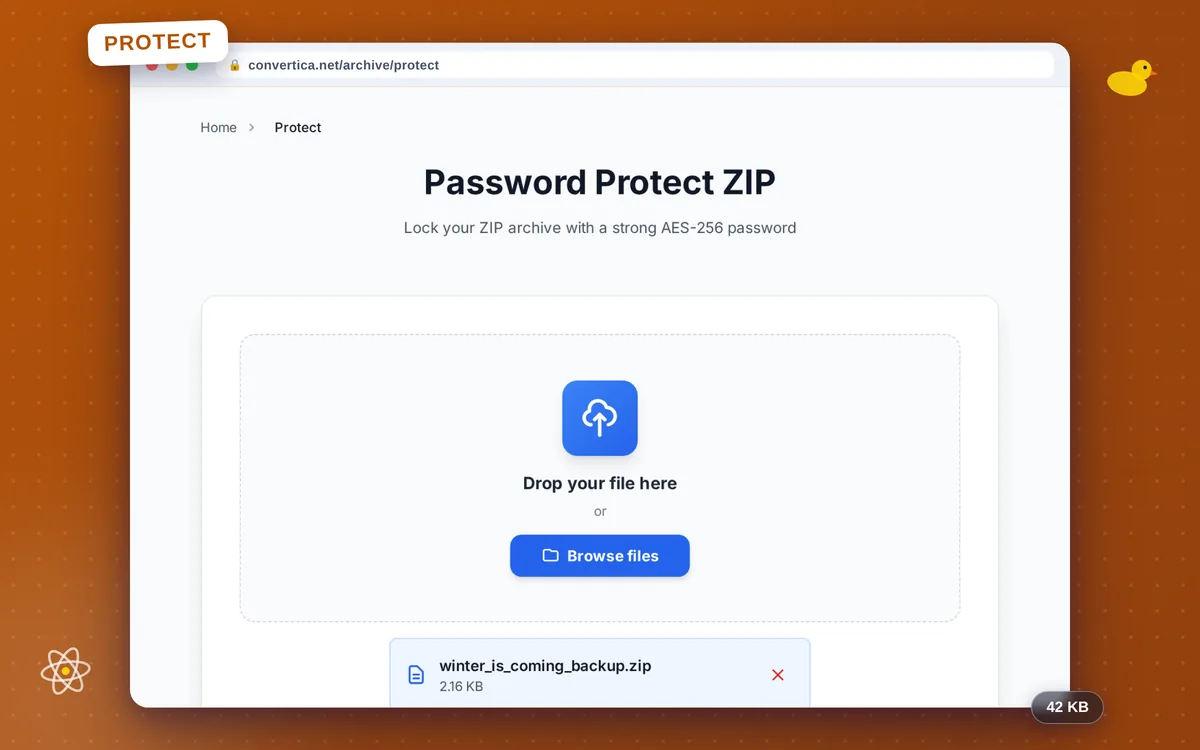
Password Protect ZIP
Lock your ZIP archive with a strong AES-256 password
How it works
- Select your ZIP file using the button above or drag and drop it into the zone below
- Enter a password to encrypt the archive
- Click the protect button to encrypt your ZIP with AES-256
- Download your password-protected ZIP using the download button
Note: AES-encrypted ZIPs open in 7-Zip, WinRAR, Keka and most modern archivers, but not in the built-in Windows File Explorer or macOS Archive Utility. Install a free archiver to open them.
Password Protect a ZIP Archive Online with AES-256
Adding a password to a ZIP archive is one of the simplest ways to protect sensitive files before sharing them by email, cloud storage, or messaging apps. Convertica encrypts your archive with AES-256 — the same algorithm trusted by financial institutions and security agencies worldwide — so the contents remain completely private even if the file falls into the wrong hands.
The entire process happens in memory: your files are never written to disk on our servers, and the protected archive is deleted right after you download it. No account is required and no watermarks are added.
One important compatibility note: AES-256 encrypted ZIPs are not supported by the built-in file managers in Windows (File Explorer) or macOS (Archive Utility). To open the protected archive, the recipient needs a free modern archiver such as 7-Zip on Windows or Keka on macOS. Both are free to download and handle AES-256 ZIPs natively. If you need to change the password in the future, use our Unlock ZIP tool to remove the current password and then re-protect the archive with a new one.
Why Protect Your ZIP with Convertica?
Military-Grade AES-256 Encryption
Your ZIP is re-packed in memory using AES-256, the same standard used by banks and governments. Only someone with the exact password can extract the contents.
No Registration or Watermark
Protect your ZIP instantly without creating an account. Your files are never watermarked or altered in any way other than adding the password you choose.
Files Deleted After Download
Your original and protected archives are processed in memory and deleted from our servers immediately after you download the result. Your data stays private.
Works with All Major Archivers
The encrypted ZIP is compatible with 7-Zip, WinRAR, WinZip, Keka, and virtually all modern archivers. Ready to share on any platform in seconds.
Tips for Protecting ZIP Files
- Use a strong password with a mix of uppercase letters, lowercase letters, numbers, and special characters for the best security.
- Store your password in a secure password manager — Convertica cannot recover it if you forget it, and neither can anyone else.
- To open your protected ZIP on Windows or macOS, install the free 7-Zip (Windows) or Keka (macOS) — the built-in archive tools do not support AES-256 encrypted ZIPs.
- Test the protected archive by extracting it with the password before deleting the original unprotected copy.
- To change the password later, use 'Unlock ZIP' to remove the old password, then 'Protect ZIP' again to set a new one.
Password Protect ZIP - FAQ
How do I password-protect a ZIP file?
Which programs can open an AES-256 encrypted ZIP?
Can I change the password later?
Are my files safe during the process?
What is the difference between AES-256 and ZipCrypto?