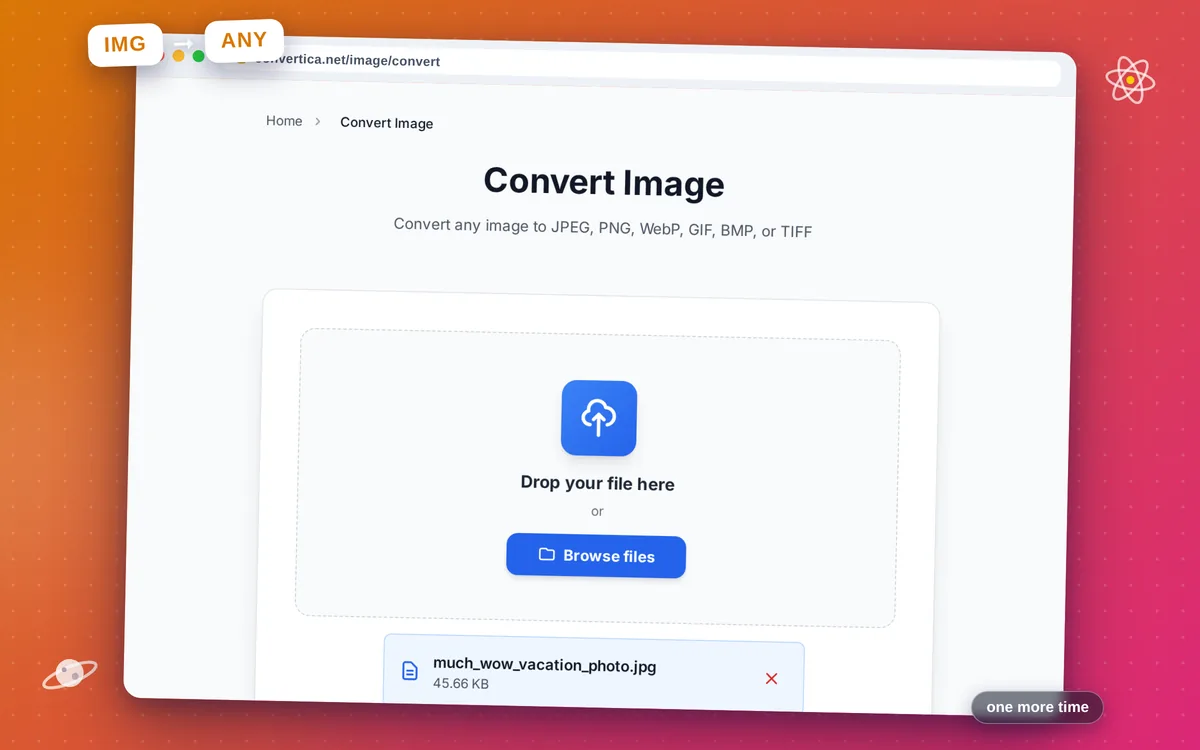
Convert Image
Convert any image to JPEG, PNG, WebP, GIF, BMP, or TIFF
Free conversions left today: /
Create a free account to get 4× more daily conversions. Sign up free · or go unlimited with Premium
Video Tutorial
How it works
- Select your image file using the button above or drag and drop it
- Choose the output format from the dropdown (JPEG, PNG, WebP, etc.)
- For JPEG or WebP, adjust the quality slider if needed
- Click the Convert Image button to start conversion
- Download your converted image file instantly
Convert images between formats online
Convert Image transforms your image files from one format to another instantly. Whether you need to convert a PNG to WebP for faster web loading, a BMP to JPEG to reduce file size, or a GIF to PNG for better quality, this tool handles it all.
No software installation required. All conversions happen on the server and your files are deleted automatically after download.
Why Use Our Image Converter?
6 Output Formats
Convert to JPEG, PNG, WebP, GIF, BMP, or TIFF — all major image formats supported
Quality Preserved
Lossless conversion for PNG/BMP/TIFF; adjustable quality for JPEG and WebP
Wide Input Support
Accepts JPEG, PNG, WebP, GIF, BMP, and TIFF as input — convert from any to any
Instant Conversion
Fast format conversion with immediate download
Tips for Image Conversion
- Convert PNG to WebP for the best balance of quality and file size on the web.
- Use PNG output when transparency must be preserved — it is the only lossless format that supports it (besides WebP).
- Convert to TIFF for archiving or print workflows that require the highest fidelity.
Image Conversion FAQ
Which image formats are supported?
Will converting to JPEG reduce image quality?
Does converting PNG to WebP keep transparency?
Which format is best for a website: JPEG, PNG, or WebP?
Will converting change my image dimensions?