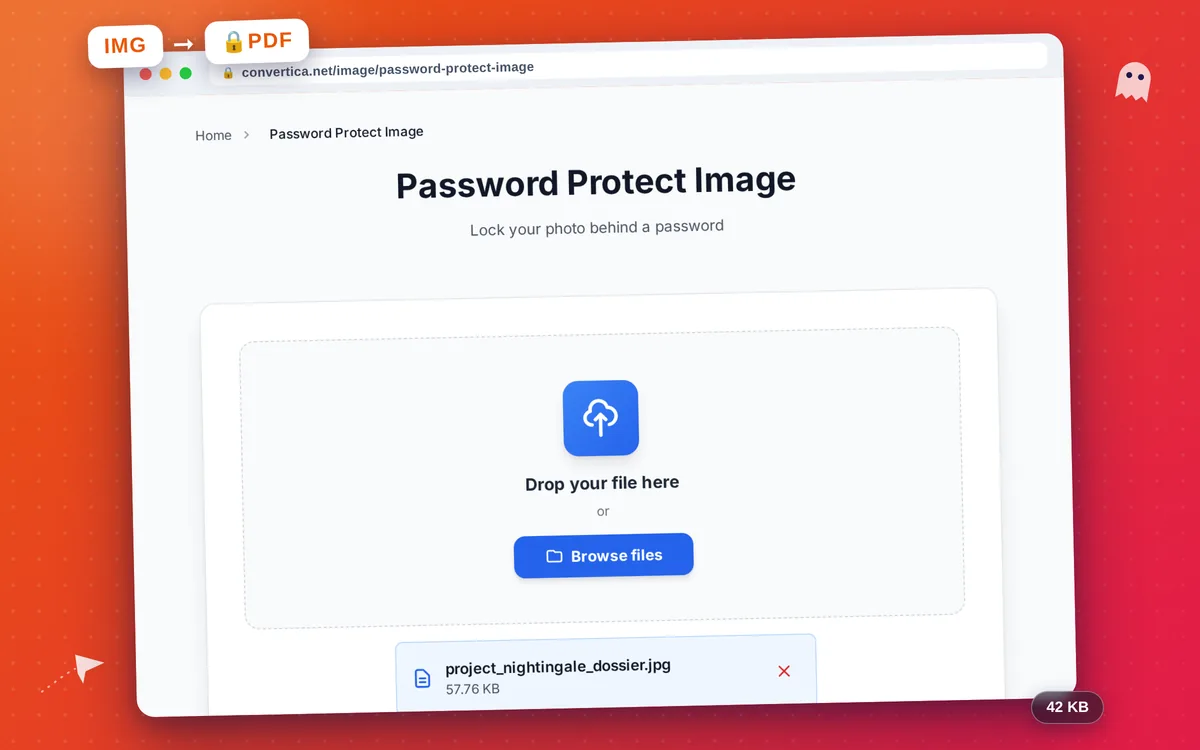
Password Protect Image
Lock your photo behind a password
How it works
- Select your photo using the button above or drag and drop it into the zone below
- Enter a password to protect your photo (required) and optionally set user/owner passwords
- Click the protect button to lock your photo into a password-protected PDF
- Download your password-protected PDF file using the download button
Note: The photo is embedded in an AES-256 encrypted PDF. The password will be required to open, view, print, or edit the file.
Lock a Photo Behind a Password, Online and Free
Image formats like JPG and PNG have no built-in password, so there is no way to lock a photo on its own. The reliable, universal solution is to wrap the image in an encrypted PDF: the file reveals nothing until the correct password is entered, and it opens on any device.
This tool locks your photo into a PDF secured with AES-256, the same encryption standard used for sensitive documents. Whether you are sending a private picture, an ID scan, or a screenshot you would rather keep confidential, only someone with the password can see it.
No app and no account are needed on either end. You upload the image, choose a password, and download a protected PDF. The person you share it with simply opens it in a normal PDF reader and types the password.
Why Choose Our Tool?
AES-256 Encryption
Your photo is locked inside an AES-256 encrypted PDF. Nothing is visible until the correct password is entered.
Opens Anywhere
The result is a standard PDF. Recipients just open it in any PDF reader and type the password. No app or account.
Multiple Photos
Lock several photos into one password-protected PDF at once.
Instant & Free
No registration, no watermark, ready in seconds.
Tips for Best Results
- Use a strong password with a mix of letters, numbers, and symbols.
- Store your password safely - it cannot be recovered if you forget it.
- Send the password through a different channel than the file itself.
- Combine several photos into one protected PDF to share them together.
- Open the result once to confirm the password works before sending.
Frequently Asked Questions
How do I password protect a photo?
Why do I get a PDF instead of an image?
Is the encryption strong?
Can I lock more than one photo?
Will the recipient need an account or app?