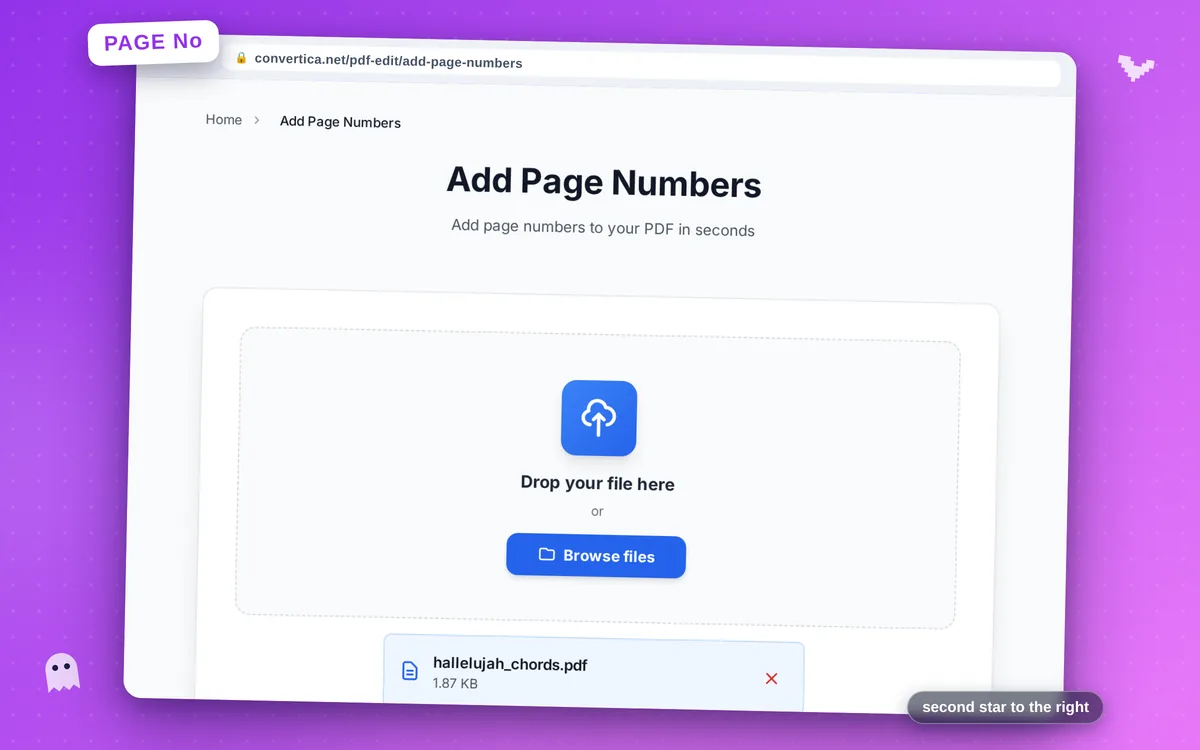
Add Page Numbers
Add page numbers to your PDF in seconds
Video Tutorial
How it works
- Select your PDF file using the button above or drag and drop
- Choose the position, font size, and number format
- Preview page numbers using the live preview
- Select pages to number: all, current, or specific pages
- Click Add Page Numbers to process your PDF
- Download your numbered PDF file
Note: PDF files with up to 30 pages are supported. Page numbers are added according to your settings.
Add Page Numbers to PDF - Professional Document Numbering
Our free PDF page numbering tool makes it easy to add professional page numbers to any PDF document. Whether you're preparing a thesis, business report, contract, or any multi-page document, proper page numbering improves navigation and professionalism.
Customize the position, font size, and format of your page numbers to match your document's style. You can place numbers at the top or bottom of pages, align them left, center, or right, and choose from various numbering formats.
Ideal for academic papers, legal documents, business reports, manuals, and any document that benefits from clear page numbering.
Why Choose Our Tool?
Customizable Position
Place numbers at top, bottom, left, right, or center of pages
Custom Formatting
Choose font size, style, and number format to match your document
Quality Preserved
Original PDF content and formatting remain unchanged
Fast Processing
Add page numbers instantly to any PDF document
Tips for Best Results
- Use bottom-center for most documents - it's the standard position
- For academic papers, check your institution's formatting requirements
- Skip the first page if it's a title page or cover
- Use a smaller font size for page numbers to keep them unobtrusive
- Preview your document to ensure numbers don't overlap with content
Frequently Asked Questions
How do I add page numbers to a PDF?
Can I choose where page numbers appear?
Will adding page numbers change my document content?
Can I start numbering from a specific page?
What number formats are available?