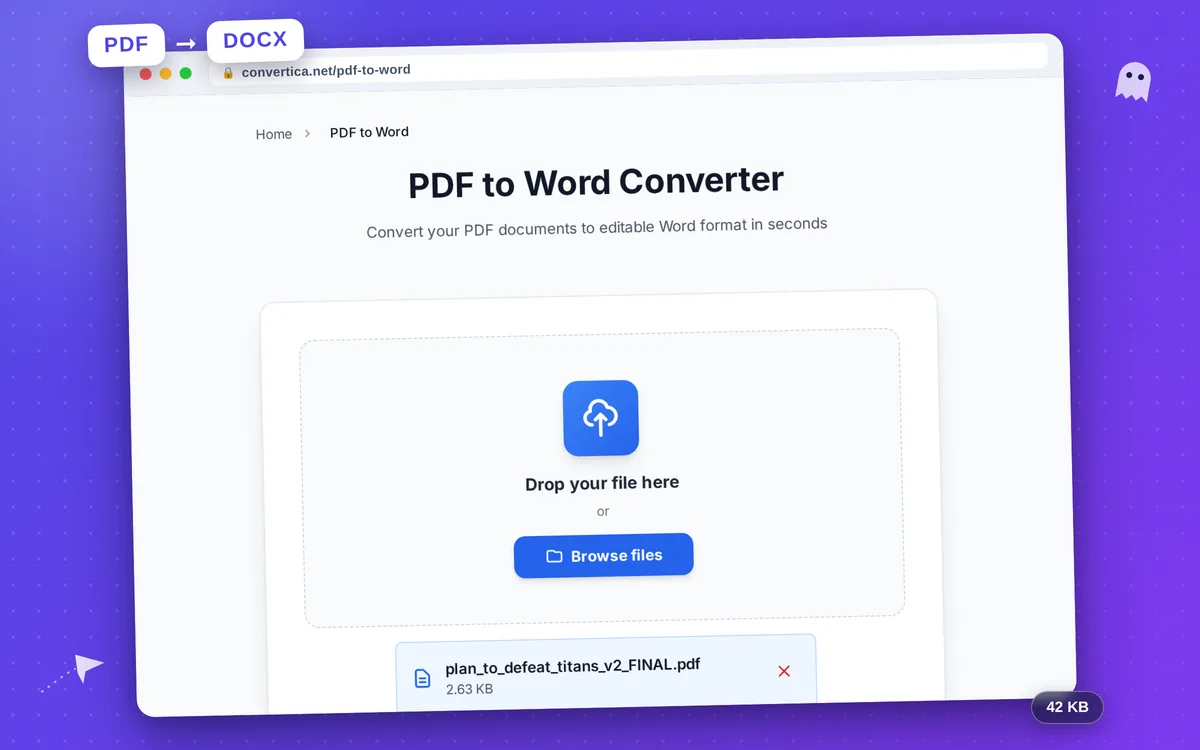
PDF to Word Converter
Convert your PDF documents to editable Word format in seconds
Free conversions left today: /
Create a free account to get 4× more daily conversions. Sign up free · or go unlimited with Premium
Video Tutorial
How it works
- Select your PDF file using the button above or drag and drop it into the zone
- Click the Convert button to start PDF to Word conversion
- Wait for conversion - text, tables, and formatting will be extracted
- Download your editable Word document (.docx)
Note: PDF files with up to 30 pages are supported for free users. For larger files, split them or upgrade to Premium.
Convert PDF to Word Online - Fast & Accurate
Need to edit a PDF document? Our free PDF to Word converter transforms your PDF files into fully editable Word documents (.docx) while preserving the original formatting, including tables, images, fonts, and layout.
Whether you're converting a resume, contract, invoice, or academic paper, Convertica ensures high-quality PDF to DOCX conversion. Unlike other tools, we maintain complex formatting elements like multi-column layouts, headers, footers, and embedded graphics.
For scanned PDFs: Premium users can enable OCR (Optical Character Recognition) to extract text from image-based PDFs. Our OCR supports 15+ languages including English, Russian, German, French, Spanish, Chinese, Japanese, and Arabic.
Why Convert PDF to Word with Convertica?
Preserve Formatting
Tables, images, fonts, and layout stay intact after conversion
Completely Free & Secure
No registration, no watermarks. Files deleted automatically after conversion
Works on All Devices
Convert PDF to Word on Windows, Mac, Linux, iOS, Android
OCR for Scanned PDFs
Premium: Convert image-based PDFs to editable text with 15+ languages
Tips for Best PDF to Word Conversion
- Text-based PDFs convert better than scanned documents - for scanned PDFs, enable OCR
- For best results, use PDFs created from Word or other text editors, not screenshots
- Large files (over 50 pages) may take longer - consider splitting them first
- If tables look misaligned, try re-saving the original PDF before converting
- After conversion, review formatting in Word and adjust if needed
PDF to Word Converter - FAQ
Can I convert a scanned PDF to Word?
Will my tables and formatting be preserved?
Is this PDF to Word converter really free?
What is the maximum file size I can convert?
Can I convert PDF to Word on my phone?