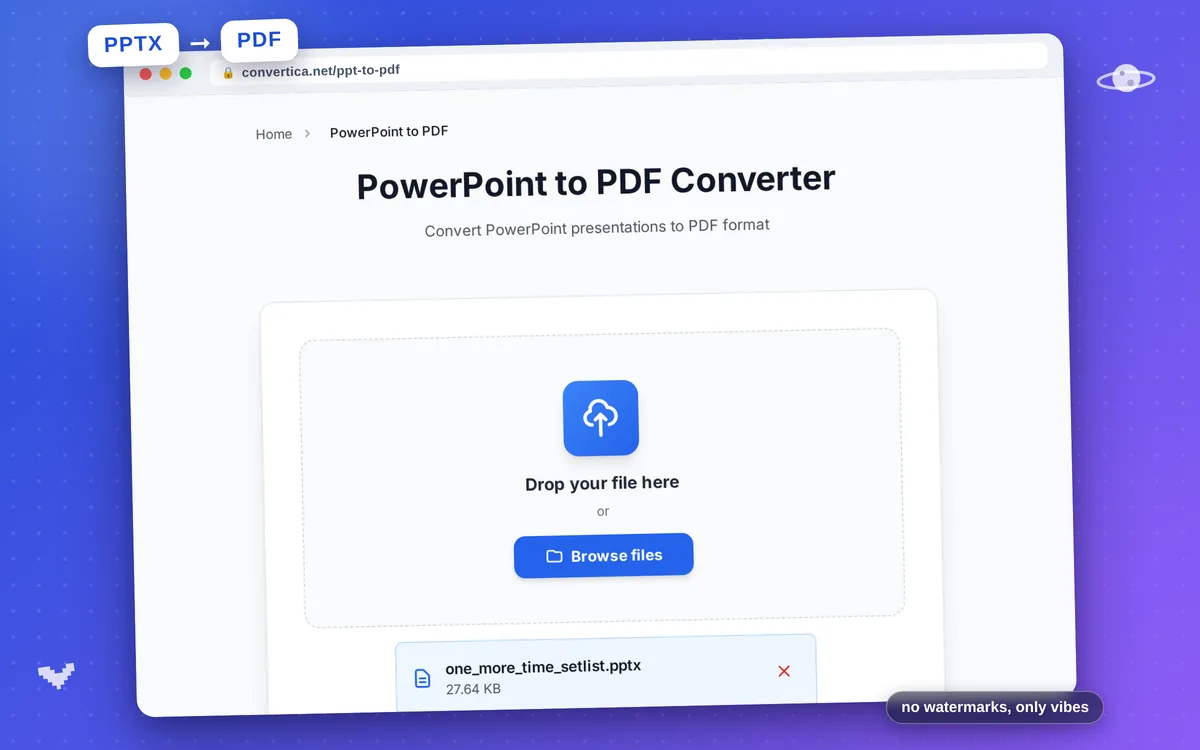
PowerPoint to PDF Converter
Convert PowerPoint presentations to PDF format
Free conversions left today: /
Create a free account to get 4× more daily conversions. Sign up free · or go unlimited with Premium
Video Tutorial
How it works
- Select your PowerPoint file (PPT or PPTX) using the button above or drag and drop it
- Click the convert button
- Wait for the conversion to complete
- Download your PDF file
Convert PowerPoint Presentations to PDF
Converting PowerPoint presentations to PDF format ensures your slides can be viewed on any device without requiring PowerPoint software. PDF preserves your design, fonts, and layouts exactly as you created them, making it the preferred format for sharing presentations with clients, colleagues, or audiences.
Our PowerPoint to PDF converter handles complex presentations with multiple slides, embedded images, charts, and custom formatting. Whether you're converting a business proposal, educational lecture, or marketing pitch deck, the output PDF maintains professional quality and visual fidelity.
Perfect for businesses sharing proposals, educators distributing course materials, students submitting assignments, and anyone who needs to convert presentations to a universal format for easy viewing and printing.
Why Choose Our Tool?
Slide-Perfect Conversion
Every slide in your PowerPoint is converted to PDF with pixel-perfect accuracy. Fonts, colors, transitions, and layouts are preserved exactly as designed.
Images & Graphics Preserved
All images, charts, SmartArt, and graphics in your presentation are converted with high quality. Perfect for sharing visual presentations.
Speaker Notes Optional
Convert slides with or without speaker notes. Share clean presentations with clients or include notes for detailed documentation.
Instant Conversion
Convert PowerPoint presentations to PDF in seconds. No software installation required - works directly in your browser on any device.
Tips for Best Results
- Check your slide master and templates before converting to ensure consistent formatting.
- Use standard fonts or embed fonts in PowerPoint to avoid font substitution issues.
- Set your desired slide size in PowerPoint before converting for optimal PDF dimensions.
- Remove hidden slides before conversion if you don't want them in the PDF.
- Use high-quality images in your presentation for best results in the PDF.
Frequently Asked Questions
How do I convert PowerPoint to PDF online?
Will animations and transitions be preserved?
Can I convert presentations with embedded videos?
What PowerPoint formats are supported?
How can I reduce the PDF file size?