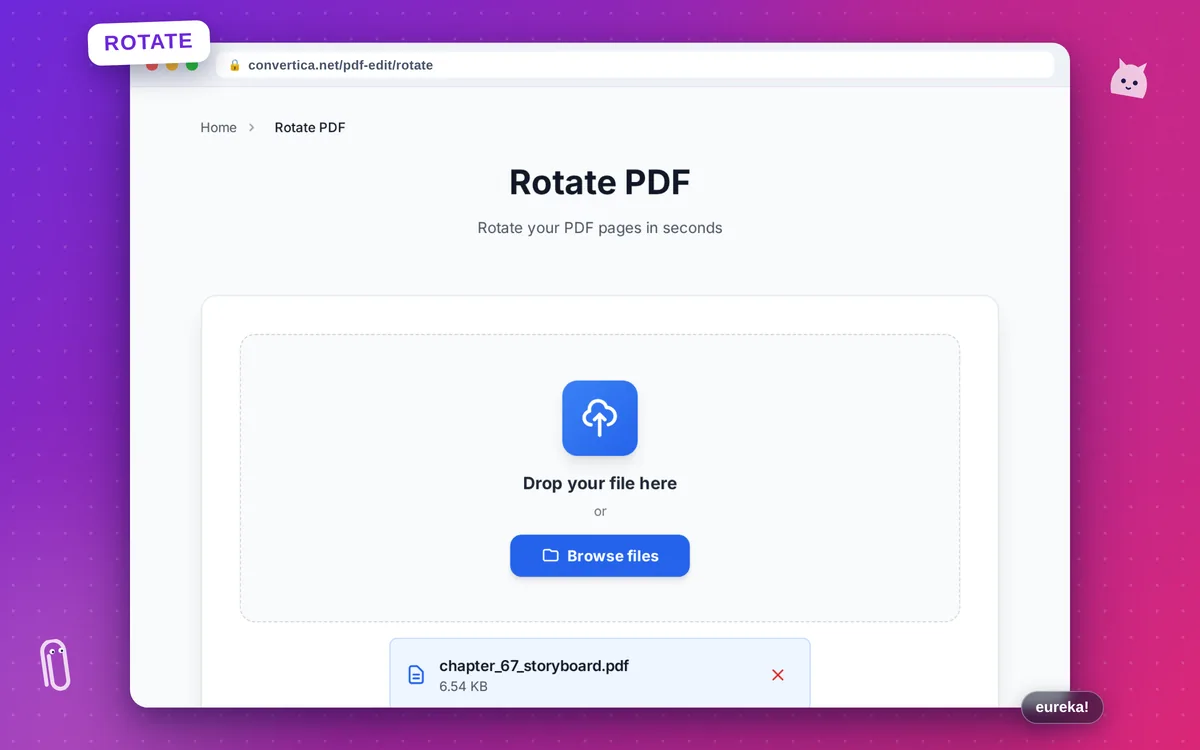
Rotate PDF
Rotate your PDF pages in seconds
Video Tutorial
How it works
- Select your PDF file using the button above or drag and drop
- Choose the rotation angle (90°, 180°, or 270°)
- Select which pages to rotate: all, current, or specific pages
- Click Rotate to process your PDF
- Download your rotated PDF file
Note: PDF files with up to 30 pages are supported. Rotation preserves all content and formatting.
Rotate PDF Pages Online - Fix PDF Orientation
Our free PDF rotation tool lets you quickly fix page orientation in any PDF document. Whether you have scanned documents that came out sideways, or pages that need to be turned upside down, our tool handles it all.
Choose from 90°, 180°, or 270° rotation angles and apply them to all pages, just the current page, or specific pages you select. The rotation is instant and preserves all your content perfectly.
Perfect for fixing scanned documents, rotating landscape pages to portrait, correcting improperly oriented PDFs, and preparing documents for printing or sharing.
Why Choose Our Tool?
Multiple Rotation Angles
Rotate pages by 90°, 180°, or 270° - clockwise or counterclockwise
Quality Preserved
All content, formatting, and images stay intact after rotation
Selective Rotation
Rotate all pages, current page, or specify exact pages to rotate
Instant Processing
Fast rotation with immediate download - no waiting required
Tips for Best Results
- Preview your PDF before rotating to identify which pages need rotation
- Use 90° clockwise to rotate a landscape page to portrait
- Use 270° (counterclockwise) for the opposite direction
- Rotate specific pages if only some pages are misoriented
- Check the final PDF before downloading to ensure correct orientation
Frequently Asked Questions
How do I rotate a PDF page?
Can I rotate specific pages in a PDF?
Will rotating affect the PDF quality?
How do I fix a sideways scanned PDF?
Is there a limit on PDF file size?