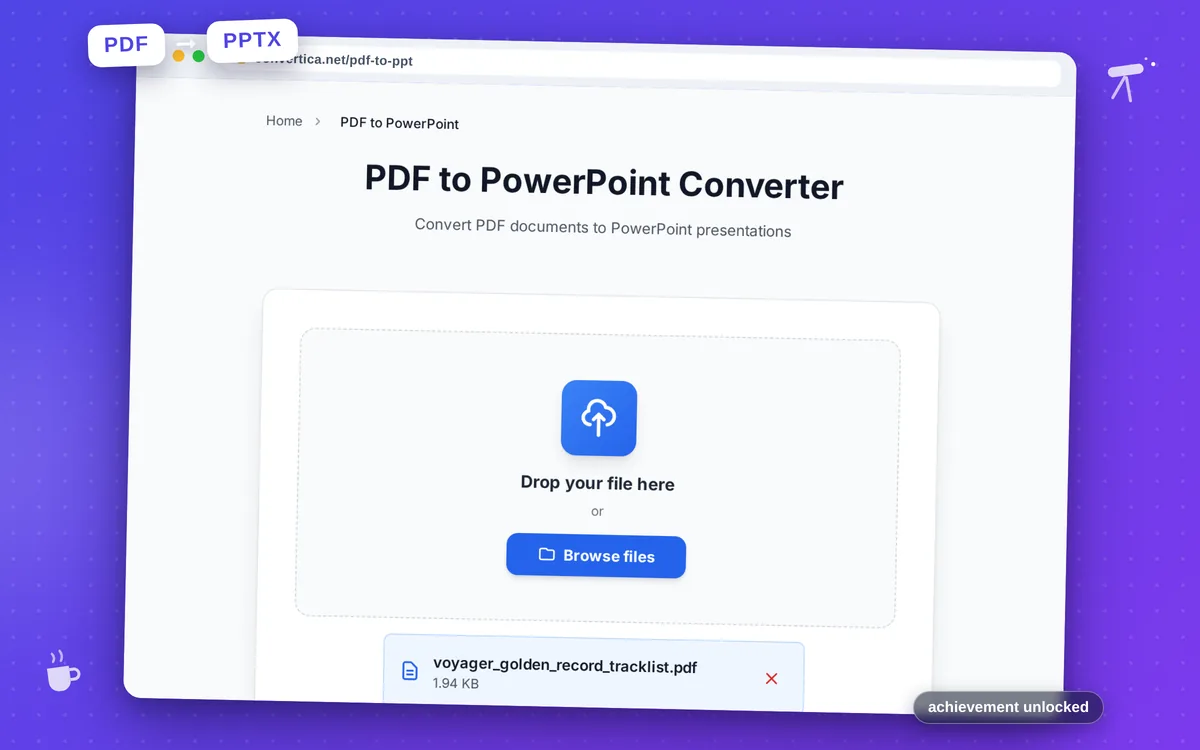
PDF to PowerPoint Converter
Convert PDF documents to PowerPoint presentations
Free conversions left today: /
Create a free account to get 4× more daily conversions. Sign up free · or go unlimited with Premium
Video Tutorial
How it works
- Select your PDF file using the button above or drag and drop it into the zone below
- Click the convert button to start converting PDF to PowerPoint (PDF to PPTX conversion)
- Wait for the PDF to PowerPoint conversion to complete - pages will be extracted from your PDF and converted to editable PowerPoint slides
- Download your editable PowerPoint presentation (PPTX format) - your PDF has been successfully converted to PowerPoint
Note: Free users can convert PDF files with up to 30 pages. Premium users have higher limits. Each PDF page will be converted to a PowerPoint slide. For best results, use PDFs with clear layouts and high-quality content.
Convert PDF Documents to Editable PowerPoint Presentations
Converting PDF files to PowerPoint presentations allows you to repurpose existing documents for meetings, lectures, and presentations. Our PDF to PowerPoint converter transforms each PDF page into an individual slide, making it easy to edit, annotate, and present your content.
Whether you have a PDF report that needs to be presented at a meeting, course materials that need to be converted to slides, or any document that would work better as a presentation, our converter provides a quick and accurate solution.
Perfect for business professionals preparing presentations, educators creating lecture materials, students working on projects, and anyone who needs to transform static PDF documents into dynamic PowerPoint presentations.
Why Choose Our Tool?
Page-to-Slide Conversion
Each page of your PDF is converted to an individual PowerPoint slide. Perfect for repurposing PDF documents into editable presentations.
Fully Editable Output
The resulting PowerPoint presentation is fully editable. Add, remove, or modify content, change layouts, and customize your slides as needed.
Images & Graphics Preserved
All images, charts, and graphics from your PDF are extracted and placed on the corresponding PowerPoint slides with high quality.
Quick & Easy
Convert your PDF to PowerPoint in seconds. No software installation required - works directly in your browser on any device.
Tips for Best Results
- PDFs with clear, simple layouts convert most accurately to PowerPoint slides.
- For scanned PDFs, ensure good image quality for better text recognition.
- After conversion, check each slide and adjust text boxes or images as needed.
- Use the converted presentation as a starting point and customize with PowerPoint's tools.
- For presentations with many slides, consider converting smaller sections separately.
Frequently Asked Questions
How do I convert a PDF to PowerPoint?
Will text be editable after conversion?
Can I convert PDFs with complex layouts?
What's the maximum PDF size I can convert?
Is the original PDF modified during conversion?