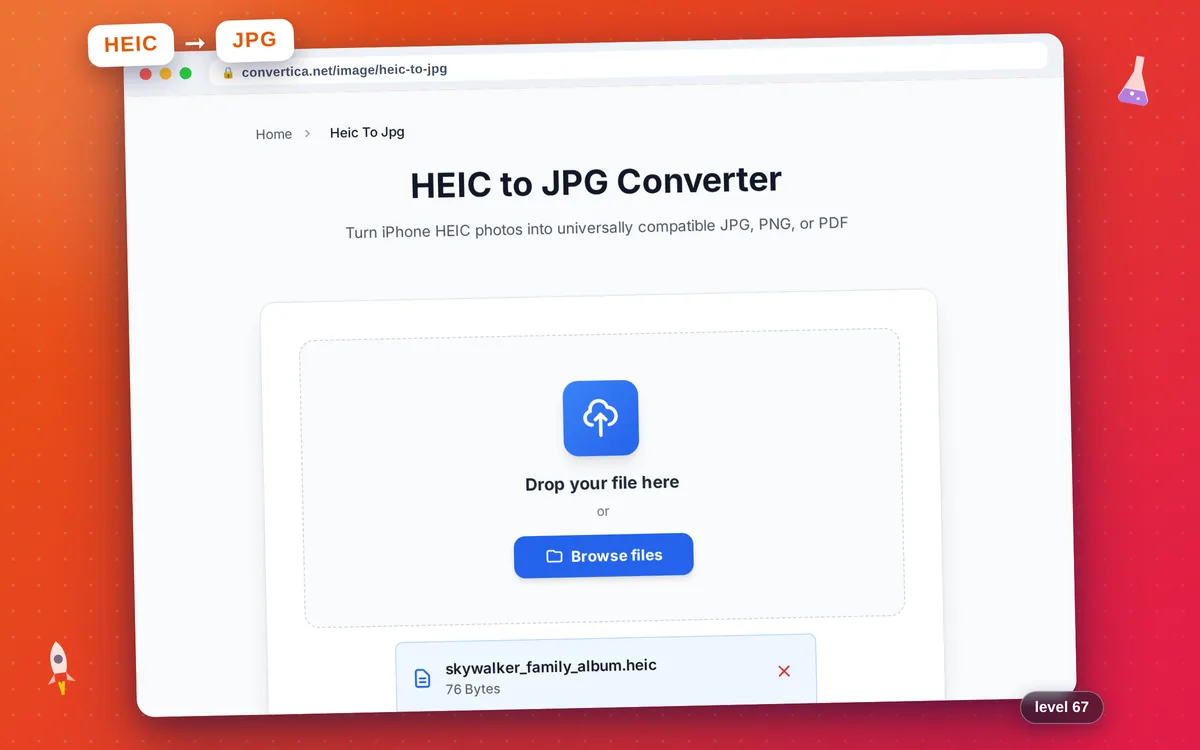
HEIC to JPG Converter
Turn iPhone HEIC photos into universally compatible JPG, PNG, or PDF
Free conversions left today: /
Create a free account to get 4× more daily conversions. Sign up free · or go unlimited with Premium
Video Tutorial
How it works
- Select your HEIC or HEIF file using the button above or drag and drop it
- Pick the output format: JPG (default), PNG, or PDF
- For JPG output, optionally adjust the quality slider
- Click the Convert HEIC button to start conversion
- Download your converted photo instantly
Convert HEIC and HEIF photos to JPG, PNG, or PDF online
HEIC to JPG conversion turns the High-Efficiency Image Container files that iPhones and iPads create by default into formats every device can open. Apple's HEIC format is excellent for storage but causes friction whenever you need to upload, email, or print the photo on non-Apple platforms.
This tool decodes HEIC and HEIF files and re-encodes them to JPG (maximum compatibility), PNG (lossless quality), or PDF (printable document). Single-file conversion is free with a daily limit; batch processing of up to 10 files at once and ZIP downloads are available with Premium.
Why Use Our HEIC Converter?
iPhone & iPad Photos
Decode the HEIC and HEIF formats that Apple devices use by default — open them anywhere
3 Output Formats
Convert to JPG for universal compatibility, PNG for lossless quality, or PDF for printing and sharing
Batch Conversion
Upload up to 10 HEIC photos at once and download them as a single ZIP — with Premium
Original Quality
Preserves every detail — adjustable JPEG quality, fully lossless PNG
Tips for Converting HEIC Photos
- Convert HEIC to JPG when uploading photos to social networks, job-application portals, or older websites.
- Use PNG output when you need a transparent or pixel-perfect copy — for example, when editing further in a graphics app.
- Choose PDF to send an iPhone photo as a printable document — handy for receipts, IDs, or scanned paperwork.
HEIC Converter FAQ
Why do iPhone photos arrive as HEIC files?
Should I convert HEIC to JPG, PNG, or PDF?
Is the HEIC converter free?
How do I open iPhone HEIC photos on Windows?
Does converting HEIC to JPG lose quality?
Can I make my iPhone shoot JPG instead of HEIC?