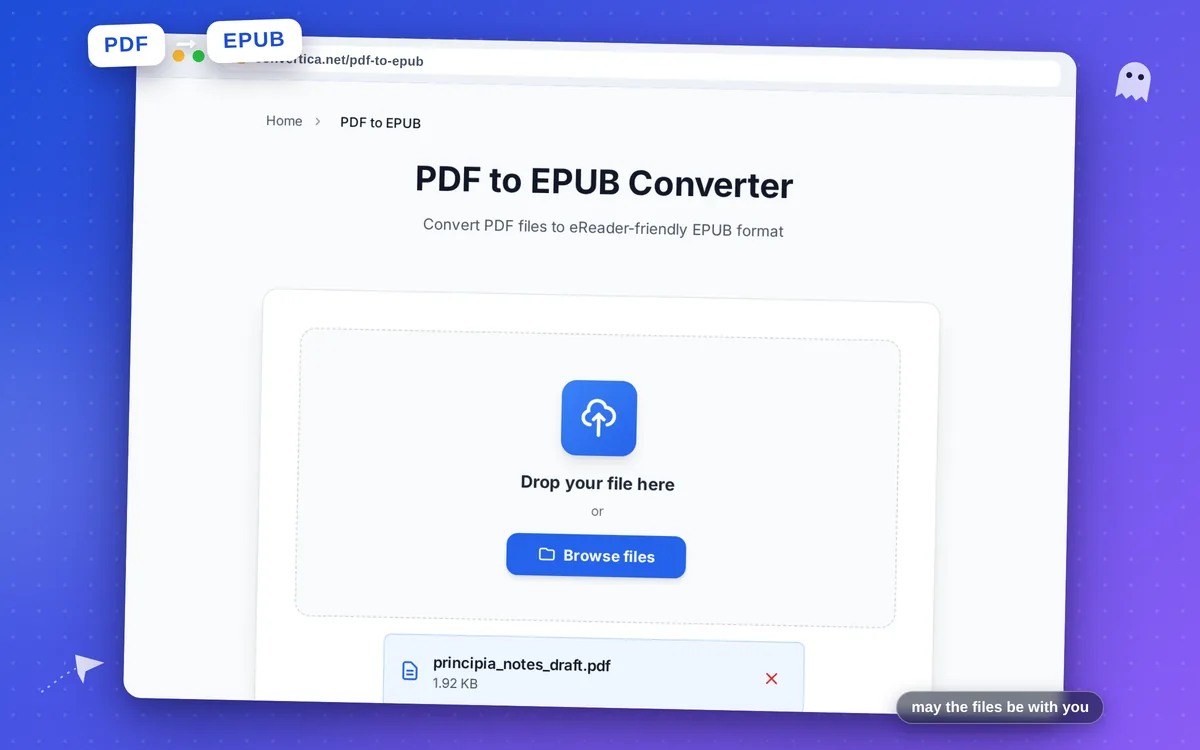
PDF to EPUB Converter
Convert PDF files to eReader-friendly EPUB format
Free conversions left today: /
Create a free account to get 4× more daily conversions. Sign up free · or go unlimited with Premium
Video Tutorial
How PDF to EPUB works
- Upload a PDF file.
- Click Convert PDF to EPUB.
- Download the EPUB file and open it in your eReader app.
Tip: For cleaner EPUB output, remove unnecessary pages and watermarks before conversion.
Convert PDF to EPUB for eReader-ready publishing
PDF to EPUB helps convert static page layouts into flexible, reader-friendly eBook format. The output is easier to consume on phones, tablets, and dedicated eReaders.
Conversion focuses on preserving headings and paragraph logic so navigation remains predictable across reading apps.
For the cleanest EPUB result, use text-based PDFs or run OCR first on scanned files.
Why use our PDF to EPUB converter?
Reader-friendly reflow
Transforms fixed PDF pages into EPUB text flow optimized for eReaders.
Preserved structure
Detects headings and paragraphs to keep document hierarchy in EPUB.
Prepared for long reads
Good fit for books, reports, and archives you want to read on mobile devices.
Tips for Better PDF to EPUB Output
- Text-based PDFs convert more accurately than image-only scans.
- Remove decorative pages and heavy watermarks before conversion.
- Keep heading hierarchy clear in source PDFs to improve EPUB navigation.
- If needed, run OCR first and then convert OCR output to EPUB.
PDF to EPUB FAQ
Can scanned PDFs be converted to EPUB?
Does the converter keep headings and sections?
Will images from PDF appear in EPUB?
Can I read the converted EPUB on a Kindle?
Why convert a PDF to EPUB instead of reading the PDF?