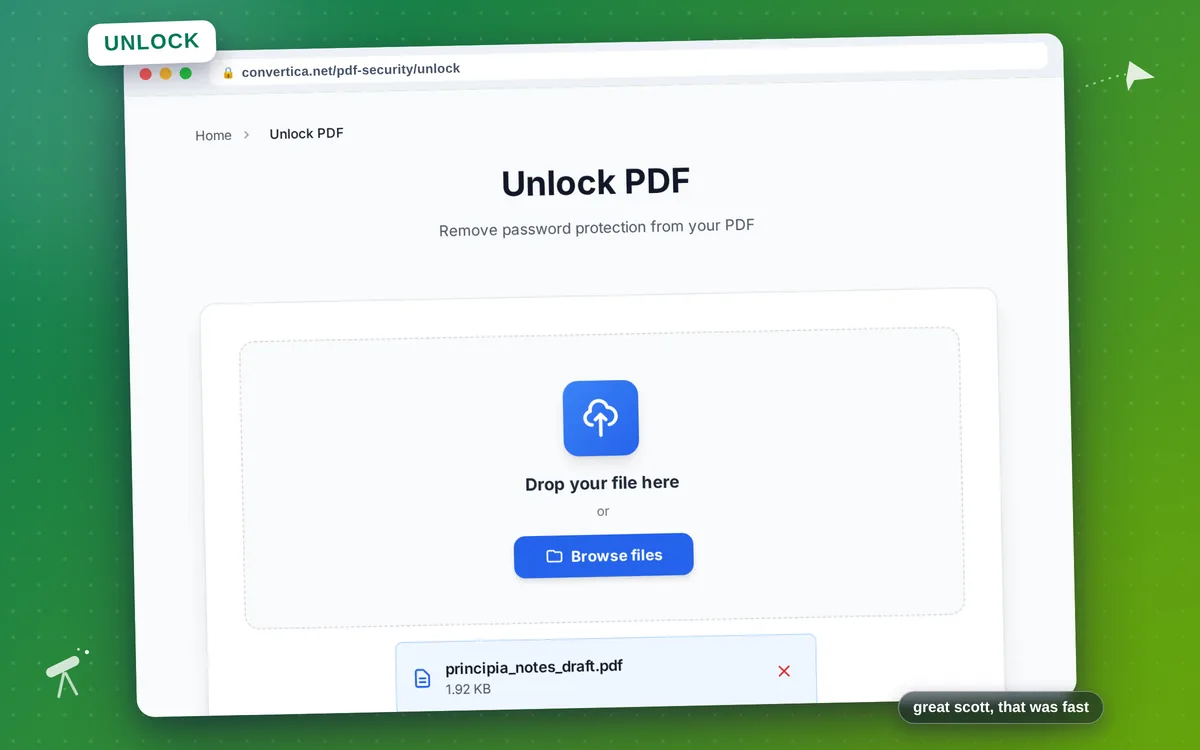
Unlock PDF
Remove password protection from your PDF
How it works
- Select your password-protected PDF file using the button above or drag and drop it into the zone below
- Enter the password that was used to protect the PDF file
- Click the unlock button to remove password protection from your PDF
- Download your unlocked PDF file (without password) using the download button
Note: PDF files with up to 30 pages are supported for unlocking. For larger files, please split them into smaller parts. You must know the correct password to unlock the PDF.
Remove Password Protection from Your PDF Files
Unlock password-protected PDF files quickly and easily when you have the correct password. Our PDF unlock tool removes the password requirement, giving you a PDF that can be opened, edited, and shared without entering a password each time.
This tool is perfect when you have a legitimately protected PDF and want to remove the password for easier access. Whether you've received protected documents from colleagues, downloaded secured files, or want to remove protection from your own PDFs, our tool makes the process simple.
Note: This tool requires you to know the correct password. It does not bypass or crack password protection - it simply removes the password requirement from PDFs when you provide the valid password.
Why Choose Our Tool?
Remove Password Protection
Easily remove password protection from your PDF files. Enter the correct password and get an unlocked PDF that can be opened without restrictions.
Secure & Private
Your PDF files are processed securely. We don't store your documents or passwords. Files are automatically deleted after processing.
Preserve Document Quality
Unlocking doesn't affect your PDF content. All text, images, formatting, and document structure remain exactly the same.
Instant Unlocking
Remove password protection in seconds. Upload your PDF, enter the password, and download your unlocked document immediately.
Tips for Best Results
- Make sure you have the correct password before attempting to unlock the PDF.
- If you've forgotten the password, contact the person who created the protected PDF.
- After unlocking, you can use our Protect PDF tool to set a new password if needed.
- Unlocked PDFs can be edited, printed, and shared without restrictions.
- Keep a backup of your original protected PDF in case you need it later.
Frequently Asked Questions
How do I unlock a password-protected PDF?
Can I unlock a PDF without knowing the password?
What types of PDF protection can this tool remove?
Is my PDF and password secure?
Will the unlocked PDF work on all devices?