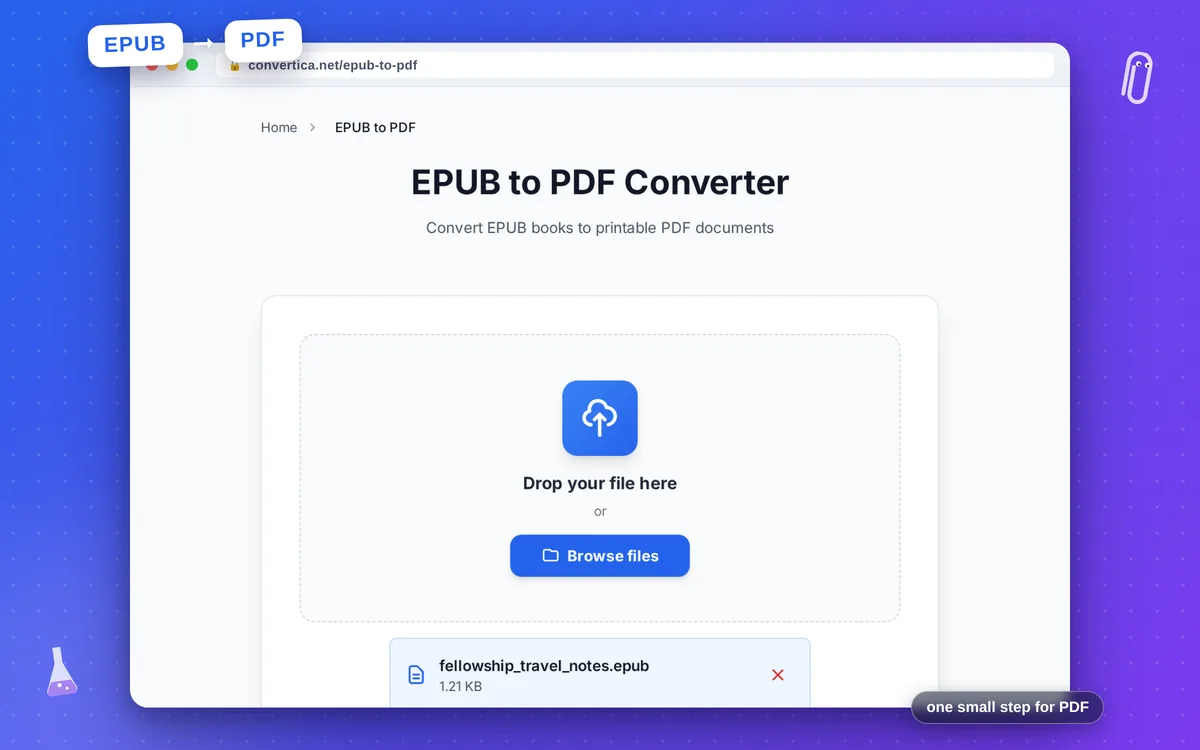
EPUB to PDF Converter
Convert EPUB books to printable PDF documents
Free conversions left today: /
Create a free account to get 4× more daily conversions. Sign up free · or go unlimited with Premium
Video Tutorial
How EPUB to PDF works
- Upload an EPUB file from your device.
- Click Convert EPUB to PDF and wait for processing.
- Download the generated PDF and review formatting.
Tip: For best results, use EPUB files with clean chapter markup and standard fonts.
Convert EPUB to PDF with chapter-aware formatting
EPUB to PDF is ideal when you need printable, shareable, and archive-friendly versions of eBooks. The converter keeps chapter order and core text structure so the output remains comfortable to read offline.
Free conversion covers everyday eBooks; Premium is tuned for larger inputs and longer documents, making it suitable for manuals, educational content, and internal documentation.
For best quality, upload EPUB files with clean markup, consistent heading levels, and embedded fonts.
Why use our EPUB to PDF converter?
Chapter-aware conversion
EPUB spine order and heading hierarchy are mapped into readable PDF flow.
High rendering quality
Designed for long-form eBooks with stable pagination and clean typography.
Higher limits
Handle larger files and longer books than standard free converters.
Tips for Better EPUB to PDF Output
- Use EPUB files with semantic headings for cleaner PDF chapter structure.
- Embedded fonts improve consistency between original eBook and PDF output.
- If layout looks dense, check source CSS and remove unnecessary overrides.
- For very large eBooks, split archives by volume for faster processing.
EPUB to PDF FAQ
Is EPUB to PDF available for free users?
Will chapter structure be preserved in PDF output?
What file size and page limits apply?
Can I print an EPUB after converting it to PDF?
Do DRM-protected EPUB files work?