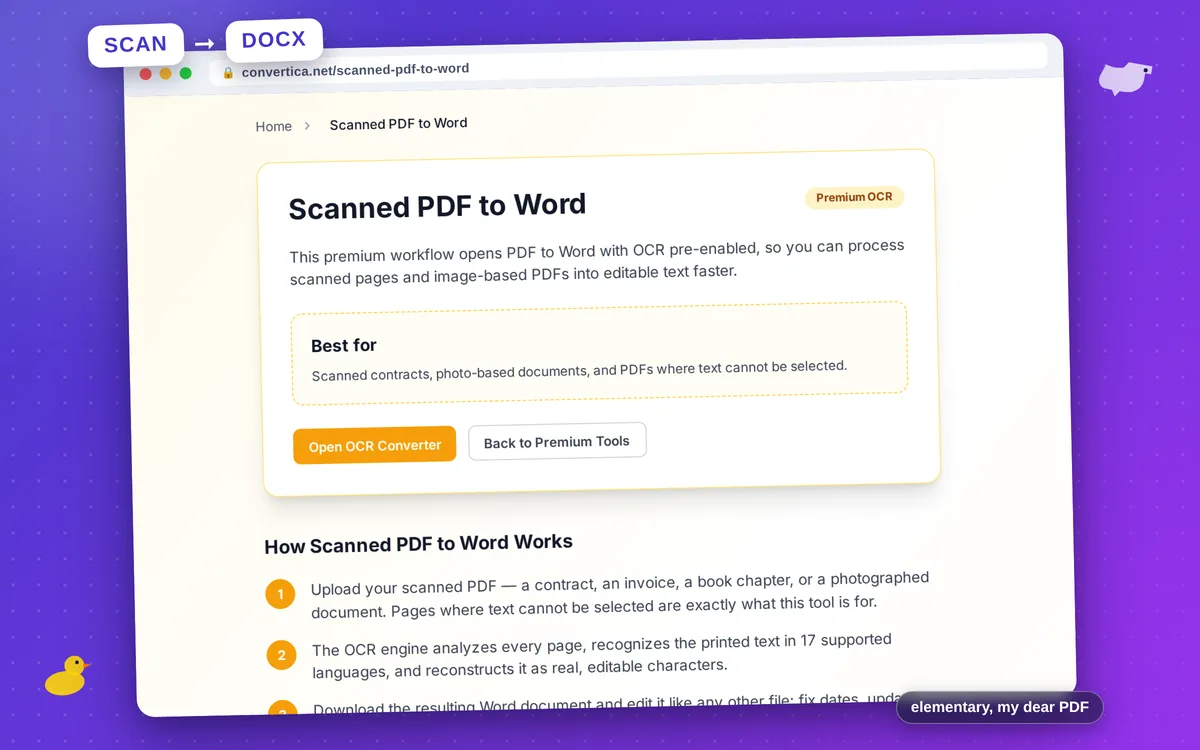
Scanned PDF to Word
Premium OCRThis premium workflow opens PDF to Word with OCR pre-enabled, so you can process scanned pages and image-based PDFs into editable text faster.
Best for
Scanned contracts, photo-based documents, and PDFs where text cannot be selected.
How Scanned PDF to Word Works
-
1
Upload your scanned PDF — a contract, an invoice, a book chapter, or a photographed document. Pages where text cannot be selected are exactly what this tool is for.
-
2
The OCR engine analyzes every page, recognizes the printed text in 17 supported languages, and reconstructs it as real, editable characters.
-
3
Download the resulting Word document and edit it like any other file: fix dates, update names, copy paragraphs, or reuse the content entirely.
Why Convert Scans Online Instead of Retyping?
Retyping a ten-page scanned contract takes hours and introduces typos; OCR does the same job in under a minute. There is nothing to install — the converter runs in the browser on Windows, macOS, Linux, and mobile, and handles multi-page documents in one pass. Because recognition happens on our servers, even a low-powered laptop or phone can process large scans.
Scanned PDF to Word FAQ
What is OCR and when do I need it?
Which languages does the OCR recognize?
How accurate is scanned PDF to Word conversion?
Is the scanned PDF to Word converter free?
Will the document formatting be preserved?