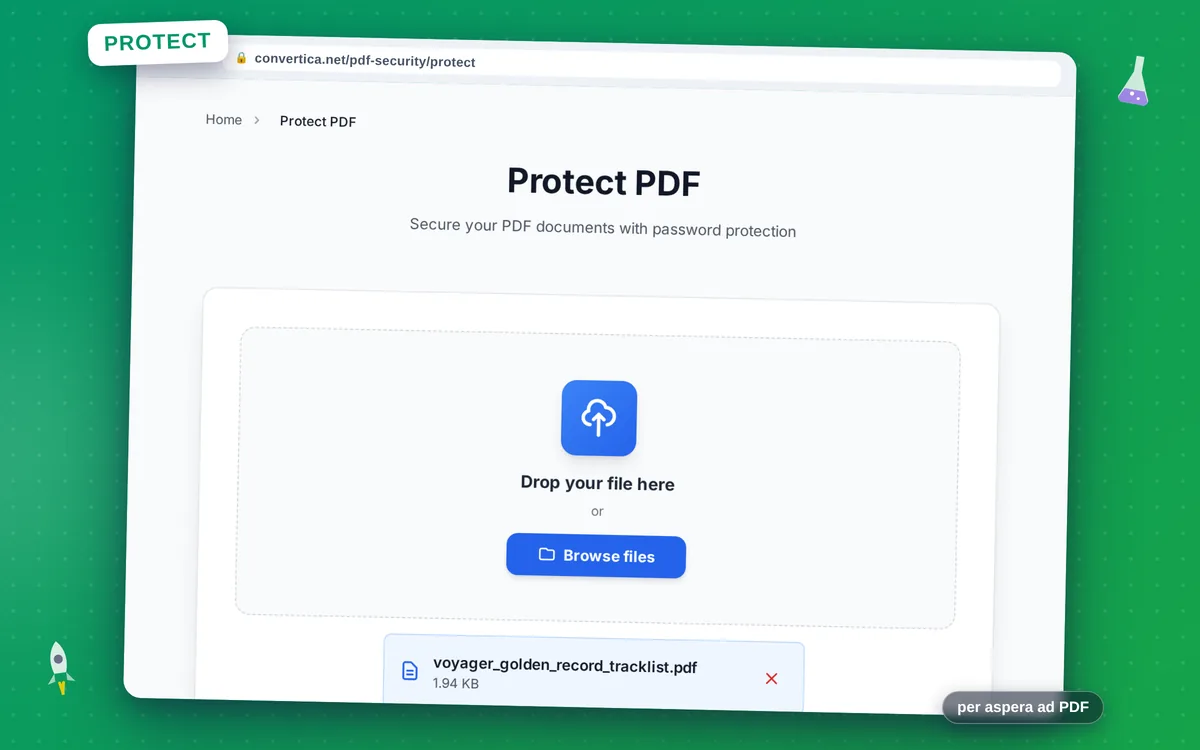
Protect PDF
Secure your PDF documents with password protection
Video Tutorial
How it works
- Select your PDF file using the button above or drag and drop it into the zone below
- Enter a password to protect your PDF file (required) and optionally set user/owner passwords
- Click the protect button to encrypt your PDF with password protection
- Download your password-protected PDF file using the download button
Note: PDF files with up to 30 pages are supported for password protection. For larger files, please split them into smaller parts. The password will be required to open, view, print, or edit the PDF.
Secure Your PDF Documents with Password Protection
Password protecting your PDF documents is essential for maintaining confidentiality and controlling access to sensitive information. Whether you're sharing financial reports, legal documents, or personal files, password encryption ensures only authorized people can access your content.
Our PDF protection tool uses strong AES encryption to secure your documents. You can set a single password for all access, or configure separate user and owner passwords to control different levels of access - from viewing only to full editing rights.
Perfect for businesses sharing confidential documents, individuals protecting personal files, and anyone who needs to control who can access their PDF documents.
Why Choose Our Tool?
Strong Password Encryption
Protect your PDF with industry-standard AES encryption. Your documents are secured with the password you choose, preventing unauthorized access.
User & Owner Passwords
Set separate passwords for users and owners. Control who can view, edit, print, or modify your PDF with different access levels.
Preserve Document Quality
Password protection doesn't affect your PDF content. All text, images, formatting, and document structure remain intact.
Instant Protection
Protect your PDF in seconds. Simply upload, set your password, and download your secured document. No software required.
Tips for Best Results
- Use a strong password with a mix of letters, numbers, and special characters.
- Write down or securely store your password - we cannot recover it if you forget.
- Use different user and owner passwords for more granular access control.
- Test opening the protected PDF to ensure you remember the password.
- For highly sensitive documents, consider additional security measures beyond encryption.
Frequently Asked Questions
How do I protect a PDF with a password?
What's the difference between user and owner passwords?
What encryption is used to protect PDFs?
Can I remove the password protection later?
Will I be able to open the protected PDF?