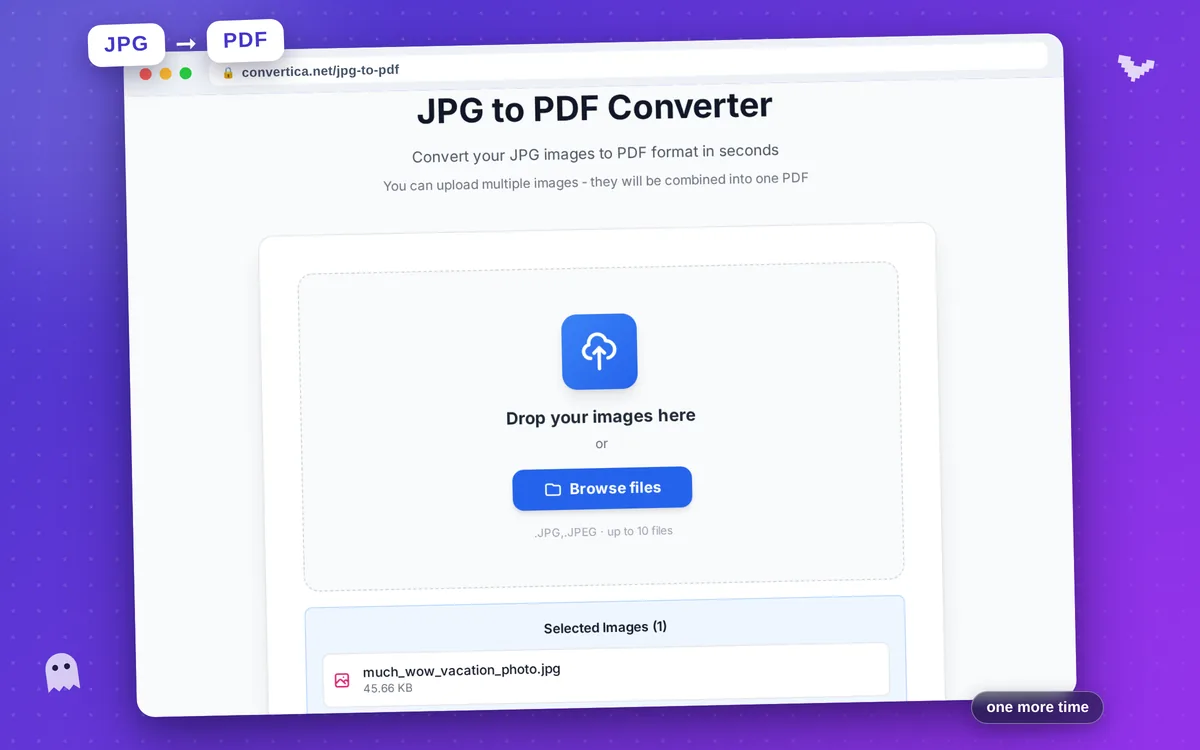
JPG to PDF Converter
Convert your JPG images to PDF format in seconds
You can upload multiple images - they will be combined into one PDF
Video Tutorial
How it works
- Click the button to select images or drag and drop them
- Add more images by clicking 'Add more images'
- Remove unwanted images by clicking the X button
- Select image quality (85 is recommended)
- Click Convert to combine all images into one PDF
- Download your converted PDF file
Note: Supports JPG, PNG, GIF, and BMP formats. Images will be combined in the order you select them.
JPG to PDF Converter - Create PDF from Images Online
Our free JPG to PDF converter transforms your images into professional PDF documents with just one click. Perfect for creating digital portfolios, converting scanned documents, preparing homework submissions, or archiving photos.
The converter maintains the original image quality - no compression means your photos and documents look exactly as intended. Each JPG image becomes a full page in the PDF, making it easy to create multi-page documents from your image collection.
Ideal for students submitting assignments, professionals preparing reports, photographers creating portfolios, and anyone who needs to share images in PDF format.
Why Choose Our Tool?
No Quality Loss
Convert JPG to PDF without compression - your images stay crystal clear
Multiple Image Support
Upload multiple JPG images and combine them into a single PDF document
Universal Format
PDF works everywhere - share documents easily with anyone
Instant Conversion
Fast processing - convert your images to PDF in seconds
Tips for Best Results
- Use high-resolution images for best PDF quality
- Ensure proper orientation before uploading for correct page layout
- For documents, scan at 300 DPI or higher for clear text
- Crop images before conversion to remove unwanted borders
- Name your images in order (1.jpg, 2.jpg) for easy organization
Frequently Asked Questions
How do I convert a JPG image to PDF?
Can I convert multiple JPG images to one PDF?
Is the image quality preserved during conversion?
What image formats are supported?
Is there a file size limit?