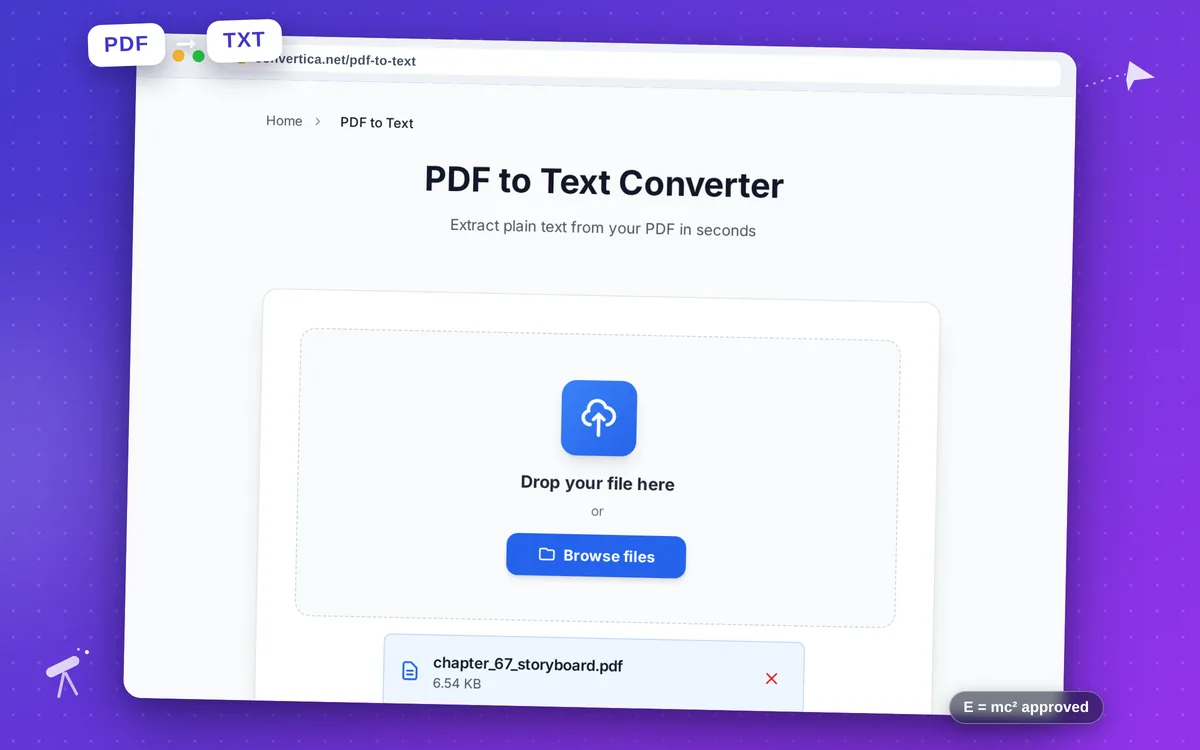
PDF to Text Converter
Extract plain text from your PDF in seconds
Free conversions left today: /
Create a free account to get 4× more daily conversions. Sign up free · or go unlimited with Premium
Video Tutorial
How it works
- Select your PDF file using the button above or drag and drop it into the zone
- Optionally enable page numbers or layout preservation
- Click the convert button to extract text from your PDF
- Download your plain text (.txt) file
Note: Free users can extract text from PDF files with up to 30 pages. The extracted text is saved as a plain UTF-8 encoded .txt file.
Extract plain text from PDF files
PDF to Text extraction pulls all embedded text from your PDF and saves it as a plain UTF-8 encoded .txt file. This is ideal for data processing, indexing, archiving, or feeding content into other tools.
Text-based PDFs extract cleanly and quickly. For scanned documents, consider running OCR first to generate selectable text before using this tool.
Why Choose Our Tool?
Plain Text Output
Extracts all text content from your PDF into a clean, portable .txt file
Page Number Dividers
Optionally add page separators so you know where each page begins
Layout Preservation
Option to preserve text positioning and column structure from the original
Instant Extraction
Fast text extraction with immediate download
Tips for PDF Text Extraction
- Enable page numbers to easily navigate large extracted documents.
- For multi-column PDFs, try enabling layout preservation for better results.
- Scanned PDFs require OCR before text extraction — use our PDF to Word tool for that.
PDF to Text FAQ
What text formats can be extracted from a PDF?
What does the 'preserve layout' option do?
Will the output include images or tables?
Can I extract text from a scanned PDF?
When is plain text better than Word output?