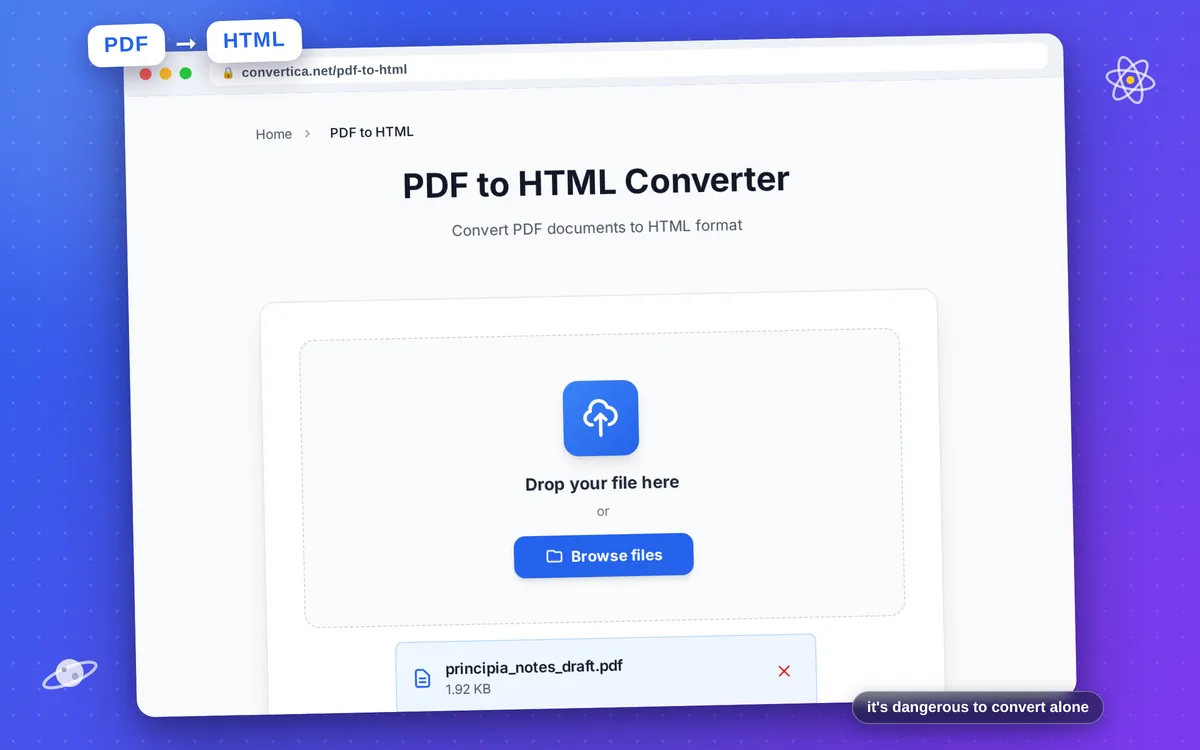
PDF to HTML Converter
Convert PDF documents to HTML format
Free conversions left today: /
Create a free account to get 4× more daily conversions. Sign up free · or go unlimited with Premium
How it works
- Select your PDF file using the button above or drag and drop it into the zone below
- Click the convert button to start converting PDF to HTML
- Wait for the PDF to HTML conversion to complete - text and content will be extracted from your PDF and converted to HTML format
- Download your HTML file - your PDF has been successfully converted to HTML for web publishing
Note: Free users can convert PDF files with up to 30 pages. Premium users have higher limits. Text content will be extracted and formatted as HTML. Images from the PDF will be embedded as base64 for easy web publishing.
Convert PDF Documents to HTML for Web Publishing
Converting PDF documents to HTML format opens up new possibilities for content distribution and web publishing. HTML is the standard format for web pages, making your content accessible to anyone with a web browser.
Our PDF to HTML converter extracts text, images, and basic formatting from your PDF and generates clean HTML code. This is perfect for migrating content to websites, creating web-accessible versions of documents, or extracting content for further editing.
Ideal for content managers publishing documents online, developers extracting content for web applications, and anyone who needs to make PDF content available on the web in a searchable, accessible format.
Why Choose Our Tool?
Clean HTML Output
Convert your PDF to clean, well-structured HTML code. The output is ready for web publishing, content management systems, or further editing.
Images Embedded
Images from your PDF are automatically converted and embedded as base64 data URLs, making your HTML file completely self-contained.
Text Extraction
All text content is extracted from your PDF and properly formatted in HTML. Perfect for content migration and web publishing workflows.
Web-Ready Format
The converted HTML is ready to be published on any website or imported into your CMS. Compatible with all modern browsers.
Tips for Best Results
- For best results, use PDFs with clear text content rather than scanned images.
- Add your own CSS stylesheet to the HTML for custom styling that matches your website.
- Check the converted HTML for any formatting that may need manual adjustment.
- Large PDFs with many images will create larger HTML files due to embedded images.
- Consider using a code editor with HTML formatting to review and edit the output.
Frequently Asked Questions
How do I convert a PDF to HTML?
Will images from my PDF be included in the HTML?
Can I edit the HTML after conversion?
Is the HTML compatible with all browsers?
Can I use the HTML on my website?