

We have shipped a lot since the last news post. The short version: five tools left Premium, two new converters landed, and Premium learned to keep working after you close the tab. Here is what changed.
Five tools are now free
These used to sit behind Premium. Not anymore:
- HEIC to JPG (iPhone photos)
- PDF to Markdown
- EPUB to PDF and PDF to EPUB
- PDF to Text
- Sign PDF
Per-tool paywalls are gone too. In their place there is one simple daily allowance shared by every tool on the site: 10 conversions a day without an account, 40 a day with a free account, no limit on Premium. Only successful conversions count, and the counter resets every day. Batch processing, OCR and oversized files stay Premium.
New: password-protect a photo
Need to send a passport scan or a document photo? Protect Image wraps one or several pictures into a single PDF locked with AES-256 encryption. Whoever receives the file needs the password to open it. Free, like the other image tools.
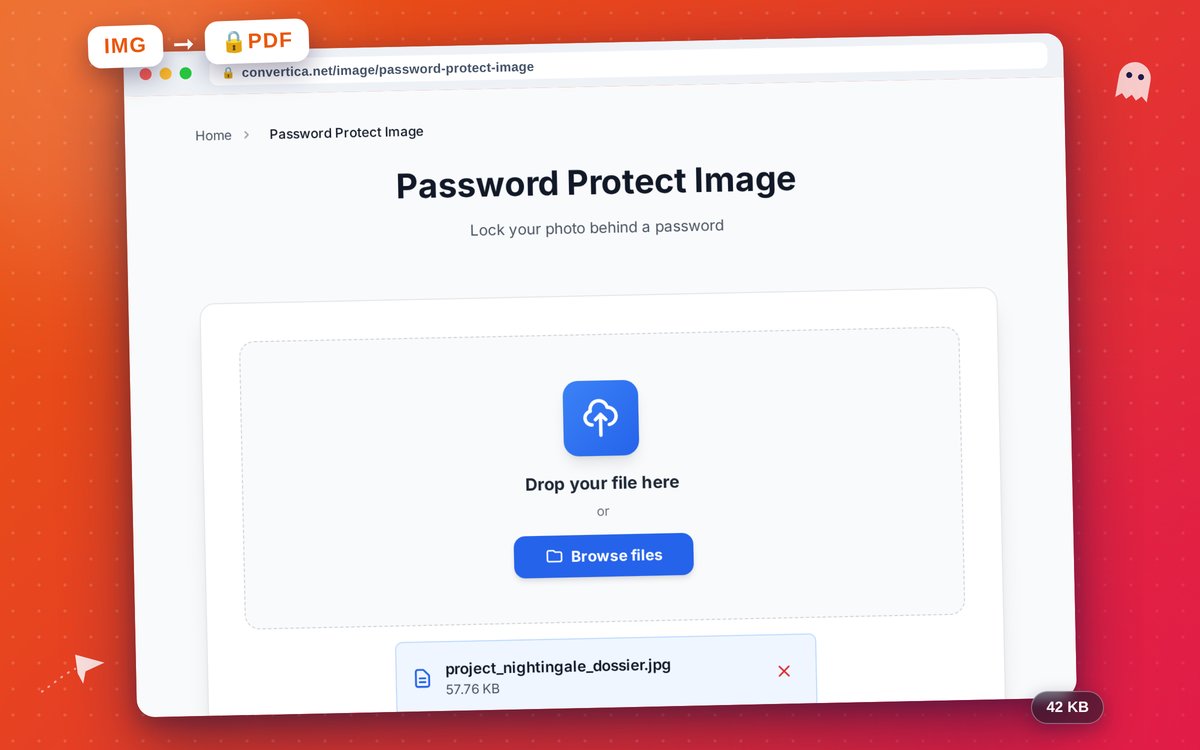
New: PDF to PDF/A for archives
Courts, universities and government portals often accept only PDF/A, the ISO format for long-term archiving. The new PDF to PDF/A converter outputs PDF/A-1b, 2b or 3b and verifies that the result really declares conformance before handing it to you. Part of Premium.
Premium: close the tab, we keep working
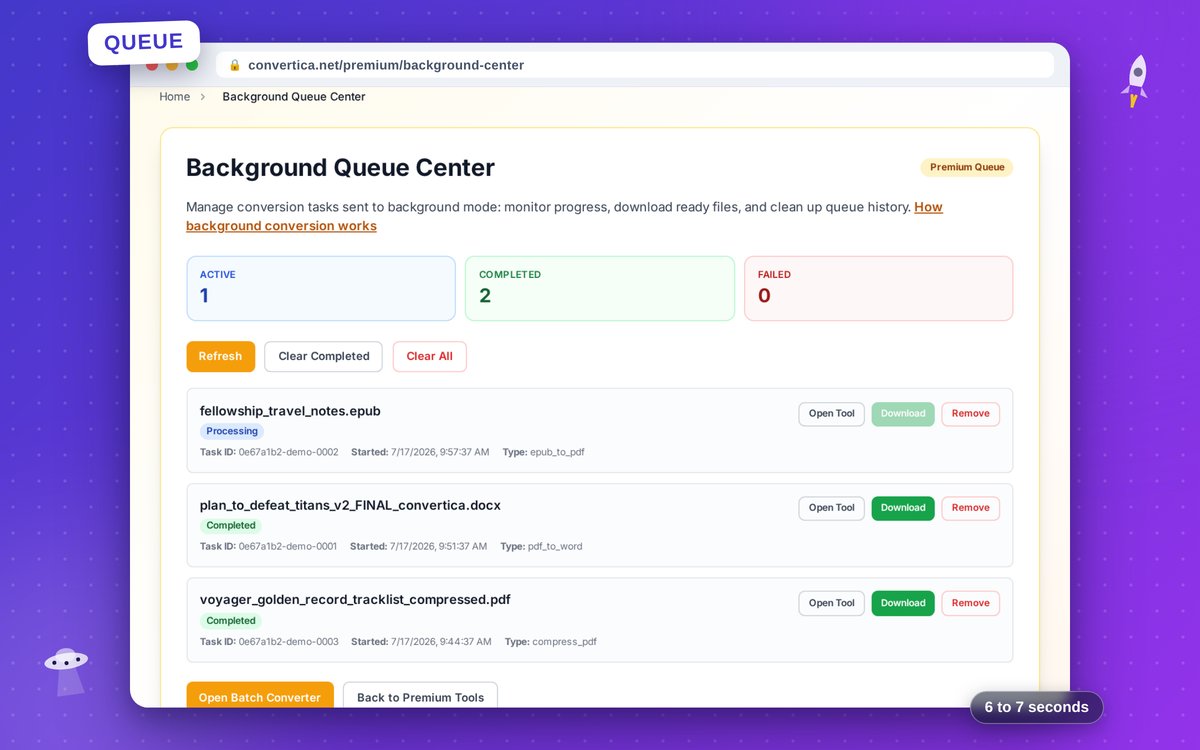
Long jobs like OCR on a thick scan used to hold your browser tab hostage. Premium users can now send any long conversion to the background and move on. When it finishes:
- the result arrives by email (attached up to 10 MB, otherwise as a download link),
- the browser shows a push notification, even if you are on another site,
- the file is waiting in your new conversion history.
The details live on the Background Tasks page.
Premium: saved workflows
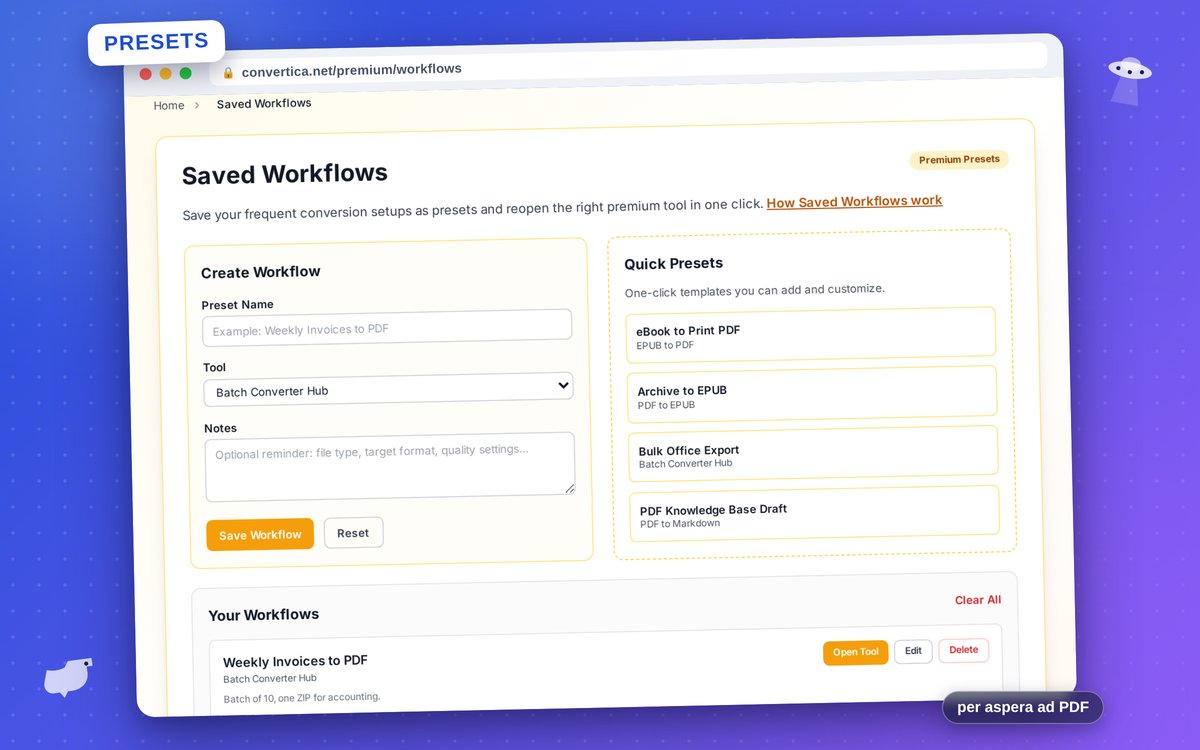
Compress invoices with the same settings every Friday? Save the tool together with its settings as a workflow and reopen everything in one click. Workflows live in your browser and sync through your account, so a preset saved at the office shows up on your laptop at home. More on the Saved Workflows page.
Protect PDF: decide what readers may do
Protect PDF still encrypts files with AES-256 for free. Premium adds permission controls on top: block printing, copying or editing of the protected file.
Install Convertica as an app
Convertica now installs on your phone or computer like a regular app: an icon on the home screen, its own window, no browser clutter. No app store involved. The installation guide covers iPhone, Android, Windows and Mac.
Faster, quieter, fixed
- Pages load noticeably faster; most now hit near-perfect PageSpeed scores.
- We dropped third-party analytics. Visits are counted by our own cookie-free counter.
- Every tool page now shows a screenshot of the tool in action, and many have short video tutorials.
- Fixed a bug that rendered converter pages blank for some Arabic-speaking users, plus dozens of smaller converter fixes.
Try it
Everything above is already live. Browse all tools to see the full lineup, and if something misbehaves, tell us through the contact form. Your reports shaped half of this release.


