What is HEIC and why does your iPhone use it?
HEIC (High Efficiency Image Container, based on the HEIF standard) has been the default camera format on iPhones since iOS 11 in 2017. Apple picked it for one reason: at the same visual quality, a HEIC photo takes roughly half the storage of a JPG. Across a camera roll with thousands of photos, that's a serious amount of space - which is why your phone shoots HEIC unless you tell it otherwise.
The catch is compatibility. JPG has been everywhere for thirty years; HEIC has not. Windows needs paid codec extensions to open it, older Android devices struggle, many websites and government portals reject it at upload, and most printing kiosks have never heard of it.
Method 1 - Convert online (works for files you already have)
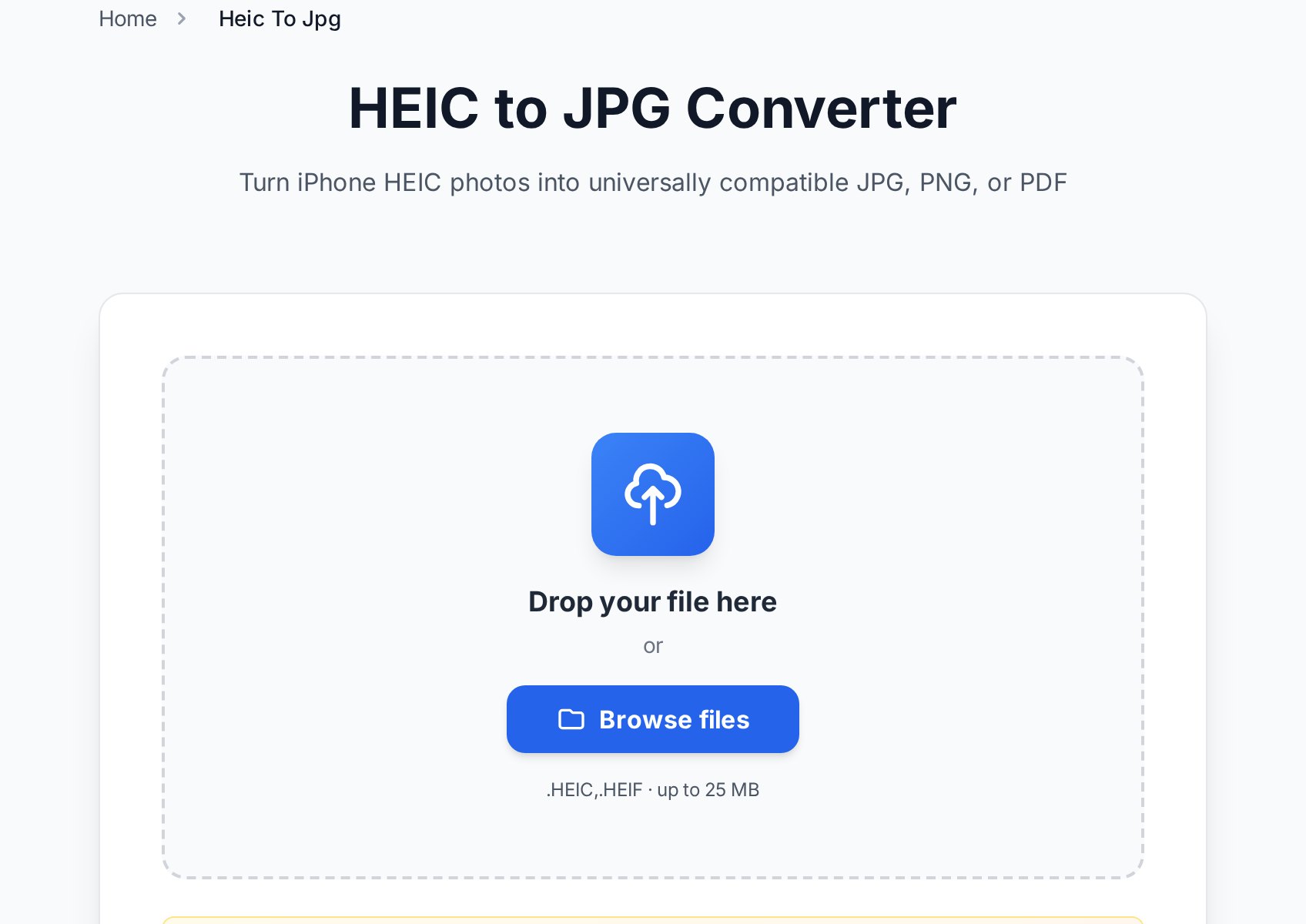
When the HEIC file is already on your computer - emailed to you, copied from a phone, downloaded from a cloud album - converting it in the browser is the shortest path:
- Open the HEIC to JPG converter and upload your .heic or .heif file (up to 25 MB).
- Pick the output: JPG for universal compatibility, PNG if you need lossless quality, or PDF if the photo has to travel as a document.
- Download the converted file. It opens in any version of Windows, every office suite, and uploads anywhere.
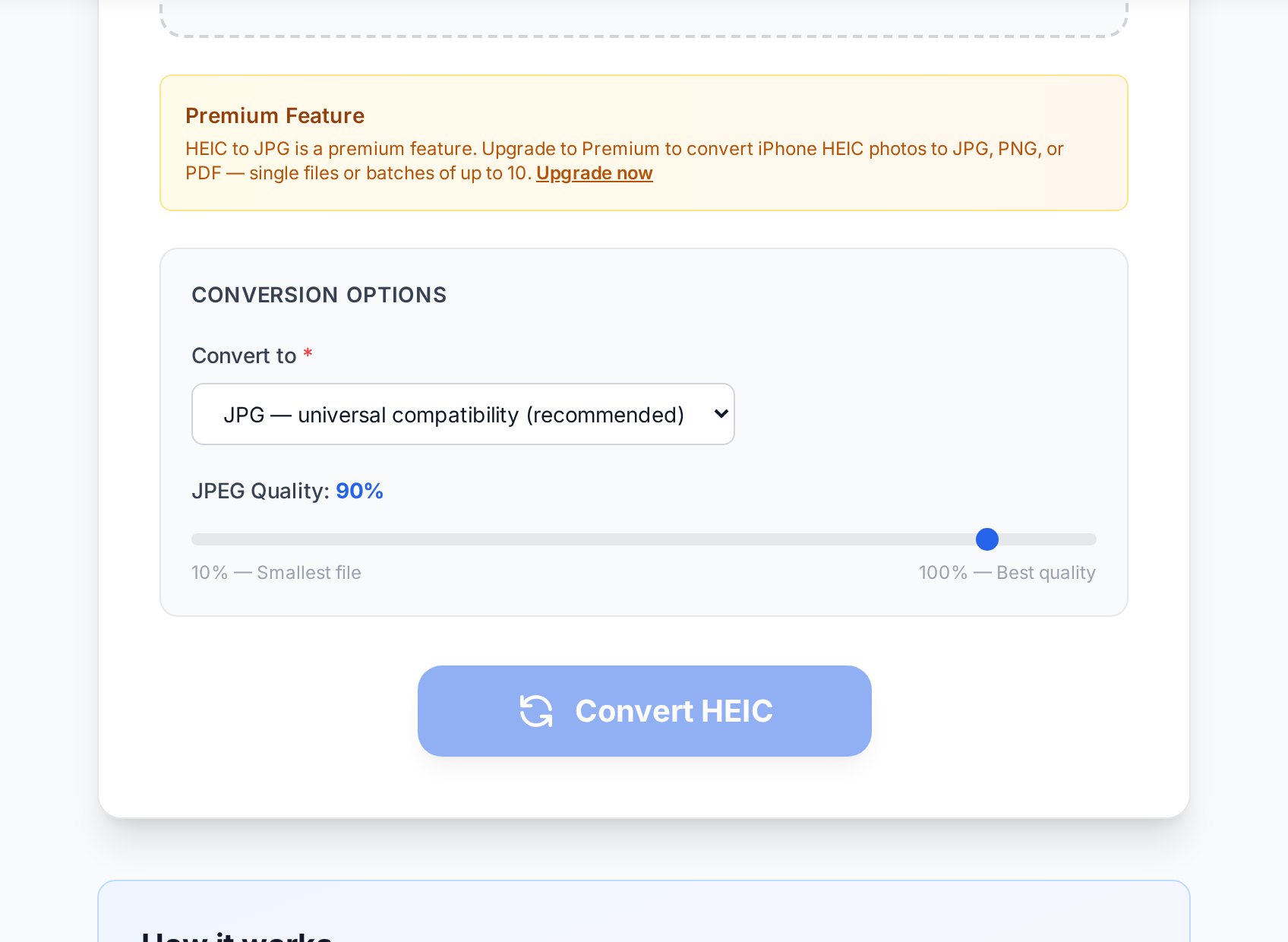
The converter is part of Convertica's premium toolset, and premium users can batch-convert up to 10 HEIC photos at once - useful when a whole album needs to become JPGs. If you only occasionally bump into a single HEIC, the two free methods below might be all you need.
Method 2 - Tell your iPhone to shoot JPG (free, for future photos)
If HEIC keeps getting in your way, switch the camera format on the phone itself:
- Open Settings and go to Camera.
- Tap Formats.
- Select Most Compatible instead of High Efficiency.
From now on the camera saves JPGs directly. The trade-off is honest: your photos will take roughly twice the storage, and 48 MP ProRAW-adjacent modes on newer iPhones may be limited. Many people leave HEIC on for the space savings and convert individual photos only when something demands a JPG.
Method 3 - The built-in share trick (free, one photo at a time)
Two quiet behaviours of iOS can save you a conversion entirely:
- Email and many messengers convert automatically. Share a photo through Mail and it usually arrives as JPG, not HEIC.
- Copy-paste converts too. If you select photos in the Photos app, tap Share, then Copy Photos, and paste them into a folder or document, iOS hands over JPGs.
There's also a setting that fixes USB transfers: Settings > Photos > Transfer to Mac or PC > Automatic. With that enabled, photos copied over a cable arrive in a compatible format even if they're stored as HEIC on the phone.
Will converting HEIC to JPG lose quality?
Technically the photo is re-encoded, so some recompression happens. In practice, at a high quality setting the difference is invisible - you will not find it without zooming to pixels and comparing side by side. Two things are worth knowing:
- The JPG will be larger than the HEIC it came from - often close to double. That's not added quality; it's just JPG being a less efficient compressor. It is exactly why Apple switched away from it.
- If the photo is going to be edited heavily afterwards, convert to PNG instead. PNG is lossless, so repeated saves won't stack compression artifacts.
Which output should you pick: JPG, PNG, or PDF?
- JPG - the default answer. Smallest of the three, opens everywhere, right for photos going to the web, chat, or office documents.
- PNG - lossless and bigger. Pick it for screenshots-of-photos workflows, heavy editing, or when an upload form insists on PNG.
- PDF - when the photo must behave like a document: an insurance claim, a receipt, a signed page photographed with the phone. If you have several photos that belong in one document, convert them with the JPG to PDF tool instead - it merges multiple images into a single PDF.
FAQ
Why does Windows ask me to pay to open HEIC?
Microsoft ships the HEVC video codec that HEIC depends on as a paid add-on, so a fresh Windows install can't decode the format. Converting the file to JPG sidesteps the whole problem - nothing to install, nothing to buy.
Does conversion keep the photo's metadata?
The image itself converts cleanly. Some metadata (location, camera settings) may not survive the trip, so if EXIF data matters for your use case, check the converted file before deleting the original.
Can I convert a whole album at once?
Premium users can upload up to 10 HEIC files per batch and get a ZIP back. For hundreds of photos, the better move is the iPhone-side fix: set the camera to Most Compatible, or use the automatic USB transfer setting, so the photos never need converting at all.
What's the difference between HEIC and HEIF?
HEIF is the standard; HEIC is the specific flavour Apple uses (HEIF container with HEVC compression). For converting purposes they behave the same, and the tool accepts both extensions.
Is HEIC better than JPG?
As a storage format, yes - same quality at about half the size, plus support for 10-bit colour and live photos. As an exchange format, no - the world still speaks JPG. The sensible setup is HEIC on the phone, JPG for sharing, which is exactly what the methods above give you.
Try it now
If a HEIC file is sitting on your desktop right now refusing to open, drop it into the HEIC to JPG converter, pick JPG, and you're done in seconds. And if this happens to you weekly, spend one of those seconds flipping your iPhone camera to Most Compatible - future you will be grateful.