

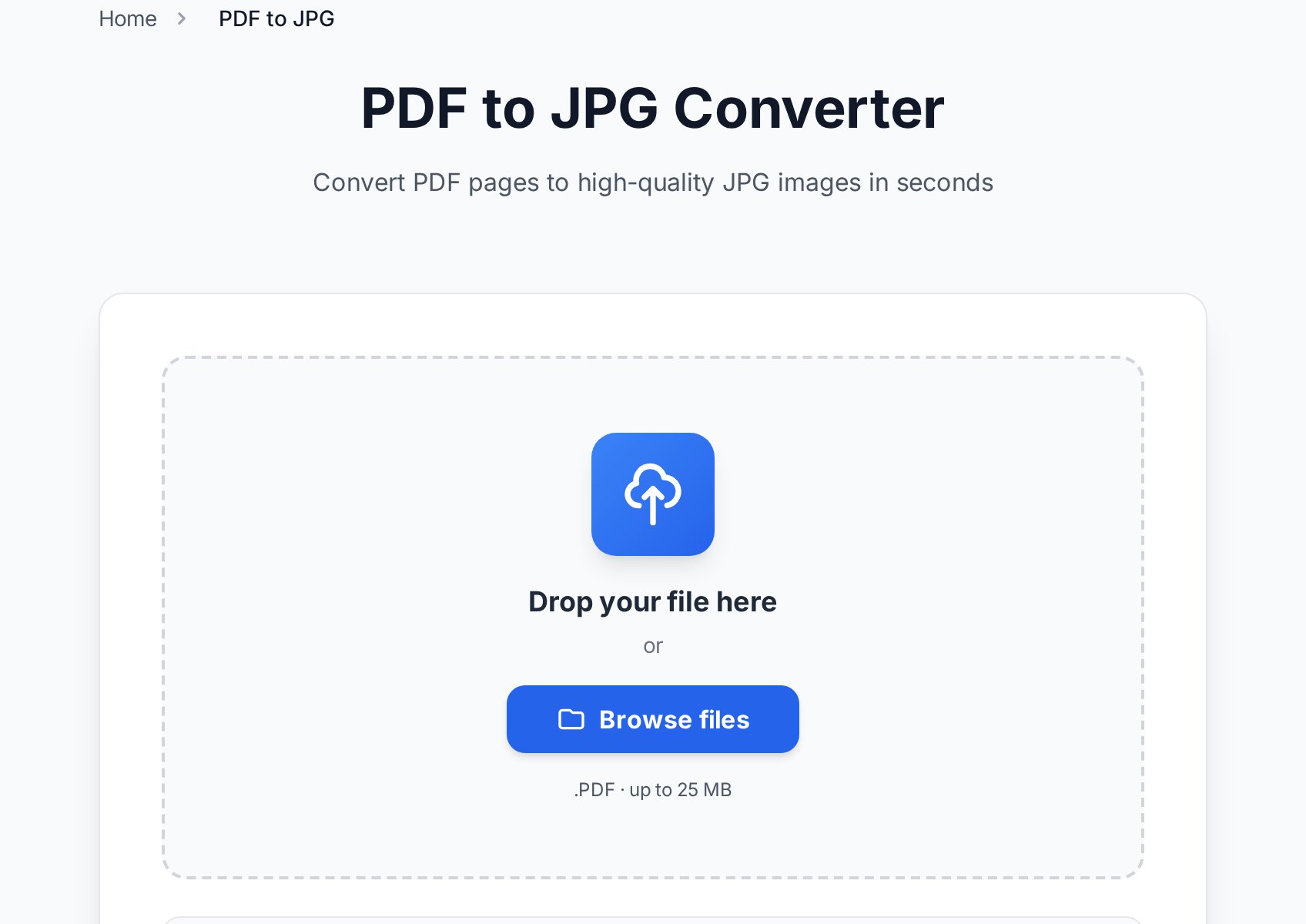
PDF to JPG: the resolution decision
When you export a PDF page to JPG, the tool renders the page as a bitmap at a chosen resolution, measured in DPI (dots per inch). This single number decides whether your text stays sharp or turns to mush.- 72-96 DPI - screen-only. Fine for a thumbnail or a quick preview, too soft for anything with small text.
- 150 DPI - the sweet spot for sharing on screens. Text reads cleanly on a phone or monitor and the file stays light.
- 300 DPI - print quality. Use this if the image will be printed or zoomed into. Files get larger, but text and fine lines stay crisp.
If your JPG looks blurry, you almost certainly exported at too low a DPI. Re-export at 150 for screens or 300 for print - you can't sharpen a low-resolution image after the fact.A multi-page PDF becomes one JPG per page. Decide upfront whether you want every page or just one - exporting a 40-page report to 40 images when you only needed page 3 is the most common time-waster here. Most tools let you pick a page range before converting.
JPG or PNG? It matters more than you think
JPG and PNG compress differently, and for documents the difference is visible. JPG uses lossy compression that's great for photographs but creates faint "halos" around sharp black text on white - exactly the content most documents are made of. PNG is lossless and keeps text edges razor-clean.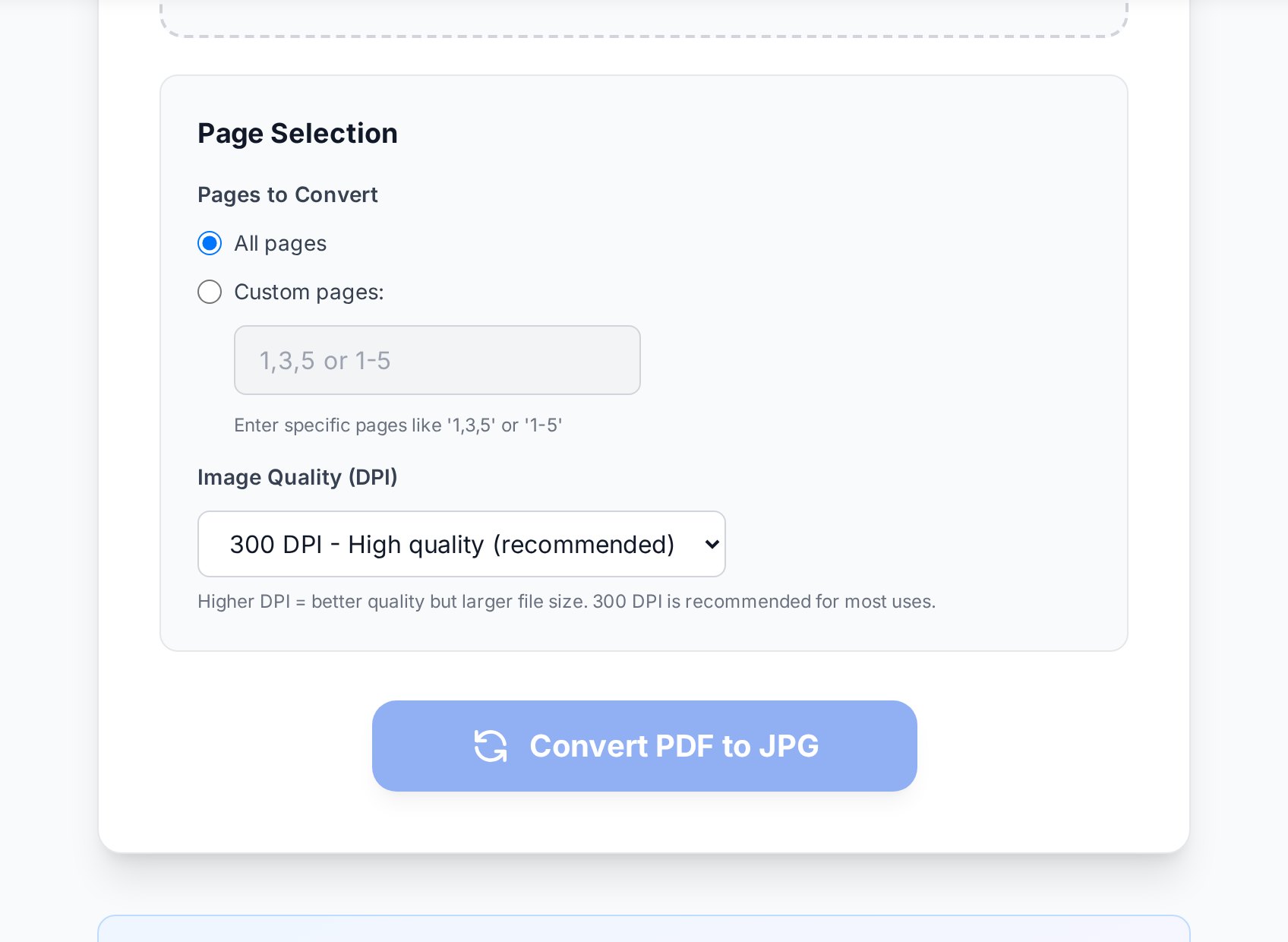
JPG back to PDF: keep the order
Rebuilding a PDF from images is where things quietly go wrong. The trap is filename ordering. If your photos are namedIMG_2, IMG_10, IMG_1, many tools sort them alphabetically, which puts IMG_10 before IMG_2. Your pages end up shuffled.
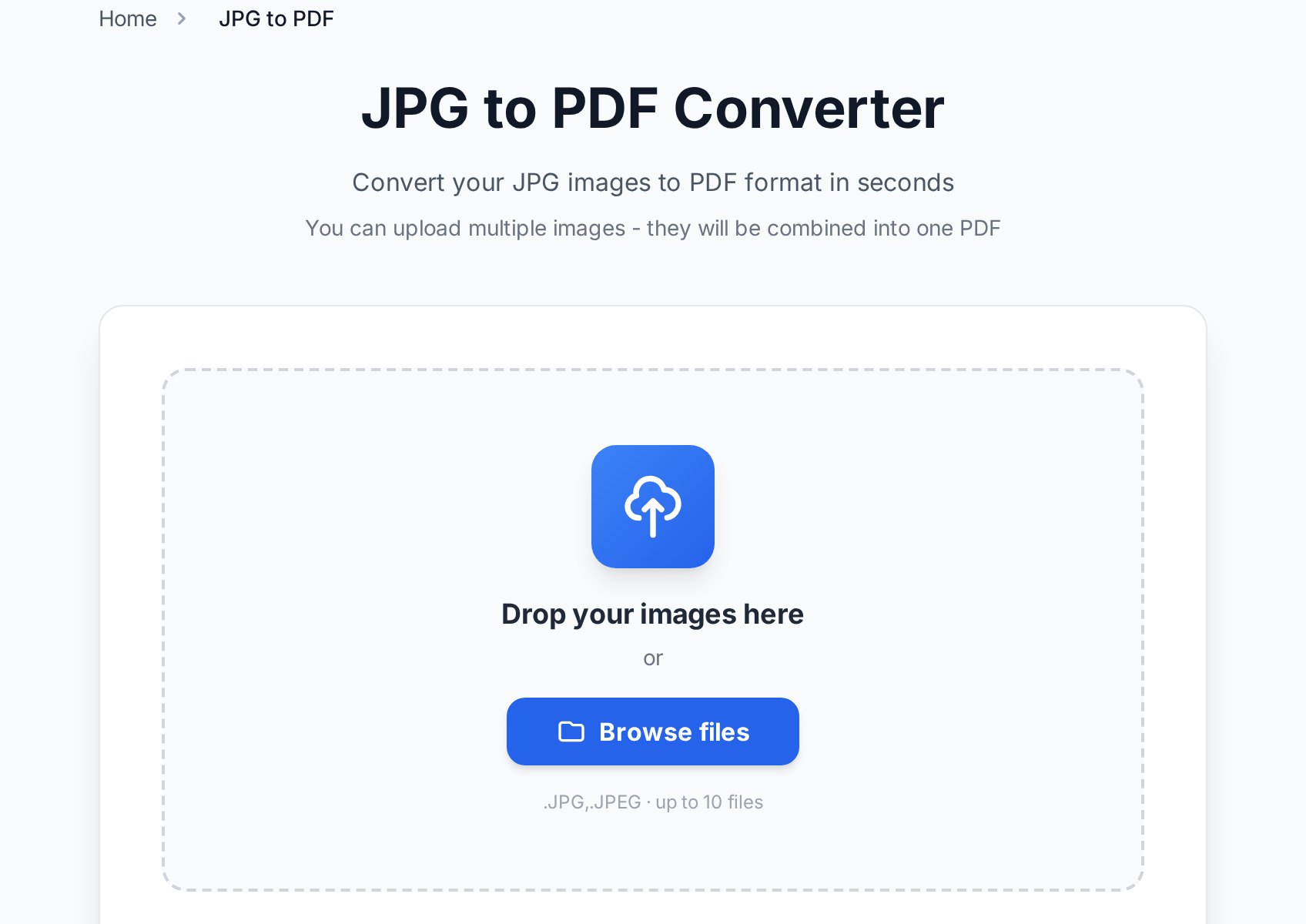
- Upload all the images at once rather than one at a time.
- Check the order in the preview before exporting. Drag thumbnails to fix any that landed out of sequence.
- Set a consistent page size if the images vary - otherwise a portrait scan and a landscape photo produce mismatched pages.
- Export, then scroll the result once to confirm the sequence reads correctly.
Common scenarios
Posting one PDF page to a marketplace or social app
Listings and social platforms reject PDFs but accept images. Export just the page you need at 150 DPI as JPG, and it uploads like any photo. For a flyer with a lot of text, use PNG so the small print stays legible when someone zooms in.
Turning phone photos of a document into a PDF
Photograph each page in even light, upload them together, fix the order in the preview, and export. If the photos are large, the resulting PDF can be heavy - compress the PDF afterwards to make it email-friendly.
Sending a scan through an app that only takes images
Some chat and upload forms accept JPG but not PDF. Convert each page to JPG at 150 DPI and send the images, or rebuild later if the recipient needs a single document.
Quality and file-size tips
- Going PDF → JPG → PDF re-compresses the content each time. Don't round-trip a file repeatedly; keep the original PDF and export images from it as needed.
- Photos straight from a phone are often 4000 pixels wide - far more than a document needs. Converting them to a PDF first, then compressing, usually shrinks the file dramatically with no visible loss.
- If you rebuilt a PDF from scans and now need to search or copy the text, run OCR on it - images of text aren't searchable until you do.
FAQ
How do I convert a PDF to JPG without losing quality?
Export at 300 DPI for print or 150 DPI for screens. Quality loss in PDF-to-JPG comes from choosing too low a resolution, not from the conversion itself. For text-heavy pages, PNG preserves edges better than JPG.
Which is better for documents, JPG or PNG?
PNG for text and line art, because its lossless compression keeps edges sharp. JPG for photographs, because it produces much smaller files with no visible loss on continuous-tone images.
How do I combine several JPGs into one PDF in the right order?
Upload all the images together, then check and drag the thumbnails in the preview before exporting. Don't rely on filename order - alphabetical sorting puts IMG_10 before IMG_2 and scrambles your pages.
Why is my PDF huge after I made it from photos?
Phone photos are very high resolution, so a PDF built from them inherits that size. Compress the finished PDF, or downscale the images before converting if you don't need print resolution.
Can I convert just one page of a PDF to an image?
Yes. Set a page range before converting so you get only the page you need instead of one image per page across the whole document.
Try it now
Going out to images? Open the PDF to JPG tool. Coming back to a document? Use JPG to PDF to combine everything in order - or browse all PDF tools for the rest of the workflow.


