

Two things called a "signature" that are not the same
Before signing anything, it helps to know which of these you actually need, because they solve different problems.
- An electronic signature is a picture of your signature placed on the page: typed, drawn with a mouse or finger, or uploaded as an image. It shows intent to sign and is what almost every everyday form, lease, or internal approval asks for.
- A digital signature is a cryptographic seal tied to a certificate. It does not just show your name, it mathematically proves who signed and that the file has not changed since. Banks, governments, and some legal filings require this stronger kind.
For the vast majority of documents that land in your inbox, an electronic signature is exactly what is being asked for. If a document specifically requires a certified digital signature, it will say so, and usually points you to a specific provider or a government portal.
Sign a PDF on screen (the everyday way)
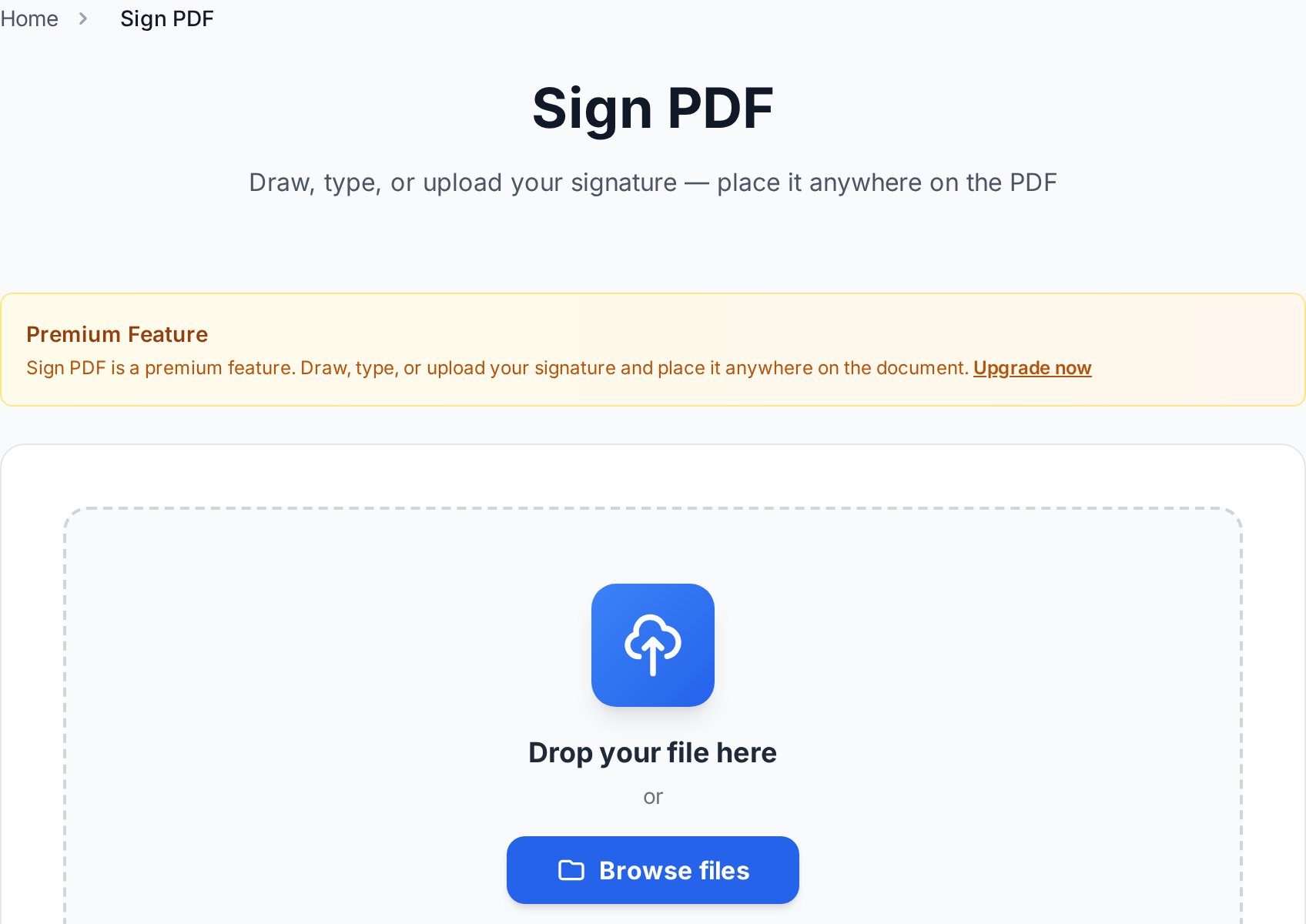
- Open the Sign PDF tool and upload your file.
- Create your signature: type it and pick a handwriting style, draw it with your mouse or finger, or upload a photo of your real signature.
- Place it where it belongs on the page, resize it, and add the date or your initials if the form needs them.
- Download the signed PDF. It is ready to send back, and it opens the same everywhere.
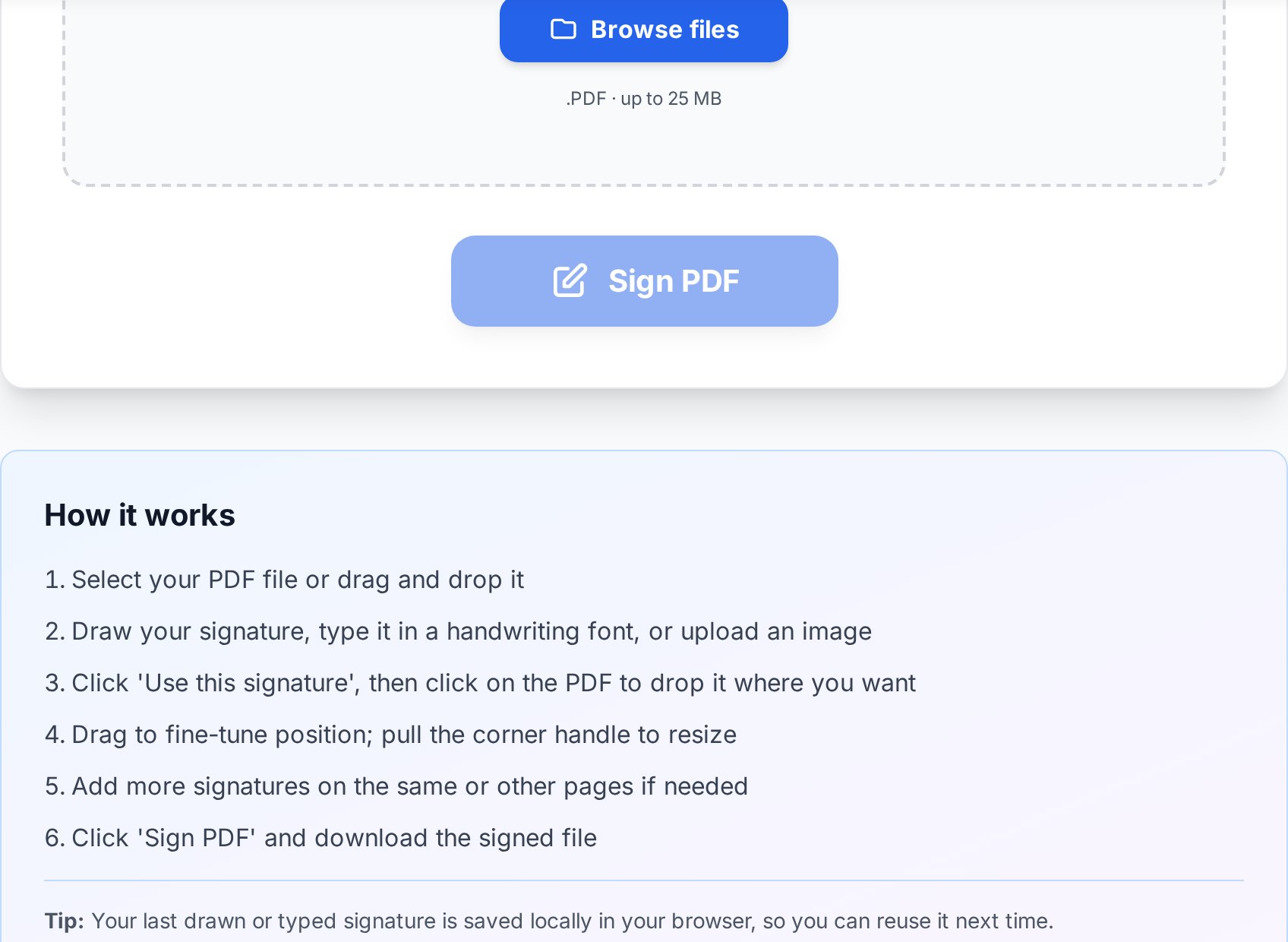
The whole thing takes under a minute, and the uploaded file is removed from the server after a short window, which matters when the document is a contract rather than a throwaway.
Getting a clean signature
A few small things make an on-screen signature look right instead of clumsy:
- Drawing on a phone or tablet beats a mouse. A finger or stylus gives a far more natural line than dragging a mouse pointer.
- If you upload a photo of your signature, sign in dark ink on plain white paper, then crop tight. A clean, high-contrast image places much better on the page.
- Match the size to the line. An oversized signature sprawling across a form looks off. Resize it to sit neatly on the signature line.
Keep the signed file from being changed
Once a document is signed, you usually do not want anyone editing it afterward. An electronic signature is an image, so it does not lock the file on its own. If the document is sensitive, add a password so it cannot be altered or opened by the wrong person: run it through the Protect PDF tool before sending. If you are emailing signed contracts regularly, our guide on password-protecting a PDF before emailing covers doing it safely.
FAQ
Is an electronic signature legally valid?
In most countries an electronic signature is legally recognized for everyday agreements, and laws like the US ESIGN Act and the EU eIDAS regulation back that up. Some specific documents (certain property, court, or notarized filings) require a stronger certified digital signature. When that is the case, the document or the requesting party will tell you.
What is the difference between an electronic and a digital signature again?
An electronic signature shows intent, a picture of your signature on the page. A digital signature adds cryptographic proof of identity and that the file is unchanged. Everyday forms need the first; regulated filings sometimes need the second.
Can I sign a PDF on my phone?
Yes, and it is often the best way, because you can draw your signature with a finger for a natural look. Open the tool in your phone browser, draw, place, and download, no app required.
Will signing change the rest of the document?
No. Your signature is added as an element on the page. The existing text, layout, and other pages stay exactly as they were.
Do I need to print anything?
No. The point of signing on screen is to skip printing and scanning entirely. You upload the PDF, add your signature, and download a finished file.
Try it now
If a form is sitting in your inbox waiting for a signature, open the Sign PDF tool, add your signature, and send it back in a minute. And if the signed copy is confidential, lock it with Protect PDF before it leaves your outbox.


