

What "locked" actually means for a PDF
A PDF can carry two separate passwords, and a lot of confusion comes from treating them as one thing.
- The open password (also called the user password). Without it, the file will not open at all. The content is encrypted, so a reader has nothing to display until the correct password is typed. This is the password that pops up the moment you double-click the file.
- The owner password (also called the permissions password). The file opens without any prompt, but the author has switched off certain actions: copying text, printing, editing, filling forms, or extracting pages. You can read it, yet the buttons you want are greyed out.
A single PDF can have one, the other, or both. Knowing which you have tells you immediately how much work is ahead. Removing an owner password from a file you can already open is quick. Getting past an open password you do not know is a different matter, and often impossible by design, which is exactly the point of encryption.
Case 1: you know the password and want to stop being asked
This is the common one. A colleague sent you the password, or you set it yourself, and now you are tired of typing it every time the file opens. You want a clean copy with no password at all.
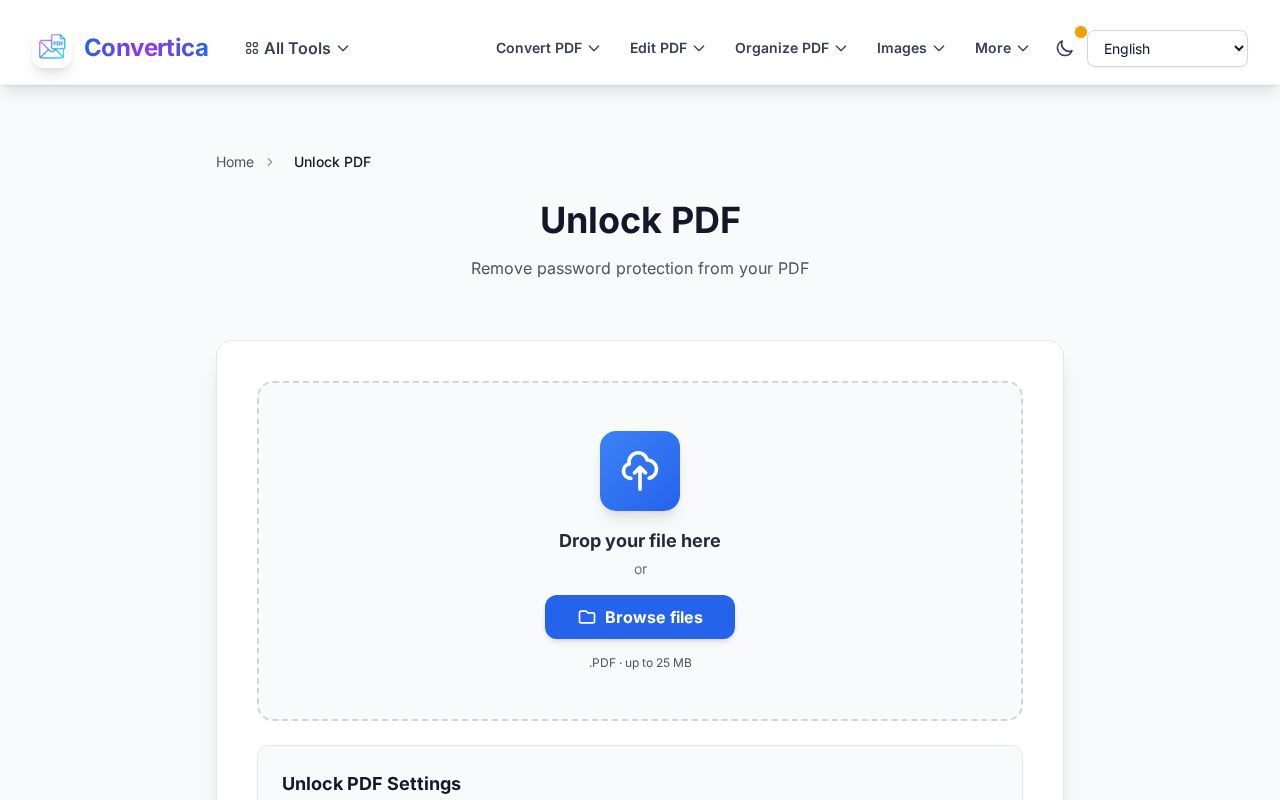
- Open the Unlock PDF tool and upload the file.
- If the PDF has an open password, type it when asked. The tool needs it to decrypt the content, the same way your reader does.
- Download the result. It is the same document with the password stripped out, so it opens straight away and lets you copy, print, and edit normally.
The whole thing takes a few seconds, and the uploaded file is removed from the server shortly after, so you are not leaving a sensitive document lying around.
Case 2: the file opens but blocks copy, print, or edit
Here the PDF has only an owner password. You can read it, which means you already have legitimate access, but the author disabled some actions. If it is your own document, or one you are cleared to work with, removing those restrictions is straightforward: run it through the same Unlock PDF tool and download a copy with permissions restored. No password prompt is involved, because you were never blocked from opening it in the first place.
One honest note on this type. Owner-password restrictions were never strong protection. Many PDF readers ignore them, and the format itself treats them as a request rather than a wall. So if your goal is to actually protect a document, restrictions are the wrong tool. More on the right approach below.
Case 3: you own the file but forgot the open password
This is the hard case, and it helps to be realistic. If a PDF has a genuine open password with modern encryption, the content cannot be read without that password. There is no secret unlock button, and any site promising to crack strong encryption in seconds is either lying or trying every common password in the background, which only works on weak ones.
So before anything else, retrace your steps:
- Check the email or message the file came with. Open passwords are usually shared right next to the document.
- Look in your password manager. If you set the password, it may be saved there.
- Ask whoever created or sent the file. For work documents, the author or your IT team can usually re-issue an open copy.
- If you exported the PDF yourself from another program, regenerate it from the source file instead of fighting the locked copy.
If the password truly is gone and the encryption is real, the sensible move is to get a fresh copy from the source rather than to attack the file. That is not a limitation of any one tool, it is how encryption is supposed to work.
Is it legal to unlock a PDF?
Removing a password is fine when the document is yours or you are authorized to open it: your own scans, files a client sent you to work on, reports your team owns. It is not fine to bypass protection on someone else's confidential file, a paid ebook, or anything you were not meant to access. The tool assumes you have the right to the file, and that assumption is yours to honour.
After unlocking: keep it secure the right way
If you removed a password only to make daily work easier but the file is still sensitive, do not leave it wide open. Re-protect it properly with a strong open password using the Protect PDF tool, and share that password through a separate channel from the file itself. That gives you real encryption instead of the weak, easily-ignored restrictions an owner password provides. If you regularly email confidential PDFs, our guide on password-protecting a PDF before emailing walks through doing it safely.
FAQ
What is the difference between unlocking and decrypting a PDF?
They describe the same result from two angles. Decrypting means turning the encrypted content back into readable data using the correct password. Unlocking is the everyday word for the outcome: a file that opens freely and lets you copy, print, and edit. Removing an open password requires that password; removing owner-only restrictions does not.
Can I remove a PDF password without knowing it?
Only owner-password restrictions, and only because those were never real encryption. A genuine open password protected by modern encryption cannot be removed without the password. If you own the file, get a clean copy from the source instead.
Will unlocking change the document itself?
No. The text, images, layout, and pages stay exactly as they were. The only thing that changes is that the password and restrictions are gone, so the file behaves like an ordinary PDF.
Can I unlock several PDFs at once?
Premium users can process a batch rather than uploading files one at a time, which helps when a whole folder of reports carries the same restriction. For a single file, the standard tool is all you need.
Is it safe to unlock a confidential PDF online?
Uploaded files are processed and then deleted from the server after a short window, so they are not stored or shared. For a document that must never leave your machine, the safest option is always to get an unprotected copy from whoever created it. For everyday files you own, online unlocking is quick and clean.
Try it now
If a PDF on your desk keeps asking for a password you already know, or opens but will not let you copy a line, drop it into the Unlock PDF tool and download a clean copy. And if the file still needs protecting, add a proper password back with Protect PDF so it stays secure without getting in your way.


