

Why a PDF is not editable in the first place
When someone exports a PowerPoint deck to PDF, the slides are flattened into fixed pages. Text, shapes, and images are frozen in place so the file looks identical on any screen. That is great for sharing and terrible for editing. A conversion back to PowerPoint tries to reverse that flattening: it rebuilds each page as a slide and turns the frozen elements back into text boxes and images you can move and change.
One thing decides how clean the result will be
Not all PDFs convert equally, and it comes down to how the PDF was made.
- A PDF exported from PowerPoint (or Keynote, or Google Slides) converts well. The text is real, selectable text, so it comes back as editable text boxes and the layout stays close to the original.
- A scanned PDF or a photo of slides is an image. There is no real text to recover, so conversion relies on OCR and the result needs more cleanup. Expect to fix formatting by hand.
- A heavily designed PDF with custom fonts and intricate layouts will convert, but fonts may swap and elements may shift, because the converter can only rebuild with what is available.
The quick test is the same as always: try to select a line of text in the PDF. If it highlights, you are in good shape.
Convert the PDF to PowerPoint
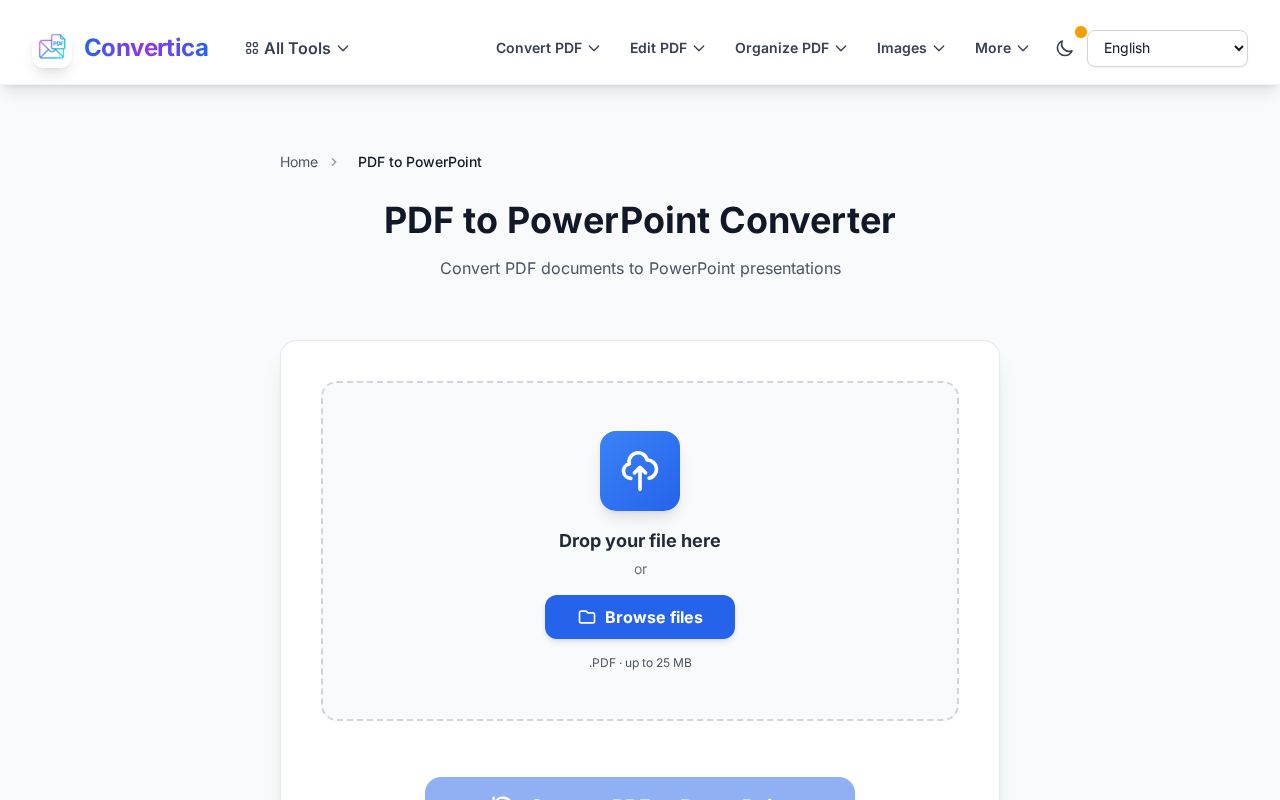
- Open the PDF to PowerPoint converter and upload your file (up to 25 MB).
- Let it process. Each PDF page becomes a slide.
- Download the PPTX and open it in PowerPoint, Keynote, or Google Slides. The slides are now editable.
Uploaded files are removed from the server after a short window, which is worth knowing if the deck is an internal or client presentation.
Fixing the slides after conversion
Even a good conversion sometimes needs a light pass, especially on design-heavy decks:
- Font swaps. If a custom font was not embedded, PowerPoint substitutes the closest match. Reapply your brand font from the slide master and it flows through.
- Nudged elements. A logo or text box may land a few pixels off. Drag it back into place; the content is all there, it just needs aligning.
- Text as an image. On scanned decks, some text may come back as a picture rather than editable text. Retype the bits you need to change over the top.
When you should not convert at all
If you only need to show the slides, not edit them, converting is unnecessary work. A PDF presents cleanly on its own. And if you just want to drop one slide into another document as a picture, converting the PDF to images with the PDF to JPG tool is simpler than a full PowerPoint round trip. Convert to PowerPoint only when you genuinely need to edit.
FAQ
Will animations and transitions come back?
No. A PDF is a set of static pages with no motion data, so animations and transitions cannot be recovered, they were never stored. You get editable static slides, which is what most edits need. If animations matter, ask the sender for the original PPTX.
Can I convert a scanned deck to PowerPoint?
Yes, the converter uses OCR to read the text, but accuracy depends on the scan quality and the result needs a careful review. A deck exported straight from PowerPoint will always convert more cleanly than a scan.
Why did my fonts change?
If the original font was not embedded in the PDF, it is not in the file to recover, so PowerPoint substitutes a similar one. Reapplying your font in PowerPoint fixes it quickly.
Is there a file size limit?
A single file can be up to 25 MB, which covers most decks. If an image-heavy PDF is larger, compressing it first usually brings it under the limit without hurting the slides.
Do I need PowerPoint installed?
Not to convert. The conversion runs in your browser and gives you a PPTX file, which opens in PowerPoint, Keynote, Google Slides, or LibreOffice Impress.
Try it now
If a deck you need to edit is stuck as a PDF, upload it to the PDF to PowerPoint converter and open the editable slides that come back. And when you are done and need to share it as a fixed file again, PowerPoint to PDF closes the loop.


