

Why add numbers after the PDF exists
If you authored the document in Word or Google Docs, you could have added numbers there. But that's not where most numbering problems come from. They come from PDFs you didn't write or can't easily re-edit:- A bundle you merged from several files, each with its own numbering or none at all.
- A scanned document that exists only as a PDF.
- A file someone else sent you that needs consistent references before a meeting.
Step-by-step: number a PDF
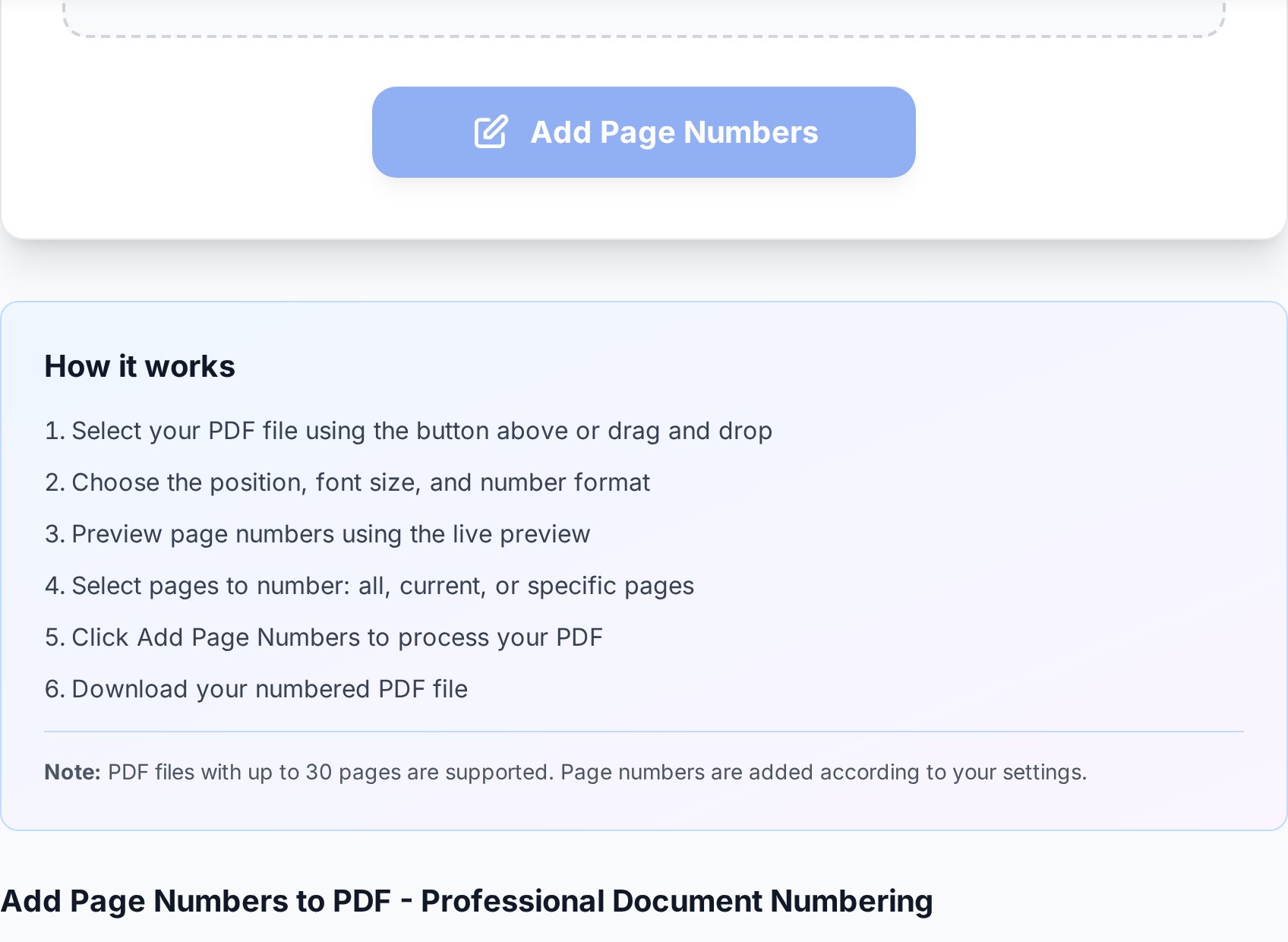
- Upload the PDF. A preview shows where numbers will land.
- Choose a position - bottom-centre is the safe default; bottom-right suits documents that will be bound on the left.
- Pick a format. A plain "1" is cleanest; "Page 1 of 20" tells the reader how much is left; "1 of 20" is the compact middle ground.
- Set the starting number and the first page to number (see below).
- Apply and download. Scroll through once to confirm the numbers sit clear of the existing text.
The cover-page question
The most common mistake is numbering the cover. A title page or a table of contents usually shouldn't show a "1" - numbering should start on the first content page. Tools handle this with two separate settings that people often confuse:- First page to number - tells the tool to skip stamping a number on page 1 (the cover) and begin printing from page 2.
- Starting number - tells the tool what value to print first. Set it to 1 so the first content page reads "1", not "2".
To get a cover with no number and content that starts at "1": skip the first page, and set the starting number to 1. Adjust both - changing only one is why people end up with content beginning at page 2.The same logic extends to documents with several front-matter pages. A report with a cover and a two-page contents section might skip the first three pages and start the printed count at 1 on page four.
Bates numbering for legal documents
Law firms use a stricter variant called Bates numbering - a unique, sequential identifier stamped on every page across an entire set of documents, often with a prefix likeSMITH-000123. It exists so that any single page in a discovery production can be referenced unambiguously, even across thousands of pages from different files. If you're preparing exhibits or a discovery set, look for a prefix option and a fixed-width number (leading zeros) so the identifiers sort and reference cleanly. For everyday documents, plain numbering is all you need.
Numbering a merged bundle
Page numbers earn their keep most on merged documents. The right order of operations matters: merge first, then number. If you number the individual files and then merge them, you get three "page 1"s in one bundle. By numbering after the merge, the whole document carries one continuous sequence from front to back. If you later insert or remove a page, re-run the numbering rather than editing the stamped numbers - the tool will renumber the whole file consistently, where a manual fix leaves a gap.Keeping numbers readable
- Mind the margin. If the document already has footer text, place numbers in a corner so they don't overlap.
- Match the tone. A small, neutral font in the same colour as the body text looks deliberate; a large bold number looks bolted on.
- Check landscape pages. In a mixed-orientation file, confirm the number still lands in a sensible spot on rotated pages.
- Leave room for binding. If the document will be printed and bound, keep numbers away from the binding edge.
FAQ
How do I add page numbers to a PDF for free?
Upload the file to a page-numbering tool, choose position and format, set the starting number, and download. It adds a text layer in the margin without changing the page content, and needs no software or account.
How do I start numbering after the cover page?
Set the "first page to number" to page 2 so the cover stays blank, and set the "starting number" to 1 so your first content page reads "1". Adjust both settings - changing only one leaves the content starting at "2".
Can I show "Page 1 of 20" instead of just "1"?
Yes. Most tools offer a format that includes the total page count. "Page X of Y" is helpful in long documents because it tells the reader how much remains.
Should I number before or after merging files?
After. Merge the documents into one PDF first, then number the combined file so it carries a single continuous sequence. Numbering before merging produces multiple "page 1"s.
What is Bates numbering?
A legal numbering scheme that stamps a unique sequential identifier - often with a prefix and leading zeros, like SMITH-000123 - on every page across a document set, so any page can be referenced unambiguously. Use a tool with a prefix and fixed-width option for it.
Try it now
Open the add page numbers tool, set your position and starting page, and stamp a clean sequence in seconds. Building a bundle first? Merge your files, then number - or browse all PDF tools.


