

What to actually check in an iLovePDF alternative
Almost every PDF site advertises the same grid of tools: convert, merge, split, compress, sign. On that surface they look interchangeable. The real differences live one layer down, in five questions that decide whether a "free" tool is free for your usage.
1. Which tasks are free, and which are paywalled?
"Free" rarely means every tool is free. On most freemium sites the simple operations - merging, splitting, rotating - are open, while the heavier or more valuable ones (OCR, batch processing, higher-quality compression, some conversions) are gated behind a paid plan or only previewed. Before you commit to a workflow, confirm the specific task you rely on is actually free, not just listed.
2. Are there daily task limits?
This is the one that catches people by surprise. Many free tiers cap how many operations you can run per day, or how quickly you can run them in a row. You do not see the limit until you trip it, usually mid-task, and then you are either waiting until tomorrow or staring at an upgrade screen. If you process documents in bursts - a stack of invoices, a batch of scans - a daily cap is the limit most likely to interrupt you.
3. Does the output have a watermark?
Some free tools stamp their logo on the result, or downgrade quality, to nudge you toward paying. For a personal file it is a minor annoyance; for anything you send to a client or a teacher it is a non-starter. Always check the actual downloaded file, not just the preview.
4. Do you have to create an account?
A sign-up wall is friction at exactly the wrong moment. Some sites let you run one task as a guest and then ask you to register for the second. Others require an account before the first upload. If you only touch PDFs occasionally, creating yet another login for a two-minute job rarely feels worth it.
5. What happens to your files?
Any online tool uploads your document to a server - that is how browser-based processing works. The question is what the service does with it afterward. A trustworthy tool encrypts uploads in transit and deletes files automatically after a short window. The detail to look for is not "do they store nothing" (they have to handle the file to process it) but "how soon is it gone, and is it encrypted on the way." If a privacy policy is vague on both, treat that as the answer.
How Convertica approaches the same five questions
Convertica was built around the casual-user side of those five questions rather than the heavy-user side. Here is the straight version, mapped to the same checklist:
- Free tasks: the everyday operations - convert, merge, split, compress, rotate, organize - are free to use, not gated previews.
- Limits: no per-day task counter to trip over for normal use. You are not racing a quota that resets at midnight.
- Watermarks: none on the output. The file you download is the file, no logo stamped on it.
- Sign-up: not required. You land on a tool, drop your file, get the result. No account, no email confirmation.
- Privacy: uploads are encrypted in transit and files are deleted automatically after processing, so nothing lingers on the server.
That is the trade Convertica makes: it optimizes for the person doing occasional PDF work who does not want to manage an account or a quota, rather than for the power user who wants a desktop-grade suite.
A fair side-by-side
This compares the dimensions that actually differ. It deliberately avoids quoting specific prices or exact task caps, because those change and vary by region - check each site's current terms before relying on them.
| What you are checking | Typical freemium PDF site (incl. iLovePDF) | Convertica |
|---|---|---|
| Common tasks (merge, split, convert) | Usually free | Free |
| Heavier tasks (OCR, batch, premium compression) | Often paywalled or limited | Free for everyday use |
| Daily task limit | Common on the free tier | No counter for normal use |
| Watermark on output | Sometimes, on free tier | None |
| Account required | Often, after the first task | No sign-up |
| File handling | Varies - read the policy | Encrypted upload, auto-deletion |
| Desktop / pro features (Bates numbering, audit trails) | Available on paid tiers | Not the target use case |
The honest reading of that table: if you need professional-grade features like redaction audit trails or large-scale batch automation, a paid suite - iLovePDF's premium plan or Adobe Acrobat - is the right tool, and no free site replaces it. If your PDF life is the everyday stuff, a free no-sign-up tool covers it without the quota anxiety.
The two tasks people switch over most
Two jobs show up again and again in "why I left" stories, so they are worth looking at directly.
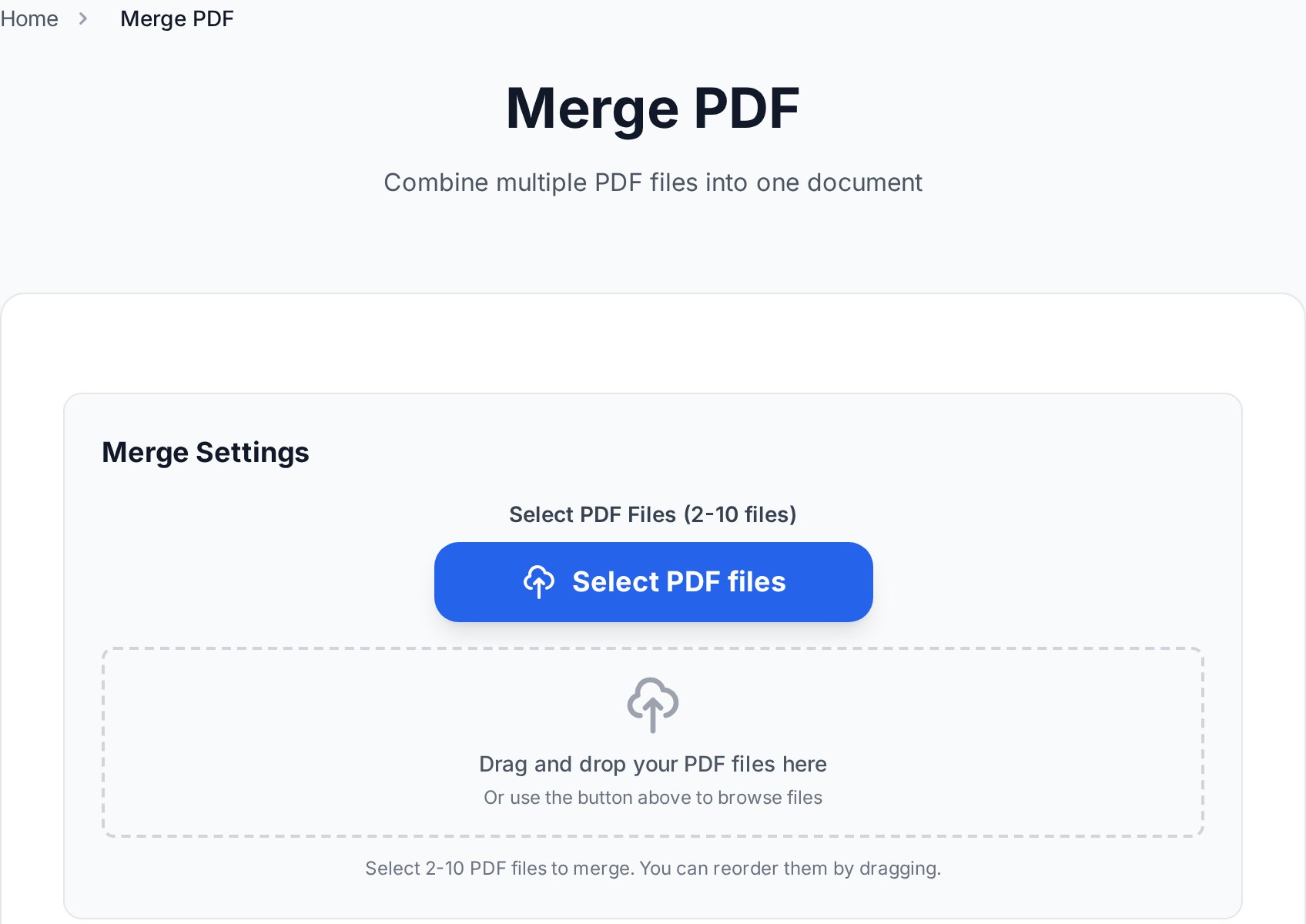
Merging and splitting. Combining a few files into one, or pulling a page range out, is the most common PDF task there is - and it is pure container work, so there is no quality difference between tools. The only thing that varies is how much the tool makes you jump through hoops to do it. With Merge PDF you stack files in any order and download one document; Split PDF pulls out the pages you want. No account, no daily counter.
PDF to Word. The other frequent switch is conversion, usually because a free tier limited how many files could be converted in a day or capped their size. For a digital PDF - one created from Word or a web page - PDF to Word reconstructs the text, fonts, and basic tables with near-100% accuracy. The one case where conversion gets harder is scanned documents, which need OCR instead of a straight parse; if you are not sure which kind you have, the two-second test is in the PDF to Word vs OCR guide.
Who each tool suits
Picking by use case is more useful than picking by feature count.
- Choose a free no-sign-up tool like Convertica if you do occasional PDF work - the weekly merge, the odd conversion, compressing a file for email - and you are tired of daily limits, watermarks, and account prompts getting in the way of a two-minute task.
- Stay on iLovePDF's paid plan if you are already invested in its ecosystem, use its desktop and mobile apps daily, and the premium features and higher limits are worth the subscription to you.
- Reach for Adobe Acrobat if you need genuine professional features - redaction with audit trails, PDF/A compliance, heavy interactive-form authoring. The full breakdown of which Acrobat jobs free tools can and cannot replace is in the free Adobe Acrobat alternatives guide.
If you are comparing the other big freemium name while you are here, the Smallpdf alternative guide runs the same checklist against Smallpdf's limits.
FAQ
Is iLovePDF actually free?
iLovePDF has a free tier, but it is freemium rather than fully free. The common tasks are usually open, while heavier features, higher limits, and batch processing sit behind a paid plan. The free tier also tends to apply daily task limits and a file-size cap. Whether that counts as "free enough" depends entirely on how much you use it.
What is the best free alternative to iLovePDF?
There is no single best - it depends on what you do. For occasional, no-account use of the everyday tools, a tool like Convertica covers merge, split, convert, and compress without sign-up or daily caps. For professional features, a paid suite is still the right answer. Match the tool to the task rather than chasing the longest feature list.
Are free online PDF tools safe to use?
With a reputable service, yes. The two things to check are whether uploads are encrypted in transit and whether files are deleted automatically after processing. For genuinely sensitive documents, the extra-safe move is to password-protect the file before sharing the result, whichever tool produced it.
Do I have to create an account to use these tools?
Not with every tool. Some freemium sites let you run one task as a guest and then ask you to register; others require an account up front. Convertica does not require sign-up at all - you open a tool, upload, and download. If avoiding accounts matters to you, confirm it before you start, because policies differ.
Will the converted or merged file have a watermark?
It depends on the tool. Some free tiers add a logo or reduce quality to encourage upgrades. Always check the actual downloaded file, not the preview. Convertica does not watermark output - the file you download is clean.
Can a free tool handle large PDFs?
Often the free-tier file-size cap is what sends people looking for an alternative in the first place. Limits vary by tool and change over time, so check the current terms. If a file is too large for any single tool, compressing it first or splitting it into parts is usually the way through.
Try it now
Pick the one task iLovePDF made you sign up or wait for, and do it free instead. Open all free PDF tools →


