

What actually changes between free PDF tools
Every online PDF service can convert, merge, and compress. On the marketing page they all look the same. The differences that bite you only show up in daily use, and they cluster into five questions:
- Which tasks are free, and which are bait? Many services let you convert PDF to Word for free but quietly paywall compression, OCR, or editing. The free list is rarely the whole list.
- Is there a daily or hourly limit? Freemium tools commonly cap how many documents you can process in a window. It is invisible until you hit it - usually mid-task.
- Do you have to sign up? Some tools let you run one job, then require an account (or a paid plan) for the next. An email is the entry price.
- Is the output watermarked or degraded? A free tier sometimes stamps a logo on the result or limits quality to nudge you toward paying.
- What happens to your file? Your document is uploaded to someone's server. The honest question is whether it is encrypted in transit and deleted quickly afterwards, and whether you can find that written down.
None of these are unique to Smallpdf - they are the freemium model working as designed. The point of switching is to find a tool where the answers line up with how you actually work.
The side-by-side, criterion by criterion
Here is the comparison framed the fair way: not "Smallpdf is bad," but "these are the variables, and this is how a free-first tool like Convertica answers them." Smallpdf's exact figures change over time, so the left column describes the general freemium pattern rather than a number we cannot guarantee is current.
| What to check | Typical freemium tool (Smallpdf-style) | Convertica |
|---|---|---|
| Price for everyday tasks | Free tier exists; full access is a paid subscription | Free, with no required subscription for the core tools |
| Daily / hourly task limit | Commonly capped on the free tier | No artificial daily cap on the free tools |
| Sign-up required | Often needed after the first job or for certain tools | None - open a tool and use it |
| Which tasks are free | A subset; some tools gated behind paid plans | The full set of core conversion and organise tools |
| Watermarks on output | Possible on some free outputs | No watermarks |
| File handling | Varies; check the privacy policy | Uploads encrypted in transit, files auto-deleted shortly after processing |
| Where it runs | Browser-based | Browser-based, nothing to install |
The single most useful habit when comparing any two PDF tools is to read the second and third rows together. A tool can be "free" and still limit you to two tasks a day; a tool can be "no sign-up" and still paywall the feature you actually need. Convertica's answer is to keep the common jobs free, uncapped, and account-free, and to put the cost question off the table for occasional users entirely.
The tasks people switch for
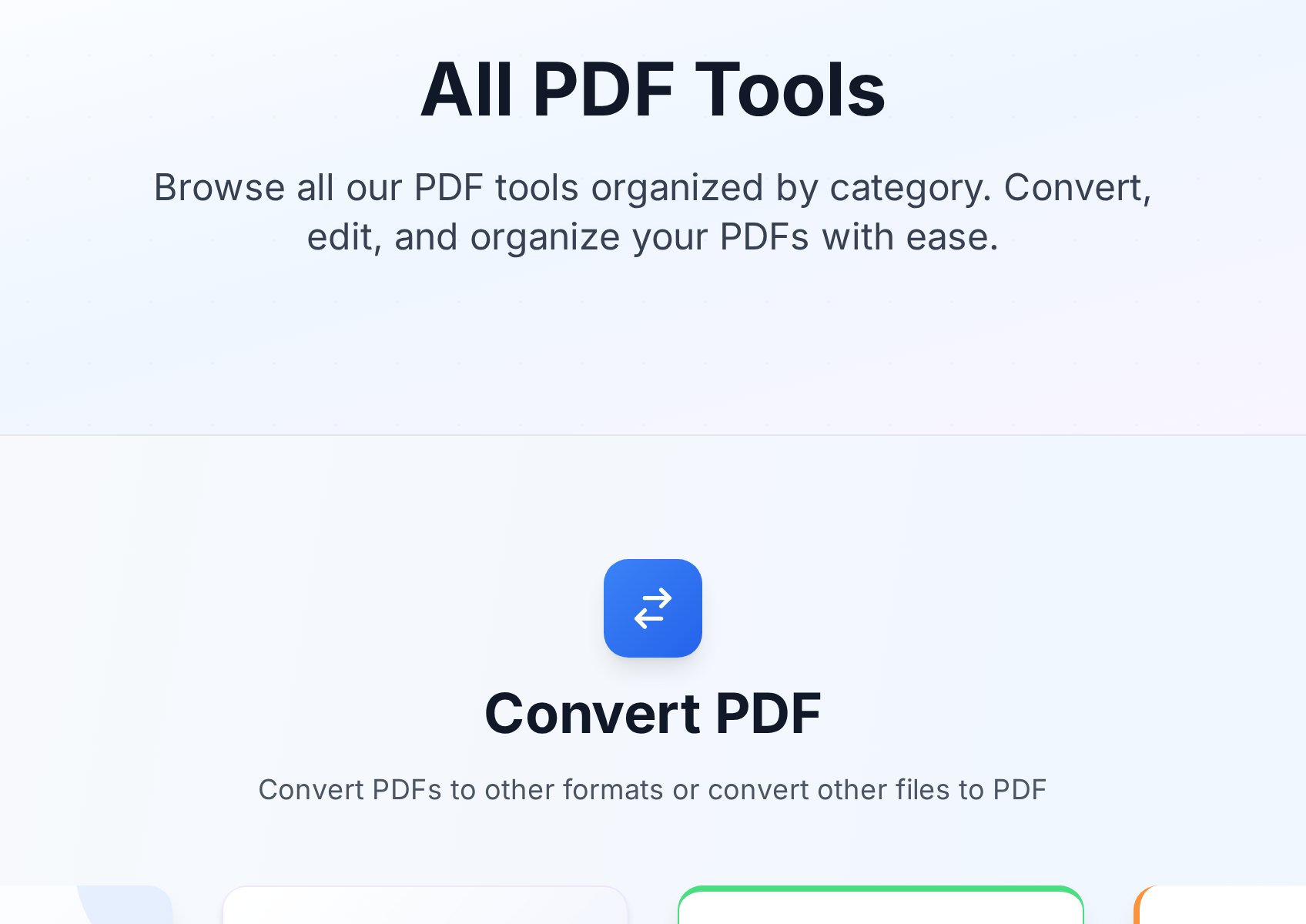
When someone searches for a Smallpdf alternative, it is almost always triggered by one specific task that got blocked. The good news is that the handful of jobs people actually use a PDF service for are exactly the ones a free tool should cover without conditions.
PDF to Word. The most common conversion on the internet. For a digital PDF - one created from Word, a web page, or an accounting tool - the PDF to Word converter rebuilds the text, fonts, and basic tables to near-original fidelity. The only case where any tool struggles is a scanned document, which needs OCR rather than a straight parse; if you are not sure which kind of PDF you are holding, our PDF to Word vs OCR guide has the two-second test.
Compressing for email. The classic "your attachment is too large" problem. A PDF compressor downsamples images and strips redundant data to bring a file under a mailbox limit. This is exactly the kind of task freemium tools love to cap or paywall, because everyone needs it.
Merging and splitting. Stacking a few files into one, or pulling a page range out of a report. Merging copies pages into a new container without re-rendering, so there is no quality loss. It should never cost anything and never need an account.
If your PDF life is mostly those three plus the occasional rotate, sign, or image conversion, you are squarely in the territory where a free tool covers everything and a subscription would be money spent on features you open once a year.
Compression, the feature that triggers most switches
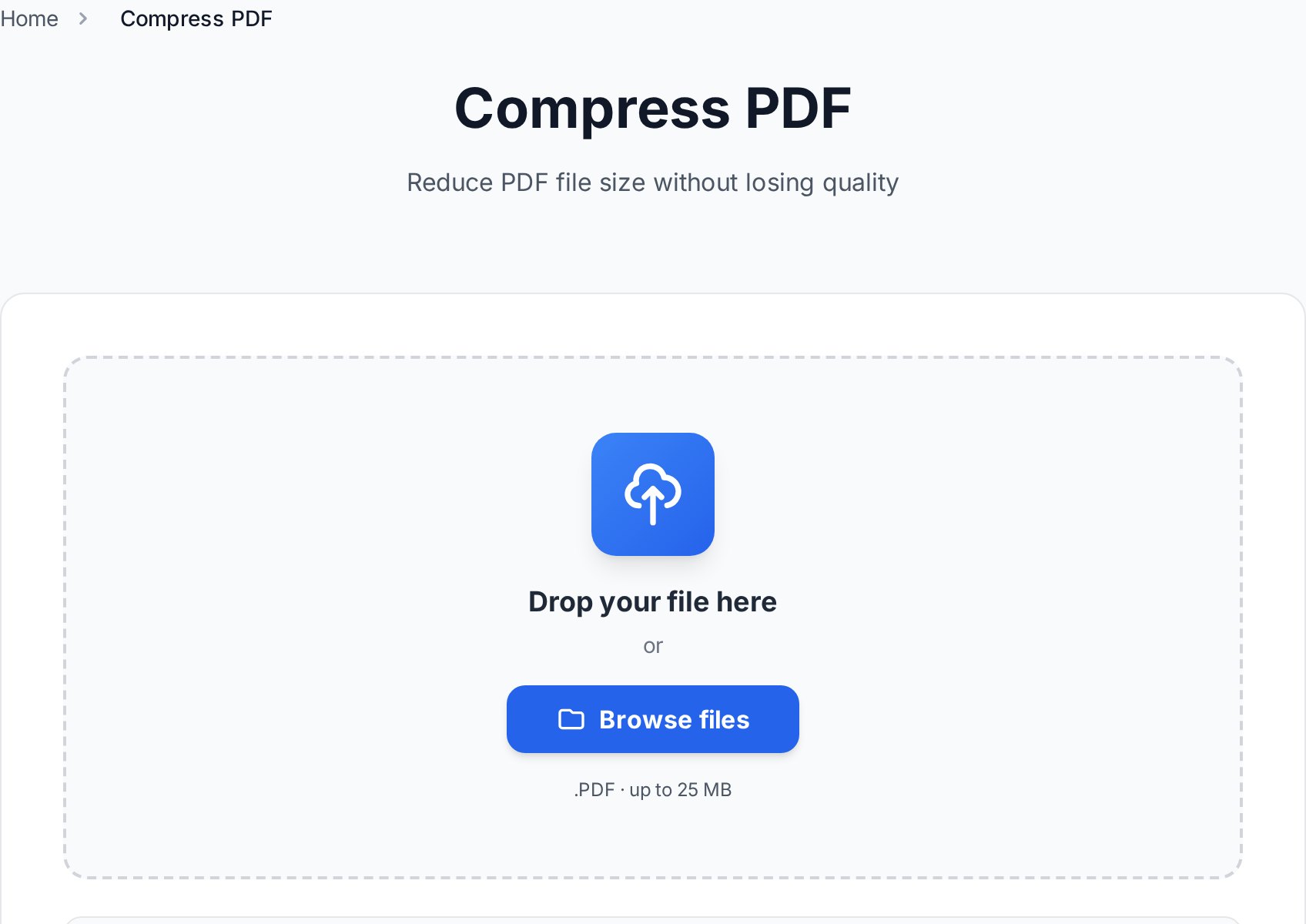
Compression deserves its own section because it is the task people most often hit a wall on. You attach a 30 MB scanned report, your mail client rejects it, you reach for the first compressor you remember - and that is the one that asks you to upgrade. Convertica's Compress PDF tool reduces size at a matched quality target the same way any good compressor does, with no daily cap and no watermark on the result. For the specific playbook on hitting Gmail's and Outlook's size limits, including what to do when a file simply will not shrink enough, that workflow is worth bookmarking before deadline day, not during it.
Privacy: the question to actually ask
"Is it safe to use an online PDF tool?" is the right instinct and usually the wrong question, because the answer is the same for every reputable service: it depends on what is written in the policy, not on the logo. Any browser-based tool - Smallpdf, Convertica, or any other - uploads your file to a server to process it. There is no way around that for server-side conversion.
So the real questions are narrower. Is the upload encrypted in transit? Is the file deleted automatically, and how soon? Is that promise actually stated, or implied? Convertica encrypts uploads in transit and auto-deletes files shortly after processing, and for genuinely sensitive documents the belt-and-braces move is the same regardless of tool: process the file, then password-protect the result before you share it. Treat any tool that cannot tell you its retention policy as the risk - not online tools as a category.
Who each one suits
This is not a one-winner question, and pretending otherwise would not help you decide.
- A polished freemium service like Smallpdf suits someone who wants a single account-based dashboard, uses desktop and mobile apps alongside the web, and processes enough volume that a subscription pays for itself - or a team that wants centralised billing and is fine paying for it.
- A free-first tool like Convertica suits the far larger group: people who need PDF tools a few times a week, do not want to create an account, do not want to think about a daily counter, and would rather not pay a monthly fee for tasks they do occasionally.
If you genuinely live in PDFs all day, compare the paid tiers properly. If you do not, a free alternative covers the same ground for the jobs you actually do. The same logic plays out against the bigger paid suite in our free Adobe Acrobat alternatives guide, and against another popular freemium tool in the iLovePDF alternative comparison.
How to switch in practice
There is nothing to migrate, because there is no account to move. Switching is just changing the tab you open:
- Open the all-tools page and pick the job you were about to do - convert, compress, merge, split.
- Drop your file in. No sign-up screen, no "you have 1 free task left" banner.
- Download the result. No watermark.
- Bookmark the specific tool you use most so it is one click next time.
That is the whole migration. The point of a free alternative is that there is no friction to leave it either.
FAQ
Is there a completely free Smallpdf alternative with no daily limit?
Yes. Convertica keeps its core conversion and organise tools free with no artificial daily cap and no account requirement. Always read a tool's own terms, since freemium limits change, but the goal of a free-first alternative is exactly to remove the daily counter.
Will a free converter match Smallpdf's quality?
For digital PDFs, yes - converters in this class use the same approach and produce near-identical output for PDF to Word and back. The one place any tool can struggle is OCR on damaged or low-quality scans. For clean documents you will not see a difference.
Do I have to create an account to use Convertica?
No. You open a tool, upload your file, and download the result. There is no sign-up wall before the first or the second task.
Are online PDF tools safe for sensitive files?
With a reputable service, yes - look for encryption in transit and automatic file deletion, which Convertica provides. For anything genuinely confidential, the extra layer is to password-protect the file before sharing the result, no matter which tool produced it.
Does the free output have a watermark?
Convertica does not watermark output. Some freemium tiers do, as a nudge toward paying, so it is worth checking the result of any new tool before you rely on it for something you send to others.
Try it now
Pick the one task that sent you looking for a Smallpdf alternative and do it free, no account, right now. Open all free PDF tools →


