

Why split a bank statement at all
Splitting isn't just tidy housekeeping. There are concrete moments where it saves time or protects information:- Tax filing. HMRC, IRS and most national tax authorities expect statements per quarter or per month, especially for VAT/GST and self-assessment. The IRS Schedule C in particular asks for monthly totals; sending the year forces your accountant to reconstruct them.
- Mortgage and loan applications. Lenders almost always ask for the last three or six months. Sending the full year is over-disclosure, and underwriters sometimes use information that wasn't asked for to pad their objections.
- Expense categorisation. Working through a single month at a time in a spreadsheet is far less error-prone than sliding through 48 pages.
- Targeted sharing. Your accountant only needs the months they're reconciling. Your bookkeeper doesn't need to see December if the question is about February.
- Insurance claims. An insurer asking for the period around a specific incident only needs that window, not your entire financial history.
- Co-signed accounts in a separation. If you're dividing finances with a partner, sharing only the joint period rather than the full file matters legally.
A bank statement is one of the most sensitive documents in your life. Share the smallest slice that answers the question.
Three split strategies
Before you click anything, decide which approach matches your statement:| Strategy | When it fits | Effort |
|---|---|---|
| Fixed page range | Each month is exactly the same length (e.g. 4 pages) | Low |
| By bookmark or month boundary | Statement has clear "March 2026" headers and uneven page counts | Medium |
| Extract specific pages | You only need one or two months out of twelve | Lowest |
Step-by-step: split by page range
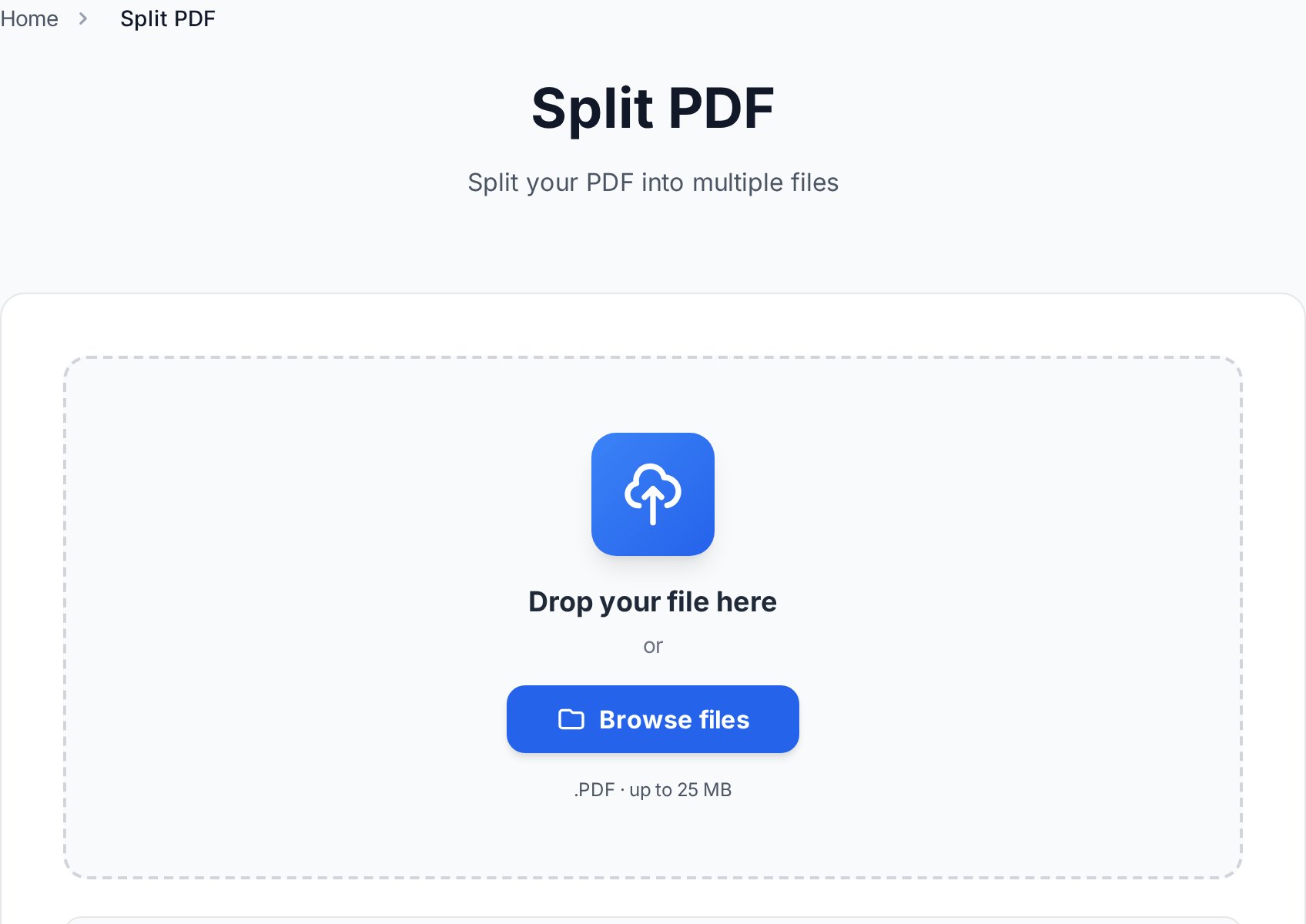
When each month is the same length, this is a 90-second job:- Open the split tool in your browser and upload the statement.
- Select split by ranges.
- Enter ranges that match months:
1-4, 5-8, 9-12, 13-16, ... - Click split. The tool produces one PDF per range and bundles them as a ZIP.
- Download and unzip. Each part is a separate PDF.
- Rename the parts to
YYYY-MM_bank_account-last4.pdf(more on naming below).
1-4,5-8,9-12 works exactly the same as the spaced version. Faster to type if you're working through twelve months at once.
Step-by-step: extract a single month
When you only need April for a loan application, don't split everything. Extract just those pages.- Open the statement in any PDF reader and scroll to find where April starts and ends. Note the page numbers (e.g. 17-22).
- Use the page extraction option in our editor to extract specific pages.
- Enter the range, e.g.
17-22. - Download the resulting PDF.
- Save with a clear filename:
2026-04_bank_account-1234.pdf.
Privacy checklist before sharing
Splitting a statement doesn't automatically make it safe to share. A monthly PDF still contains your account number, balance, and every transaction in that period. Run through this checklist before you attach it to any email: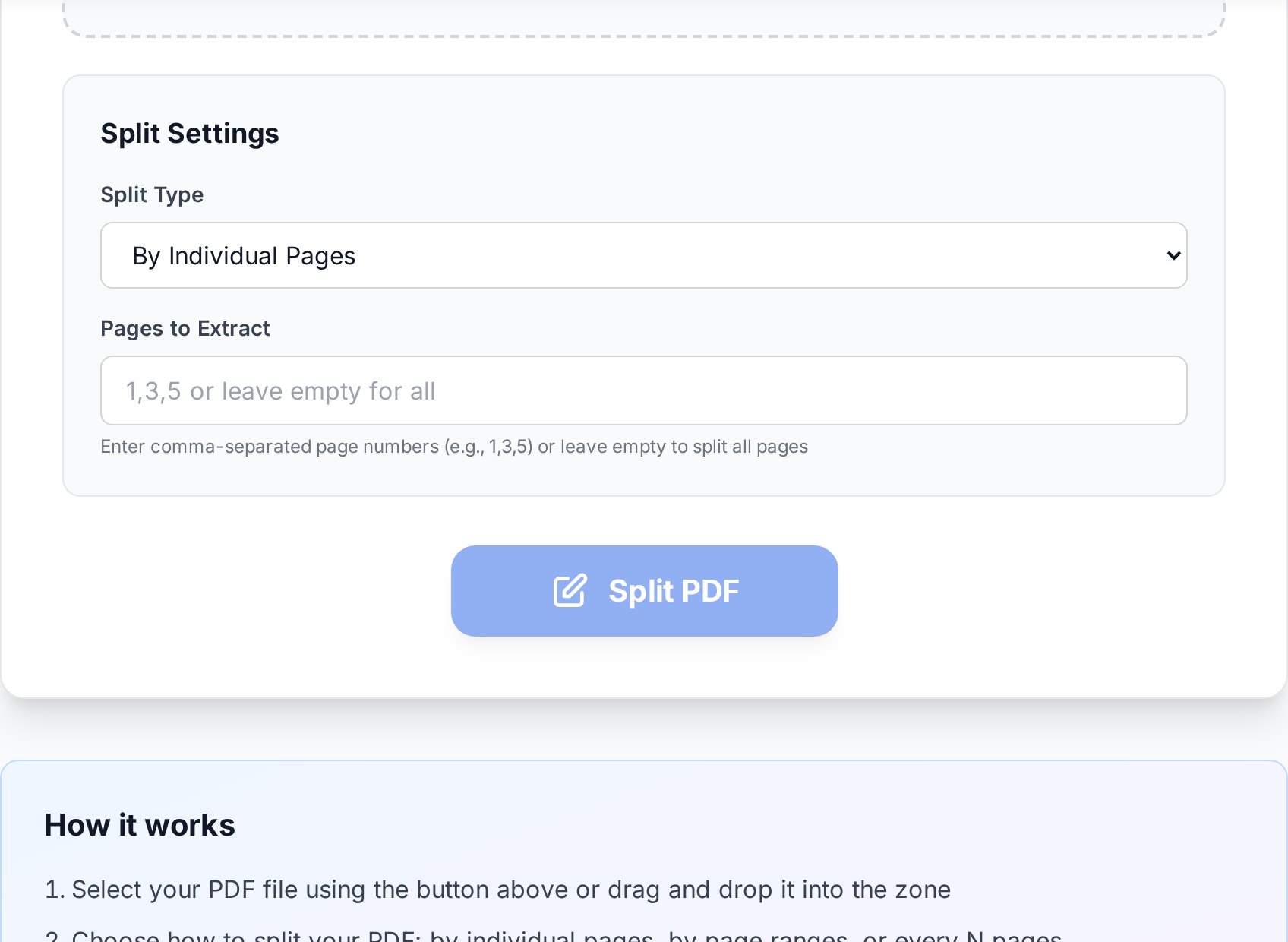
- Redact unrelated transactions. If the lender only needs to see salary and rent, black out the rest. The redaction must flatten the PDF (replace pixels), not just cover them with a black box that can be removed by anyone with a free PDF editor and ten seconds.
- Confirm what's on the cover page. Some banks repeat the full account number, sort code and address on every monthly cover. Decide whether that level of detail is required.
- Mask middle digits of the account number. Many institutions accept "XXXX XXXX 1234" for verification without the full string.
- Check transaction descriptions for personal context. A line item reading "Therapy session - Dr. K" or "Reproductive Health Clinic" can carry information you didn't mean to share. Redact the description, not just the amount, when it's sensitive.
- Password-protect before email. Password-protect the result with a strong password and share that password through a separate channel (text, Signal, phone call), never the same email.
Email isn't encrypted by default. A password on the PDF is the difference between "private" and "public if intercepted".Worth knowing: Adobe Acrobat's "redact" tool genuinely removes the text underneath the black box. The free Foxit reader's similar-looking tool only paints over it - the underlying text is still extractable with a simple copy operation. Many people have learned this the embarrassing way after their "redacted" salary turned out to be plain text under the rectangle. If you're not sure your tool truly removes data, copy a redacted block to a text editor and check.
Naming the output files
The filename is what you'll see when this resurfaces in a search next year. Use a format that sorts itself:YYYY-MM_bank_account-last4.pdf
2026-01_chase_4567.pdf
2026-02_chase_4567.pdf
2026-03_chase_4567.pdf
2026-04_chase_4567.pdf- ISO year-month sorts cleanly in every file manager and cloud drive.
- Bank name in the middle helps when you have accounts at more than one institution.
- Last four digits of the account let you tell joint, business and personal accounts apart without opening anything.
- No spaces, no slashes, no quotes - safe across operating systems and cloud sync tools.
2026_chase_4567_full-year.pdf) keeps it sorted next to the monthly slices in any folder listing.
FAQ
Is it safe to upload a bank statement to an online splitter?
Use a tool that processes files in the browser session and deletes them shortly after. Convertica removes uploads after a short retention window and never shares them. If you're still uneasy, redact the most sensitive fields locally before uploading, or use a desktop tool for the most sensitive files.
Can I split a password-protected bank statement PDF?
You'll need to unlock it first using your own password, then split, then optionally re-protect each part. Most banks issue statements with the password being part of your date of birth or last digits of the account; the exact format is usually printed in your welcome pack or available on the bank's "open your statement" help page.
How do I split by month if there are no bookmarks?
Open the file once and note the page where each month starts. Then use split-by-range with explicit page numbers. It takes a minute the first time and is reusable for every future statement from the same bank if the layout stays consistent.
Will splitting reduce file quality?
No. Splitting is a structural operation: it copies the same page bytes into a new file. There's no recompression, no rasterisation, and no quality loss compared to the source.
Can the bank tell I split their statement?
The bank can't, because the split happens entirely on your side. The recipient may notice from missing pages or page numbers if you only extract a slice, which is why you should explicitly say "April only, pages 17-22" when sending a partial statement. Underwriters won't fail you for a partial submission, but they will fail you for one that looks deceptive.
Try it now
One ten-minute session today saves you a year of fishing through a 60-page file. Split your statement, name the parts properly, and you'll thank yourself at tax time. Open the split PDF tool →


