

When you actually need a watermark
Watermarks signal status. Use them when the document's status is part of its meaning:- Draft contracts. A
DRAFTmark across every page prevents an early version being mistaken for the signed final. (Many legal teams have a story about a "DRAFT" being sent to procurement, getting signed without the watermark removal step, and ending up as the operative agreement.) - NDA-protected materials.
CONFIDENTIALreinforces the legal posture of the document and makes any leaked screenshot self-incriminating. - Internal-only material.
INTERNAL USE ONLYon board memos or strategy decks reduces the chance of accidental forwarding. - Photographer and designer proofs. Diagonal text across every preview frame discourages clients from using the deliverable before payment.
- Pre-approval reports.
PENDING REVIEWstops drafts being cited as official. - Discovery-stage litigation drafts. Marking pleadings
DRAFT - ATTORNEY WORK PRODUCTgives them a clearer status if they accidentally leave a privileged channel.
If a reader could mistake your file for the final, a watermark belongs on it.
Text vs image watermarks
You have two formats to choose from, sometimes both:| Type | Best for | Trade-off |
|---|---|---|
| Text watermark | Status words: DRAFT, CONFIDENTIAL, INTERNAL | Plain, but unmistakable and lightweight |
| Image watermark (logo) | Branding ownership: company logo on proofs | Looks polished, increases file size, needs a clean transparent PNG |
| Both combined | Sensitive client work: logo plus DRAFT | More setup, strongest signal |
Step-by-step: add a text watermark
Settings that look professional in practice: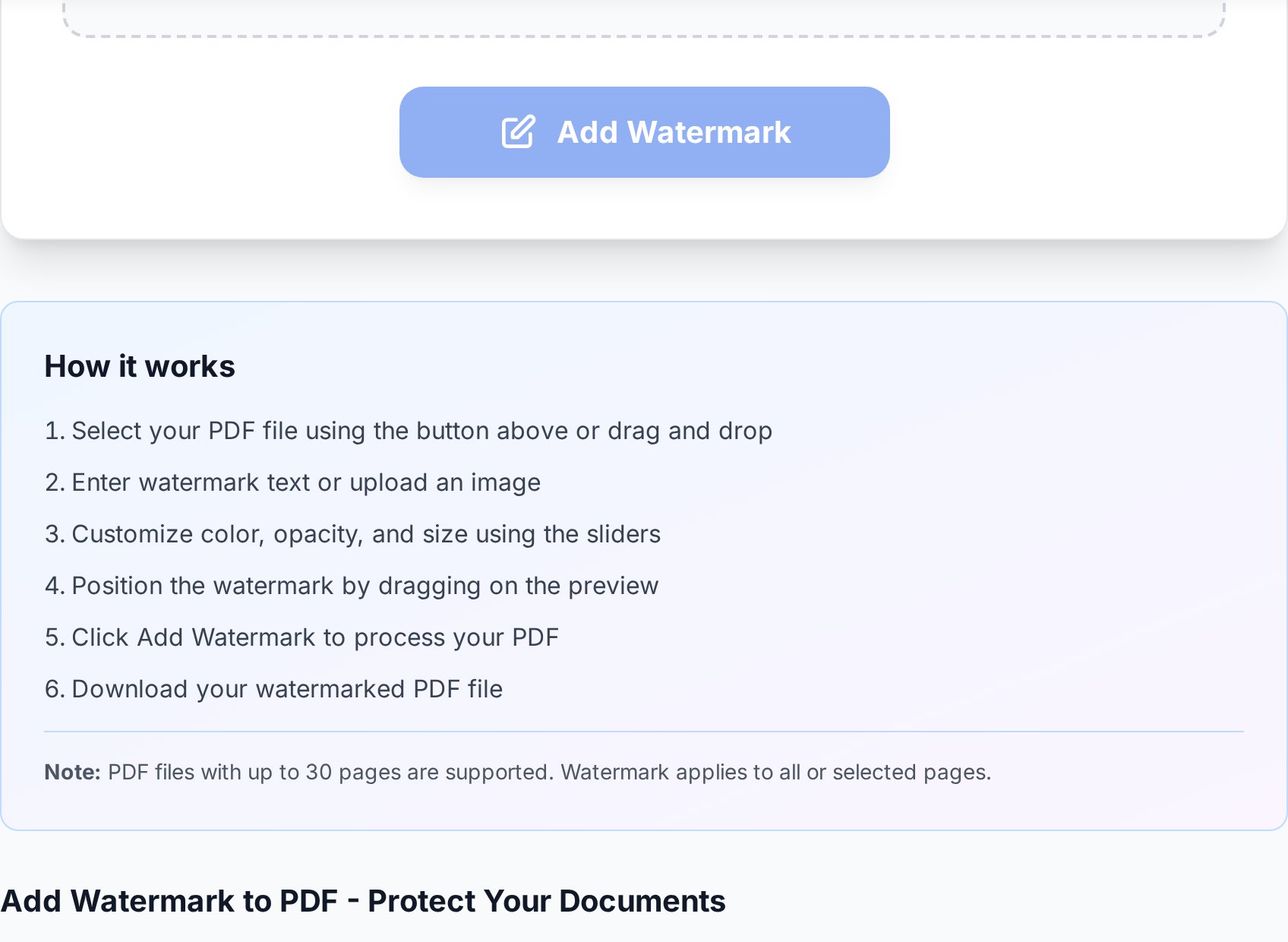
- Open the add watermark to PDF tool and upload your file.
- Switch the watermark type to Text.
- Type the watermark text. Use uppercase:
DRAFT,CONFIDENTIAL, or your company name. - Set the font to a sans-serif (Arial or Helvetica) at a large size: 60-80 pt for A4.
- Set the colour to a mid-grey (around #888) so the watermark reads on light pages without black-bombing dark images.
- Set opacity to 30-40%. Below 25% it becomes hard to see when printed, above 50% it interferes with the underlying text.
- Set rotation to 45 degrees diagonal. This covers more page area than horizontal text and is the established convention for confidentiality marks.
- Apply to all pages, not just the first.
- Preview the result. If the watermark sits behind the text, you're done. If it covers a critical signature line, lower opacity to 25%.
- Download.
Best practices for legal weight
A watermark has more weight in a dispute when it's consistent and visible. Practical rules:- 30-40% opacity. Readable against any background, still clearly an overlay.
- Diagonal placement. Covers more page area than top or bottom strips and survives cropping screenshots.
- Apply to every page. A watermark only on page 1 invites partial-page screenshots that look unmarked.
- Keep an unwatermarked master. Always save the original separately. When the deal closes and the document goes final, you produce the clean version, not a watermark-removal job.
- Standardise the wording. Pick one phrase ("DRAFT - NOT FOR EXECUTION" or "CONFIDENTIAL") and use it consistently. Inconsistent marks look ad hoc and weaken the signal.
- Date the watermark. "DRAFT - 2026-04-28" makes it obvious which revision someone is looking at and discourages the "but the version I saw said something else" argument.
- Don't mix capitalisation. "Confidential" and "CONFIDENTIAL" on the same document set look like one is a draft of the other.
Watermarks are not encryption
This is the part most "how to watermark a PDF" articles skip because it's awkward for the upsell. A watermark is a visible deterrent. It does not:- Prevent the recipient from copying the text out of the PDF.
- Stop screenshots, including watermark-and-all screenshots cropped to one paragraph.
- Encrypt the file contents.
- Stop a determined adversary with image editing software from removing it (slowly, imperfectly).
- Survive a high-quality OCR pass that retypes the body text into a fresh document.
CONFIDENTIAL stamped across every page is clearly a breach of whatever NDA the recipient signed, and that distinction matters when lawyers are weighing damages.
For genuinely sensitive material, combine the watermark with real protection: password-protect the document too with AES-256 encryption, and share the password through a different channel from the file. Watermark plus password is the level of defence most legal and finance teams expect for board materials and unsigned commercial agreements. (I'd argue that even at this level, you're trusting the recipient. There's no technical control that prevents a determined insider from copying a screen by phone camera. Watermark plus password is "good faith plus deterrent", not "tamper-proof".)
| Risk level | Recommended protection |
|---|---|
| Internal draft circulating to a small team | Watermark only |
| External draft to a counterparty under NDA | Watermark + password |
| Board pack, unannounced M&A, payroll data | Watermark + password + secure channel |
| Public-facing handout | No watermark needed |
| Personalised proof for one named recipient | Watermark with their name + password |
Removing your own watermark later
When the deal goes final, you need a clean file. There's exactly one good way to get one: re-export from the source.- Keep the unwatermarked master from before you ran the watermark tool.
- When the document is approved, watermark the master with a
FINALmark or remove watermarking entirely, depending on convention. - Distribute the new clean version, not a "watermark-removed" version of the draft.
FAQ
What opacity should I use for a CONFIDENTIAL watermark?
30-40% is the sweet spot. It reads clearly across light backgrounds and survives black-and-white printing without obscuring the underlying text. Below 25% it becomes invisible on busy pages; above 50% it interferes with reading.
Can I add a watermark to only specific pages?
Yes, and there are valid reasons (cover page exempt, appendices unmarked). That said, partial watermarking is easier to defeat with screenshots, so apply to every page unless you have a specific layout reason.
Will the watermark show up when printed?
Yes. The watermark is part of the page content, not a viewer overlay, so it prints exactly as it appears on screen. For black-and-white printing, mid-grey watermarks render slightly darker than expected; bump opacity down 5% if you intend to print. Some print drivers also have a "skip watermarks" option that's enabled by default on certain enterprise printers - test before a big print run.
Does watermarking prevent copying the PDF?
No. A watermark is a visual deterrent only. To restrict copying or printing, combine the watermark with a permissions password that disables those actions in compliant viewers.
Can I add a logo image instead of text?
Yes. Use a transparent-background PNG for cleanest results. Place it diagonally at 30-40% opacity for the same coverage rationale as text. Logo watermarks are standard practice for design and photography proofs.
Try it now
Stamp your draft, proposal or proof with a clear status mark in under a minute and send it without second-guessing whether the recipient will treat it as final. Open the watermark tool → Browse the rest of all PDF editing tools while you're here.


